Windows 10 support has ended: what to check before you move on
Windows 10’s standard support ended on October 14, 2025. The PC did not immediately fold its arms and refuse to open a spreadsheet; it can still run. The important question is which support and security updates cover that exact machine now. Yes, a little admin. We can give the loyal laptop that much attention.
Archive note — revised October 23, 2026: Originally published before the October 2025 deadline. This article now distinguishes standard support from Extended Security Updates and editions with different lifecycles.
Working and supported are different things
Microsoft’s Windows 10 support guidance explains the end of regular support and the Extended Security Updates programme for eligible devices. ESU has enrolment requirements and limits of its own. It does not restart a full support lifecycle. Check the current terms for your region and exact edition before making a plan.
First, let us see what the PC actually has. Find the Windows edition, version and update status. A laptop that still feels quick may be worth keeping, but responsiveness does not establish security-update coverage. This is a few minutes with the settings screen before anyone starts putting a perfectly serviceable computer in a shopping basket.
Make an upgrade plan before an upgrade attempt
- Back up important files, and check you can restore them.
- Check Windows 11 compatibility through Microsoft’s supported tools and requirements.
- List the applications, accessories and accessibility tools you need.
- If considering another operating system, test compatibility before replacing your working installation.
With that sorted, choose a manageable next step. A new PC, supported upgrade or another supported operating system can each make sense, depending on your needs. Compare the full cost, compatibility and disruption. Work and school devices should follow the organisation’s IT process. A deadline is a reason to plan carefully, rather than letting the checkout button do the thinking.
DeviceCritique’s take
The goal is pleasantly ordinary: keep doing your work on a computer with the protection it needs. Confirm coverage, secure a backup and choose the transition you can manage. I am very fond of the version of this story that ends with everything still working and an early night. The dramatic midnight reinstall can keep its dramatic little soundtrack to itself.
Keep reading: Microsoft Ends Free Windows 7 to 10 or 11 Updates: What You Need to Know. Find more software and services coverage.


You May Also Like
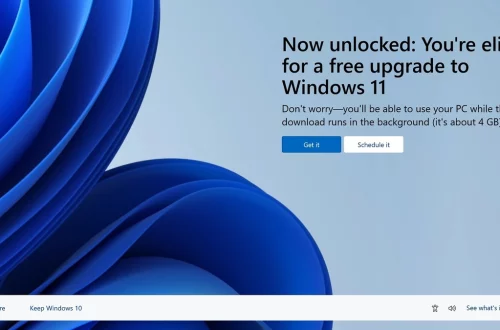
Microsoft closed the old Windows 7 upgrade route: what changed

Amazon passkeys explained: fewer password resets, less sign-in drama