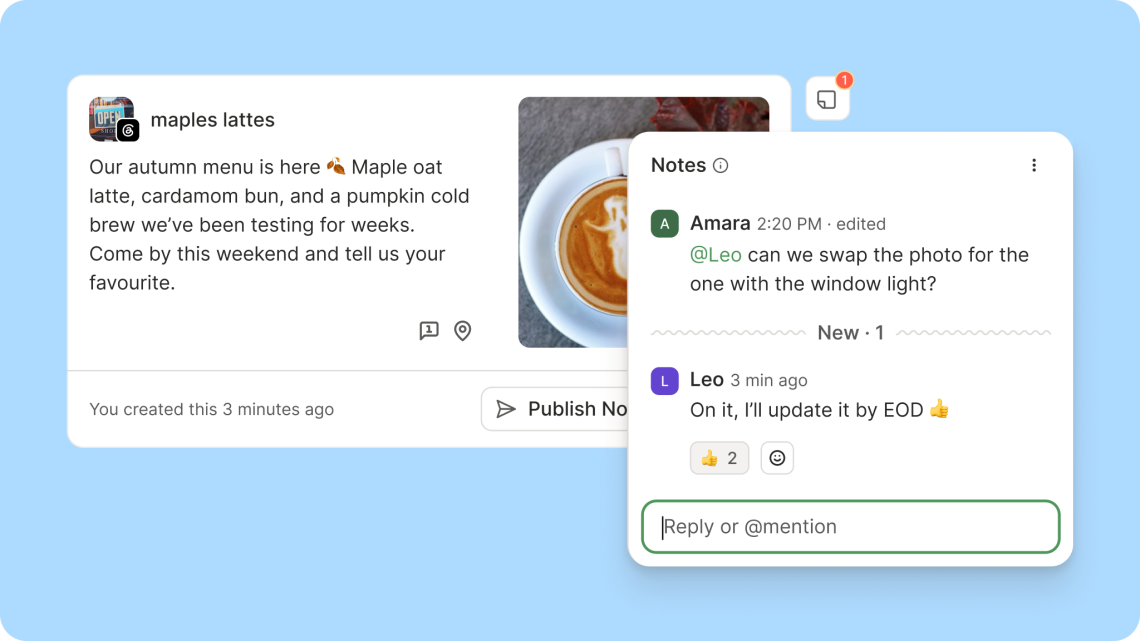
Buffer’s new Notes keep social-post feedback in one place
The post is ready. The feedback is in a message that says “that one,” which is wonderfully unhelpful when there are six versions of that one. Buffer’s October 21 Notes update brings live conversations, teammate mentions and reactions into the post itself. A tiny domestic arrangement for a very familiar internet mess: please leave the caption’s belongings beside the caption.
Here’s the part that could save an unnecessary scavenger hunt.
Feedback can stay beside the draft
Notes now update in real time, support Markdown formatting and let collaborators react with emoji. Type @ to mention a teammate instead of hoping they notice the conversation. Buffer says Notes are available on every plan, including Free, while inviting teammates requires its Team plan. A solo account can still use notes as reminders without pretending there is an entire creative department hiding behind one laptop.
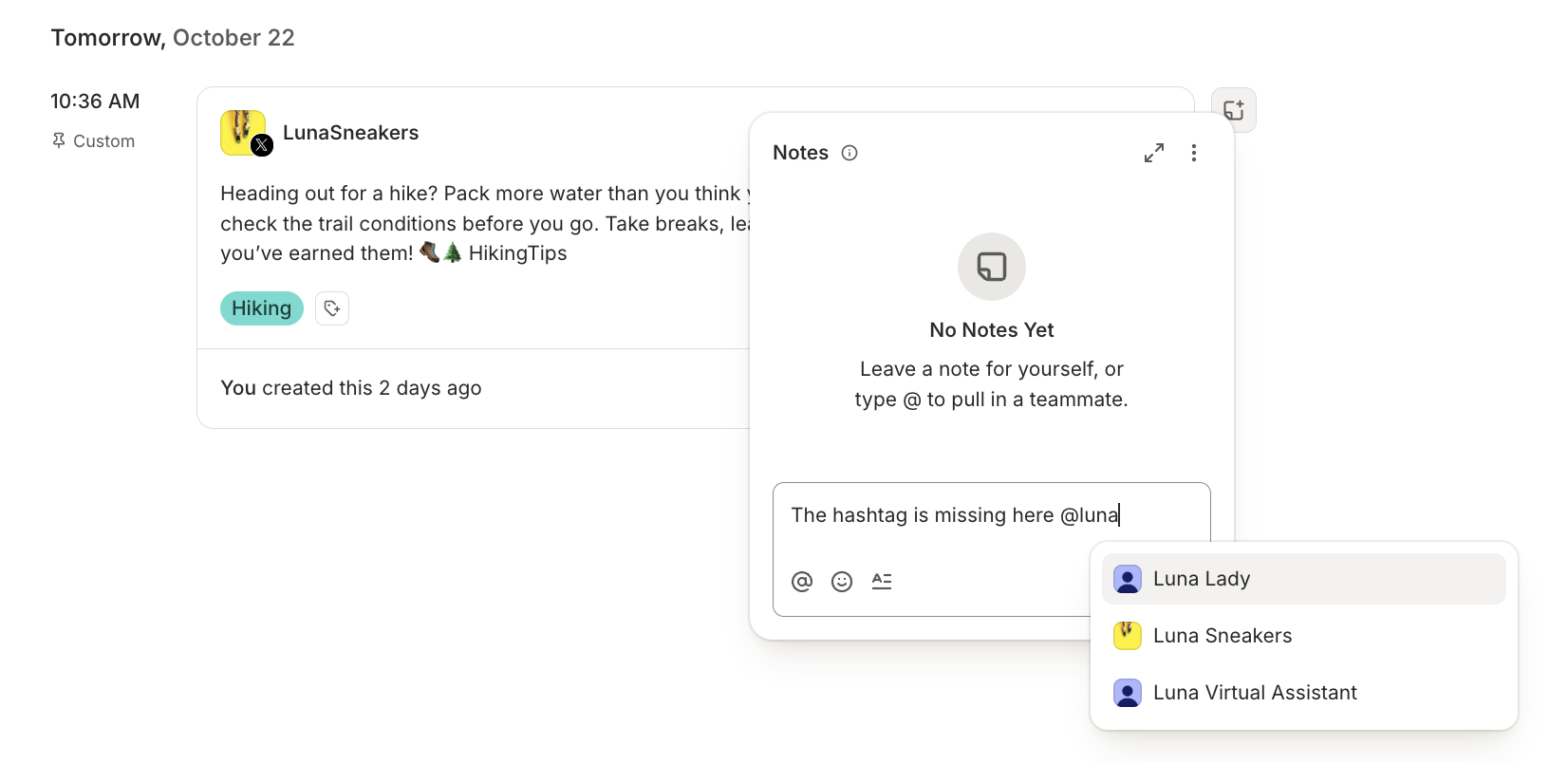
For a small shop, newsletter or shared creator account, the practical win is context. Put the correction next to the actual draft: which product name needs fixing, which image is approved, and who still owes a reply. “Make it pop” remains a mysterious instruction, of course. Software can organize the feedback; it cannot tell us what flavour of popping someone had in mind.
There is a notification detail to read
The announcement describes email alerts for mentions and other notes, but Buffer’s current Help Centre is narrower: email notifications currently fire for @mentions, with general note-activity emails still being finalized. Treat an explicit mention as the reliable documented route when somebody needs to act. The same help page says Notes are not yet available in Buffer’s mobile app.
That changes the working habit a little. If a colleague reviews everything from their phone, agree where they will open the conversation before making Notes the new headquarters. Otherwise the team may end up with one beautifully tidy thread and another message asking whether anyone saw the beautifully tidy thread. We have simply given the mess a nicer apartment.
One more small check before leaving anything sensitive.
Internal notes still have an audience
Buffer documents notes on a channel post as visible to organization members with access to that channel. Notes on a channel-less draft are visible organization-wide. Notifications can be controlled under Settings, Notifications, Collaboration. Those details are more useful than assuming a note is private because it sits inside a quiet-looking panel.
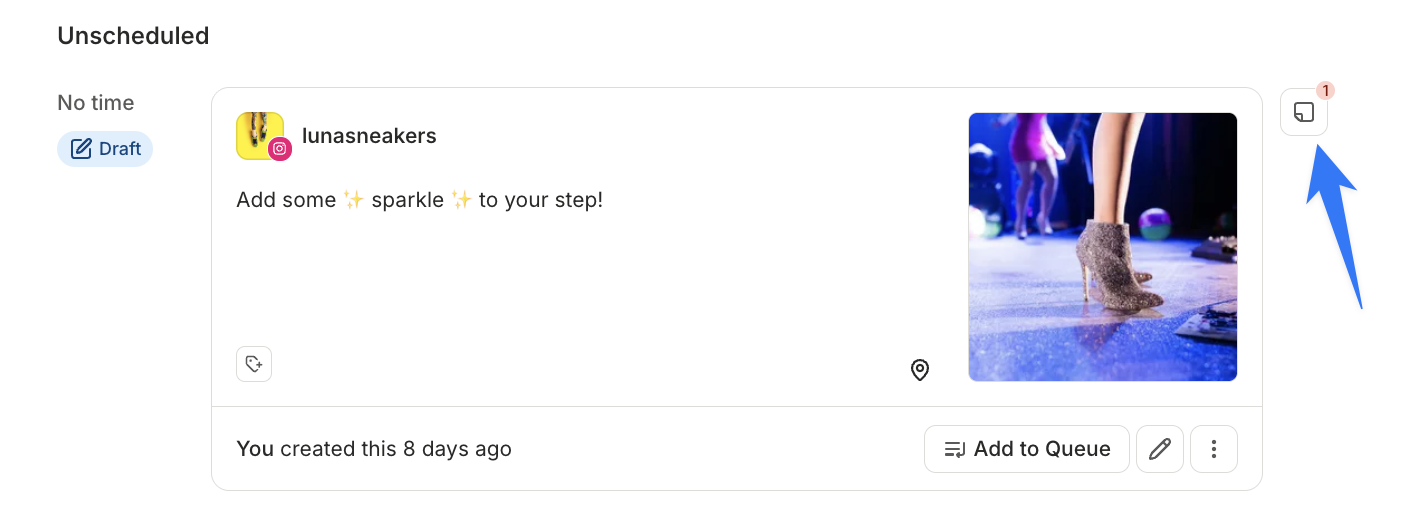
Keep comments specific and kind enough that another teammate can understand them later. Name the change, explain the reason and make the next action clear. An emoji reaction is lovely for a quick acknowledgement; for an approval, use whatever explicit approval process the team agreed on. A tiny celebratory face should not have to carry the entire publishing policy on its little shoulders.
Try one post before moving the whole workflow
Our suggested trial is modest: one draft, one reviewer and one real correction. Check the mention, response and final approval before expanding the habit. We have not tested the updated workflow ourselves. For the creative side, our Pixelmator Pro iPad report covers image-editing tools, and our Surface Pro coverage considers a portable work setup. The best result here is pleasantly unglamorous: everyone knows what to change, and the finished post escapes without another round of “which version?” We would call that a small, very welcome luxury.
Hero image: Buffer. Official image source.


You May Also Like

OPPO Enco X4 goes global, with a phone-shaped catch for lossless audio

Meta Forum gives group admins a shared calendar and AI rule checks