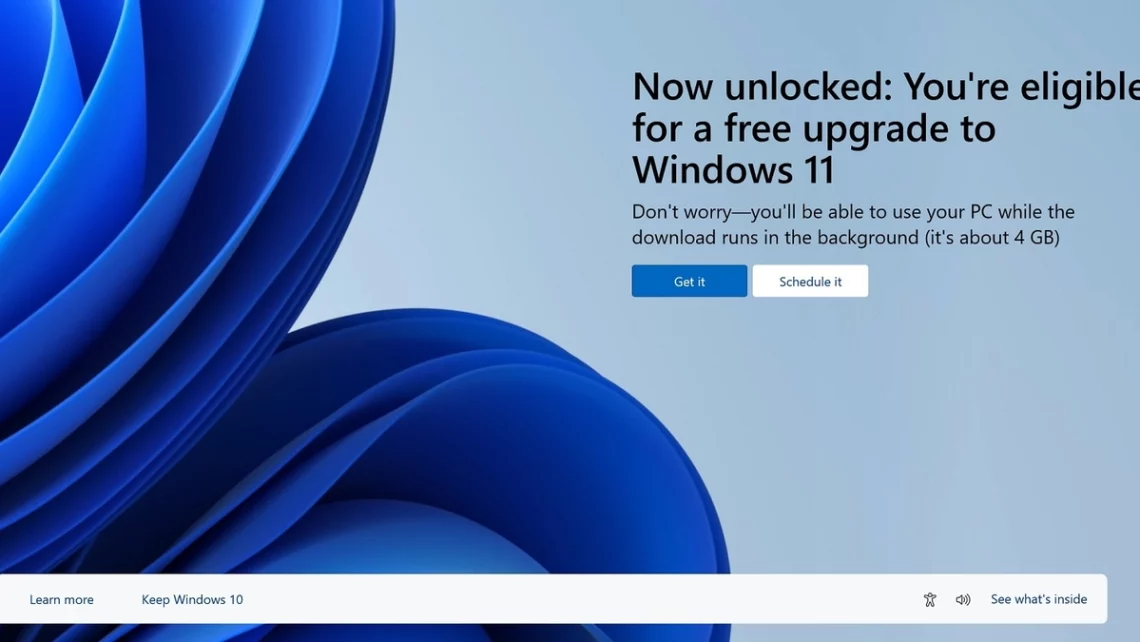
Microsoft closed the old Windows 7 upgrade route: what changed
That old Windows 7 key had quite an encore. In September 2023, Microsoft announced the end of the installation route used for a free Windows upgrade from Windows 7 or 8. The little sticker had already put in a long shift. Eventually, even a surprisingly persistent upgrade route has to meet the licensing rules.
Archive note — revised October 23, 2026: This explains the September 2023 policy announcement. It is not a claim that Windows 10 is still in standard support or that an old activation key guarantees a valid upgrade today.
What Microsoft actually announced
Microsoft’s September 20, 2023 notice said the original free-upgrade offer had ended in July 2016 and the Windows 7/8 installation path was being removed. It separately noted that Windows 10-to-11 upgrades remained free for eligible systems. Those are different routes, with different requirements.
Before that key gets another starring role. Successful activation, licence entitlement and supported hardware are separate questions. A forum report that an installation worked cannot settle all three. I understand the appeal of a triumphant “still works!” screenshot; it is just being asked to do rather a lot of paperwork.
Check the PC as well as the key
Before changing Windows versions, check Microsoft’s hardware requirements and your existing licence. Back up files and confirm essential applications and peripherals will work. An unsupported installation workaround can create issues that the activation screen does not describe. That screen may look pleased with itself; there are still other checks to do.
There is a newer support date to account for, too. Windows 10’s standard support ended on October 14, 2025. Read our Windows 10 support explainer and follow Microsoft’s current guidance for your edition. Saving on an installation only helps when the resulting setup also meets your support needs.
DeviceCritique’s take
The useful lesson from the 2023 change is to plan around official rules. Check compatibility, licensing and update coverage together. There is something very appealing about getting more life from an older PC; give it a supported path to do that. The dusty sticker can retire from being the whole migration strategy.
Find more software and services coverage.


You May Also Like
Surface Pro 12-inch gets Snapdragon X2 Plus and a brighter screen
Fitbit Edge arrives October 27 with a screen and replaceable battery