ANSHI adds a 75-inch AURA touchscreen with two ways to run it
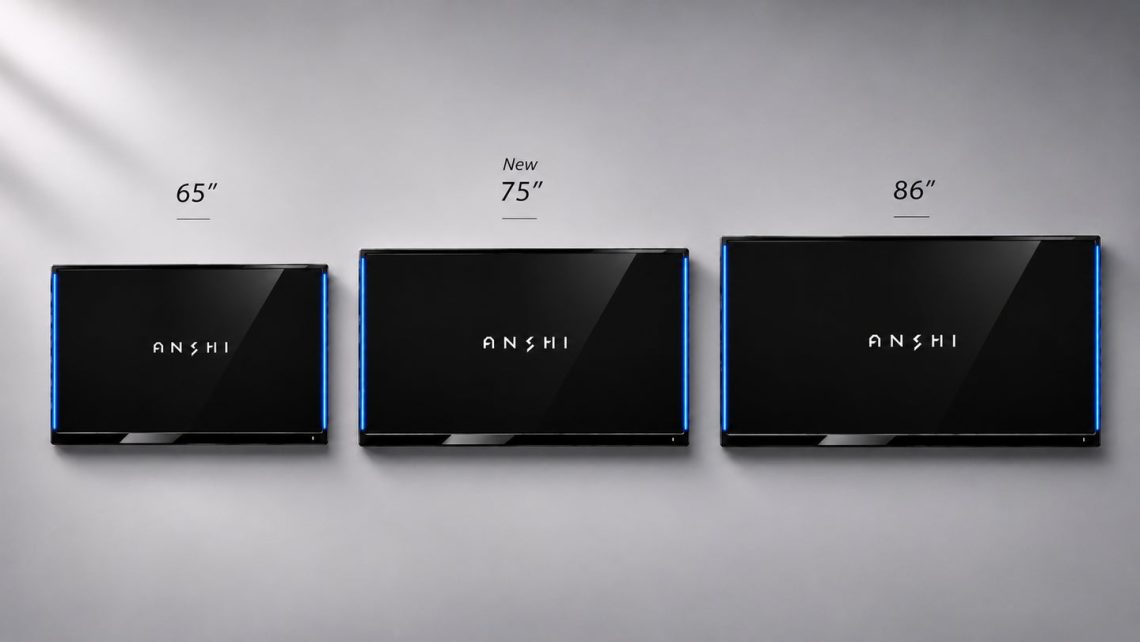
The meeting room has acquired a big touchscreen. Before anyone starts swiping, there’s a small question. Whose computer is it? ANSHI JAPAN announced a 75-inch WORK PAD AURA on November 25, between its existing 65- and 86-inch sizes. Both the OSLESS and Windows versions are open for reservations in Japan, with the new size expected to launch around mid-January 2027. The release gives no public price or firm delivery date.
Bring a laptop or leave one in the room?
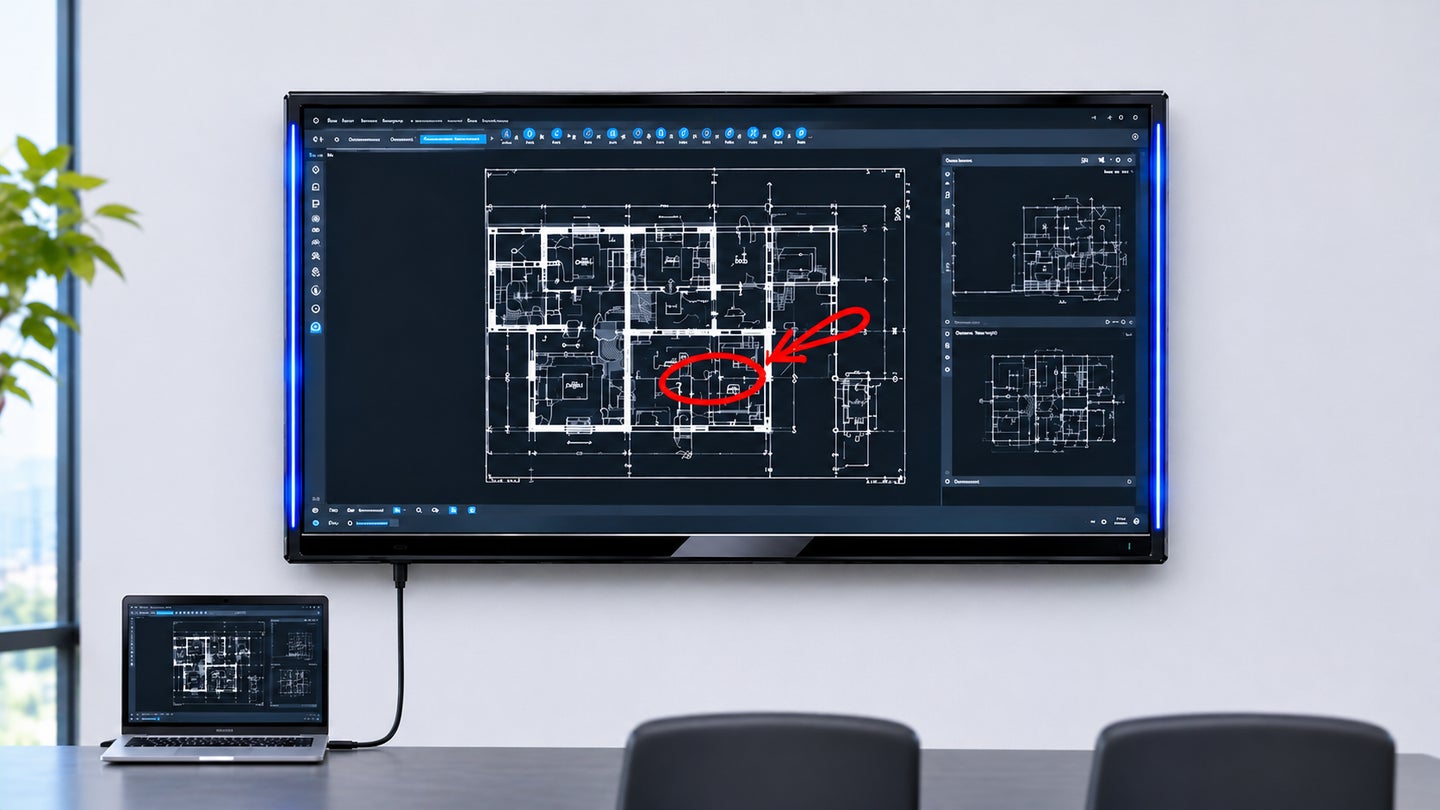
The OSLESS model uses an external computer to provide the apps and files. That fits a room where people already bring the machines they need, especially if design or operations software lives on managed workstations. Treat the screen like a big touch-enabled extension of that setup. Ask ANSHI which video and touch connections the 75-inch unit needs with your actual laptops. A successful picture is only half the demonstration. Check that touching the drawing moves what you expect it to move.
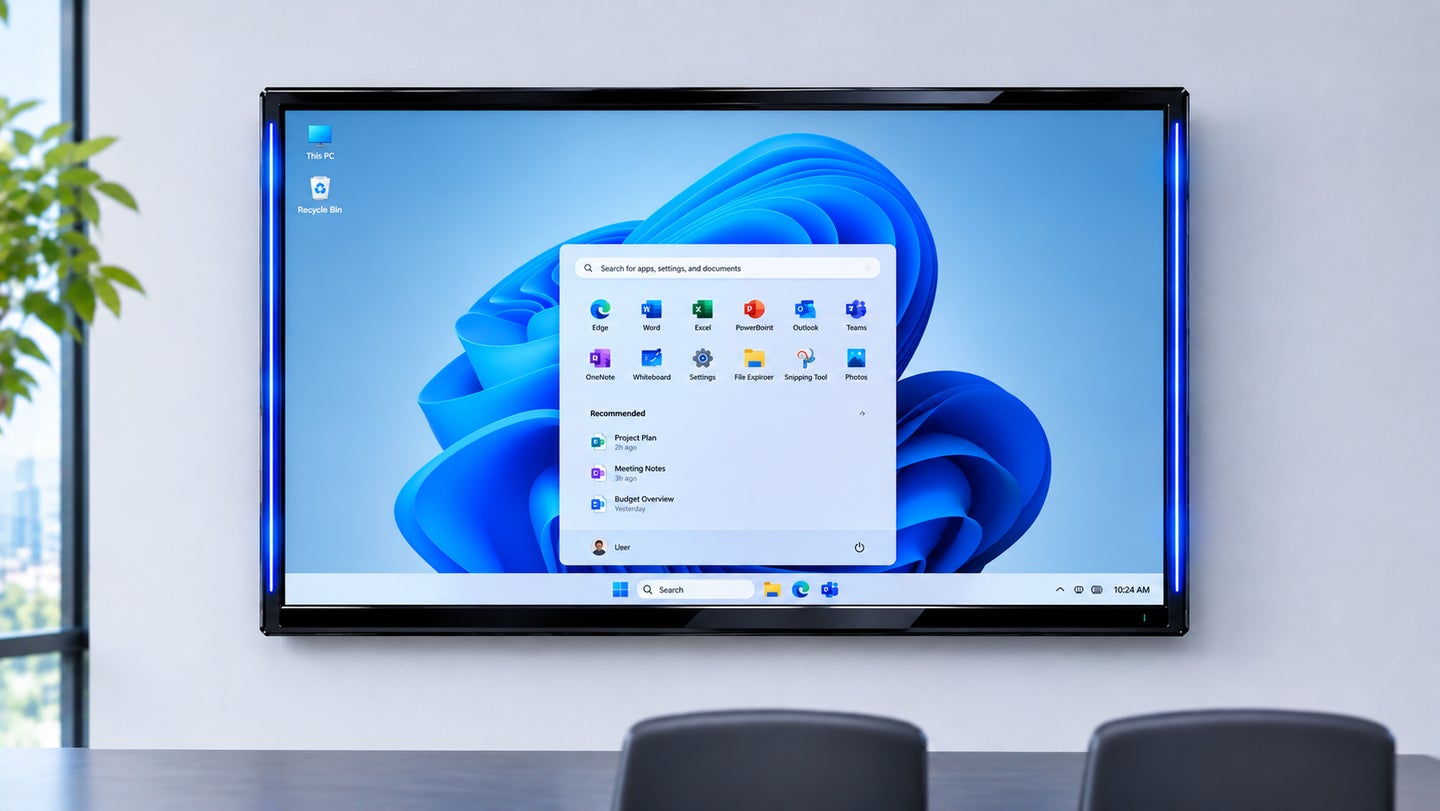
The Windows version serves as a shared computer. That can make sense when a team needs the same tools waiting every morning without asking who remembered the laptop. It also leaves the organisation responsible for deciding how sign-ins, application licences, updates and saved files work. Try a handover with two different accounts before committing. Nobody wants last Tuesday’s spreadsheets to greet the next meeting like an overenthusiastic host.
Measure the room with real material
Use your densest spreadsheet, training slide or floor plan for the demonstration. Sit in the furthest occupied chair and check the text people actually need to read. Then stand where someone will annotate the page and see what they can reach without stretching. A 75-inch diagonal is about 15% larger than 65 inches. That alone can’t tell you how readable a particular document looks or which wall can take the mount.
Ask for the new model’s complete dimensions, weight, mounting requirements and a delivery estimate before approving an installation. Choose the host arrangement first, then pick the size the room can use comfortably. The Monitors desk follows other displays that trade familiar form factors for different ways to work. Our LG Swing AI coverage looks at the other end of that decision, where portability and laptop charging matter more than showing the entire room one chart.
Featured image: ANSHI JAPAN. Press image source.

You May Also Like
Lenovo’s next ThinkVision monitors combine video calls and USB-C docking
LG Swing AI rolls into a Japan presale from ¥99,800