
DAW Tutorials
One DAW. One finished idea.
Pick your DAW. Finish a first project.
Eight guided lessons, practical checkpoints and quizzes with explanations. Try the browser mixer, then make something in your own DAW.
Check your course’s software, edition and setup notes before starting.
Continue learning
Progress stays in this browser. No sign-in needed.
No courses match just yet
Try another project, change your filters or use “Clear filters” to see all 14 courses.
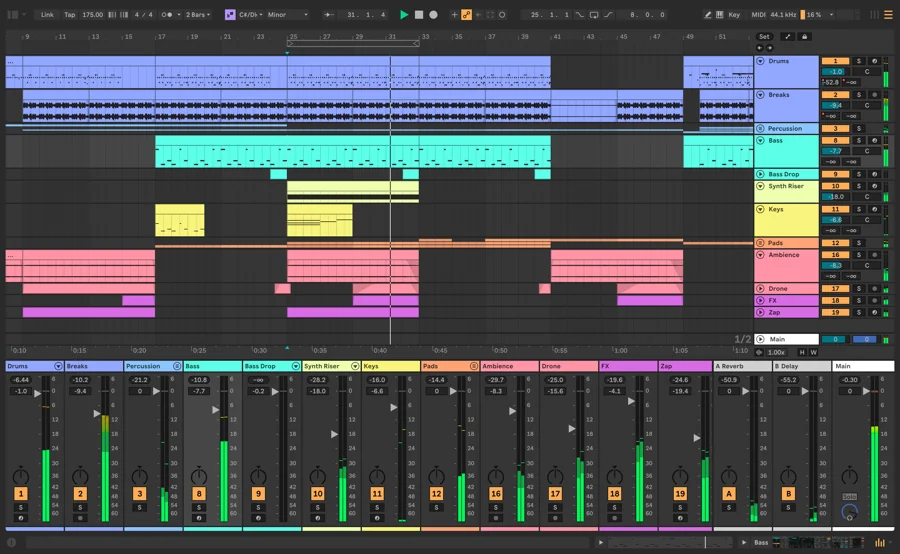
Ableton Live
8 lessons · Practice lab · Knowledge checks
Build an eight-bar software-instrument sketch at 120 BPM, edit it intentionally, then save a Live Set and export a listening copy.
Windows · macOS
Start course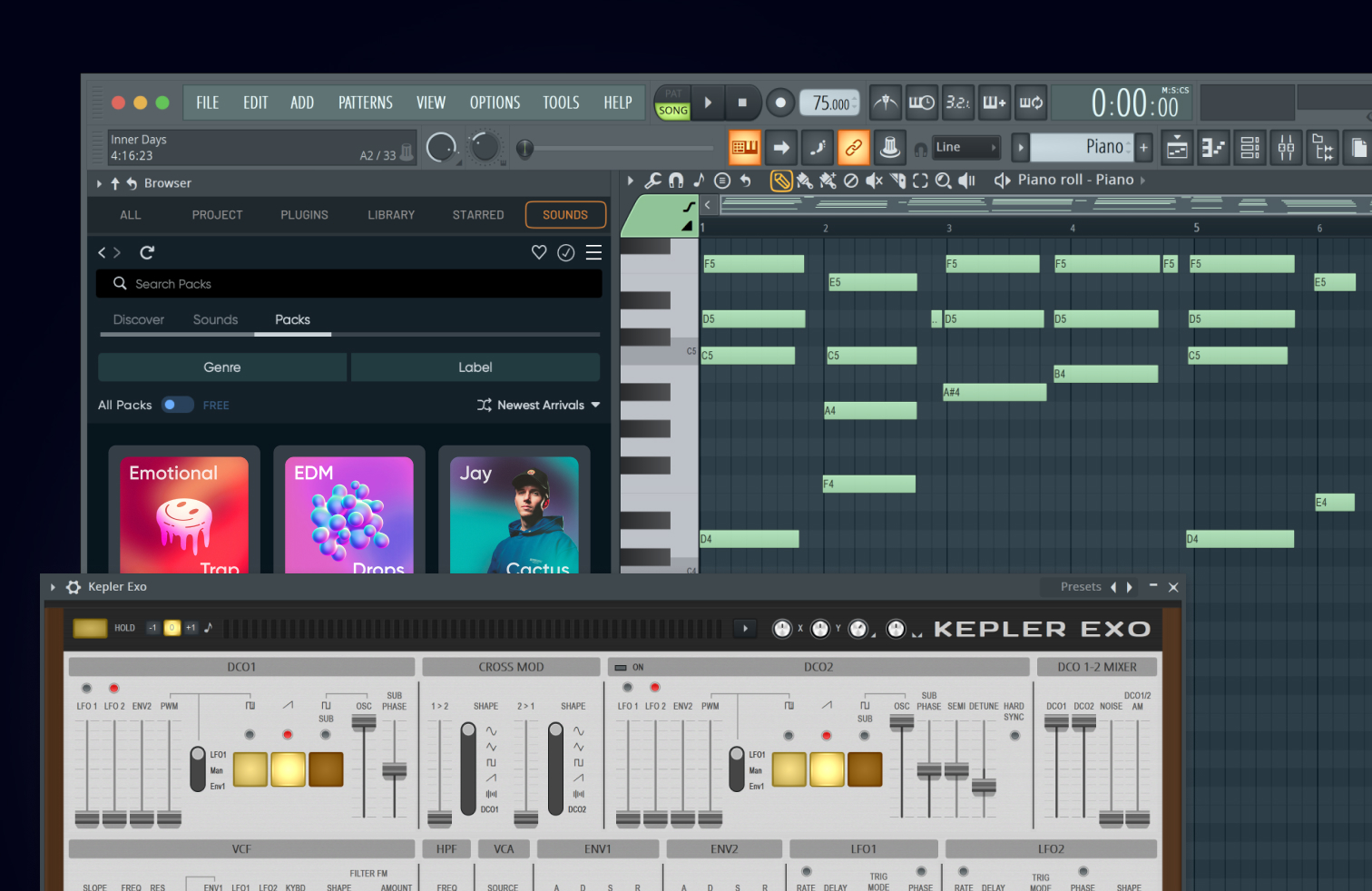
FL Studio
8 lessons · Practice lab · Knowledge checks
Program two drum patterns with the practice one-shots, arrange an eight-bar beat, balance the drums and export a WAV.
Windows · macOS
Start course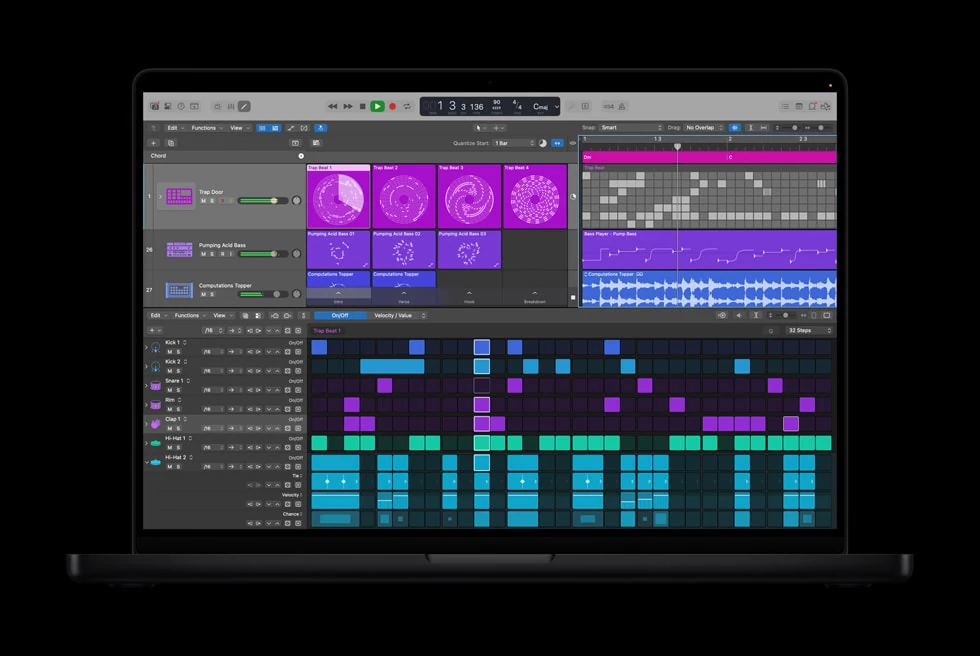
Logic Pro for Mac
8 lessons · Practice lab · Knowledge checks
Record a two-bar instrument idea with Musical Typing, edit its notes, loop an eight-bar sketch and bounce a separate audio file.
macOS
Start course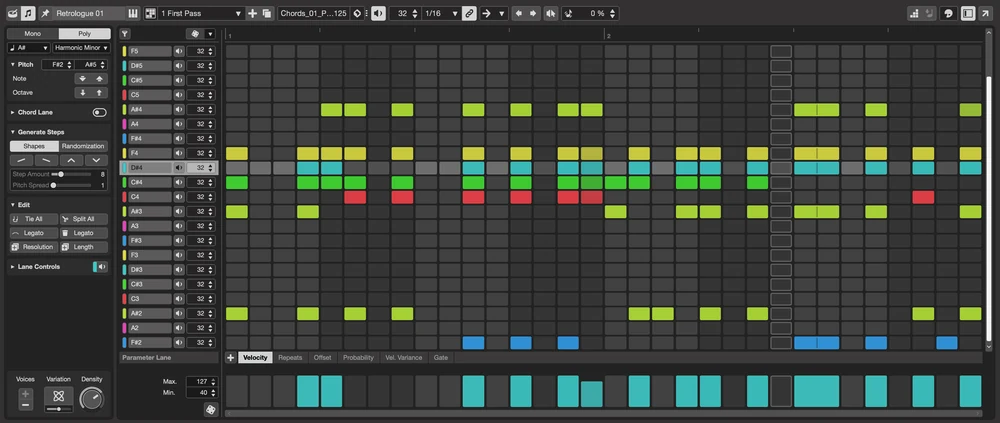
Cubase
8 lessons · Practice lab · Knowledge checks
Record a short VST instrument part, edit its notes, repeat an eight-bar sketch and export the intended output between locators.
Windows · macOS
Start course
Bitwig Studio
8 lessons · Practice lab · Knowledge checks
Build an eight-bar audio sketch, capture a Launcher performance, edit a musical entrance, balance two parts and export an independently checked mix.
Windows · macOS · Linux
Start courseREAPER
8 lessons · Practice lab · Knowledge checks
Turn two practice audio files into a deliberate eight-bar arrangement, with independent edits, a sensible balance and a verified stereo render.
Windows · macOS · Linux
Start coursePro Tools
8 lessons · Practice lab · Knowledge checks
Create a two-track audio session, shape a musical entrance with clip edits and fades, balance its output and deliver a checked stereo bounce.
Windows · macOS
Start courseFender Studio Pro
8 lessons · Practice lab · Knowledge checks
Build a sixteen-bar arrangement from the eight-bar practice parts, create a rhythm-first introduction, balance the Console and deliver a verified mixdown.
Windows · macOS
Start course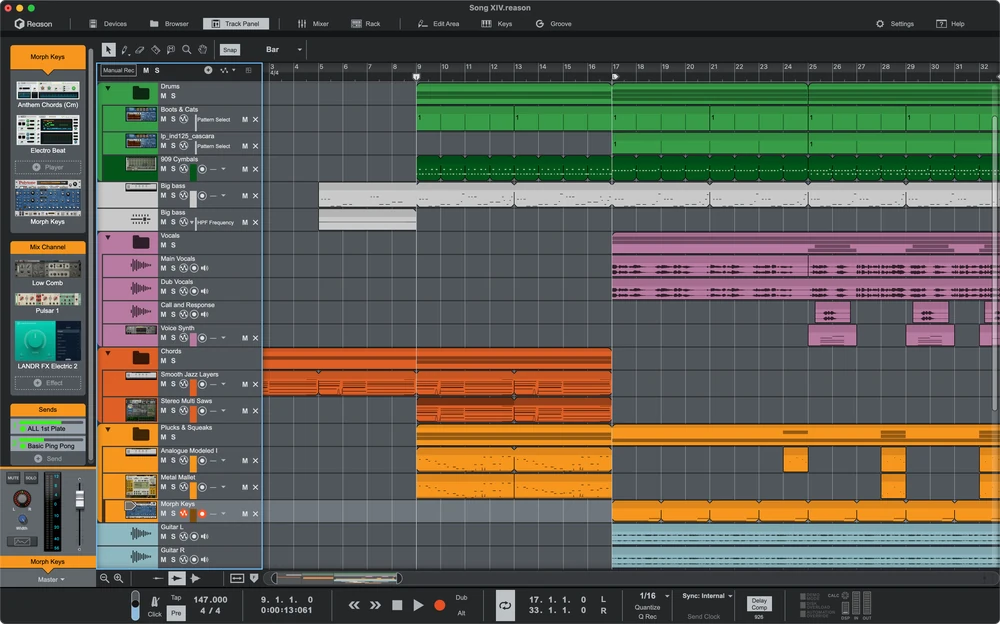
Reason
8 lessons · Practice lab · Knowledge checks
Use standalone Reason 14 to import two audio parts, build a sixteen-bar form, shape a melody entrance, balance the Main Mixer and export a checked Song.
Windows · macOS
Start courseGarageBand for Mac
8 lessons · Practice lab · Knowledge checks
Record and edit a two-bar instrument phrase on a Mac, extend it into eight bars and export a listening copy.
macOS
Start courseWaveform Free
8 lessons · Practice lab · Knowledge checks
Build an eight-bar, two-track audio project, make an audible arrangement choice, and render a WAV that plays outside Waveform.
Windows · macOS · Linux
Start courseLUNA Free
8 lessons · Practice lab · Knowledge checks
Make a repeatable eight-bar audio session in LUNA Free, edit and balance it, then export and independently check a stereo mix.
Windows · macOS
Start course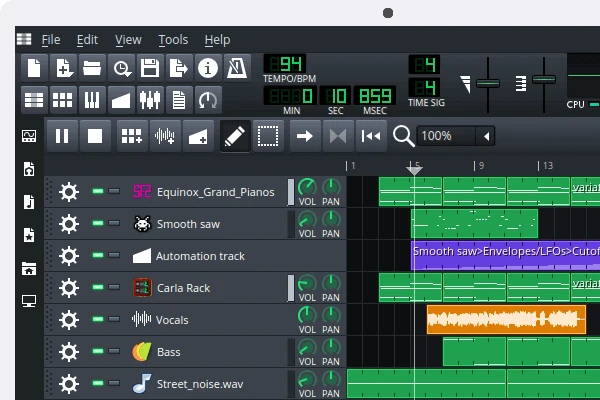
LMMS
8 lessons · Practice lab · Knowledge checks
Draw an original one-bar TripleOscillator phrase, develop it into eight bars, save the editable project, and export a WAV.
Windows · macOS · Linux
Start courseArdour
8 lessons · Practice lab · Knowledge checks
Create a self-contained two-track Ardour session, perform a reversible edit, balance eight bars and export a checked WAV.
Windows · macOS · Linux
Start courseBased on the official documentation linked in each course. Program versions and editions differ; each course explains its scope. Checkpoints help you assess your own DAW project.