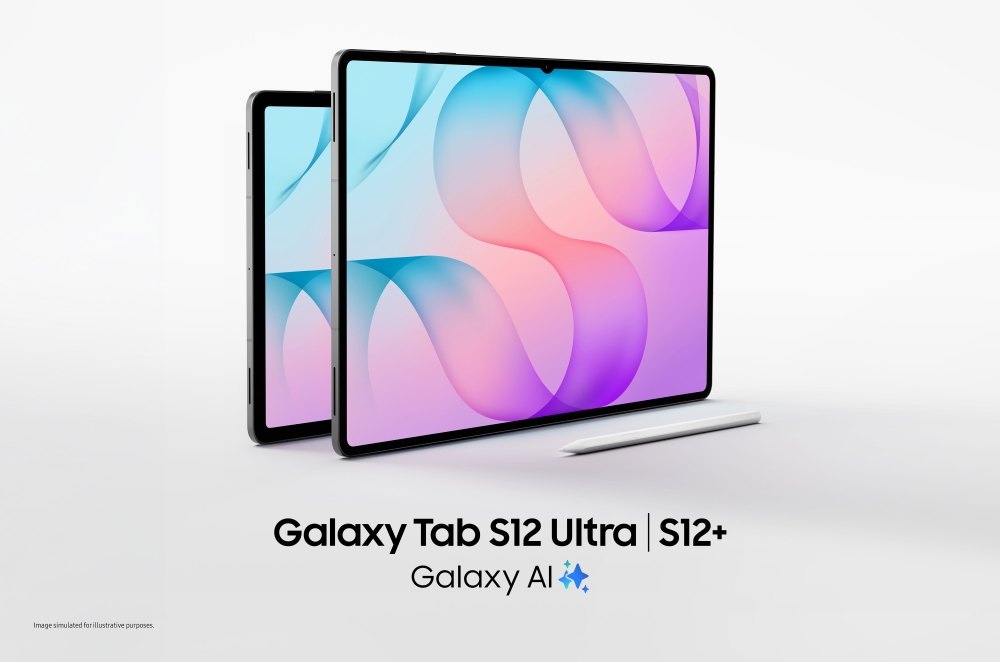
Galaxy Tab S12 arrives with larger AMOLED screens and an included S Pen
Samsung has brought quite a lot of screen to the autumn tablet line-up. The Galaxy Tab S12 Ultra and S12+ were announced on September 30 and began rolling out in selected markets on October 7, according to Samsung’s launch announcement. Big canvases, pen input and a productivity pitch: all very tempting. We’ll let the apps have their say before getting carried away.
First, here’s what is actually in the box.
Two large screens, one productivity pitch
The Ultra has a 14.6-inch display and the S12+ a 12.6-inch panel, both using Dynamic AMOLED 2X technology at 120Hz. Samsung’s specifications also list a MediaTek Dimensity 9500 processor and an included S Pen. Plenty of room for notes, markups and the occasional doodle that was definitely part of the planning process.
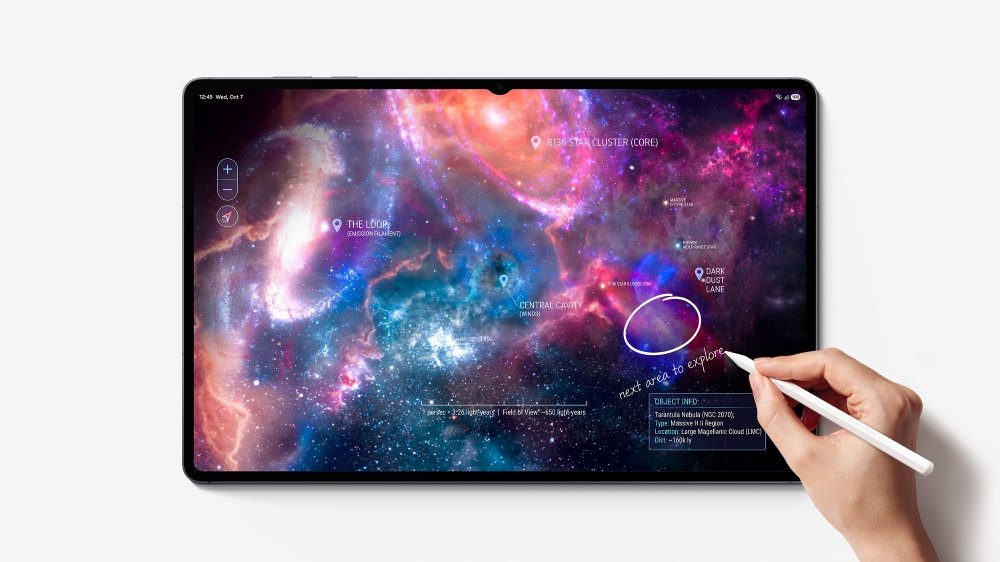
The S Pen being included is a small kindness to the shopping list: handwritten notes and document markups don’t begin with a separate stylus purchase. Thank you, Samsung. See how pleasant that can be? The keyboard does cost extra; both the Pro Keyboard and Book Cover Keyboard Slim are sold separately.
Now, let’s ask the software a slightly awkward question.
The software is the bigger question
In its October 5 productivity overview, Samsung describes running up to three apps side by side and using DeX for resizable windows. It also says some apps do not support Multi Window. That last detail matters just as much as the roomy display.
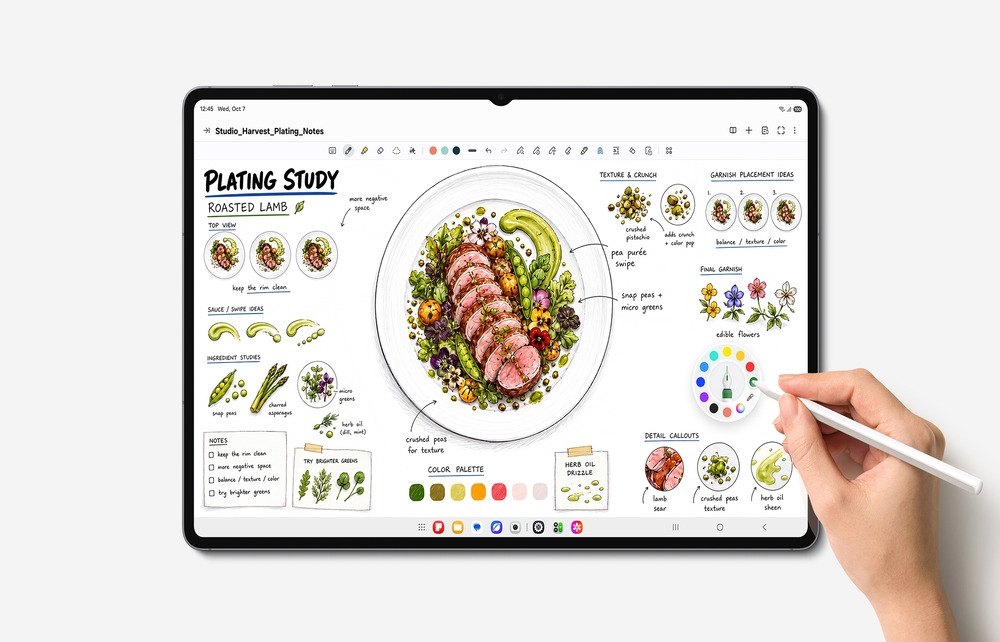
A favourite work app with the wrong layout can make a huge screen feel oddly cramped. Check the actual apps you rely on before planning a laptop replacement; a desktop-style interface does not guarantee desktop software compatibility. The laptop can stop looking nervous until that checklist is done.
For another Android direction, see Lenovo’s Yoga tablet support commitment. Pixelmator Pro’s new selection tools show how a particular app feature can change the iPad’s usefulness.
DeviceCritique’s take
A big canvas, pen input and flexible multitasking is a charming combination. Whether it earns an upgrade comes down to local prices, accessory costs and the apps you need—not just how lovely the launch images look. We have not tested these tablets; this report covers Samsung’s announced features and availability. The S Pen has made a good first impression. Now the rest of the setup needs to behave.
Featured image: Samsung. Image source.


You May Also Like
SmartThings Now puts home controls up front and expands local control
iPhone Duo goes on sale: Apple’s foldable reaches stores