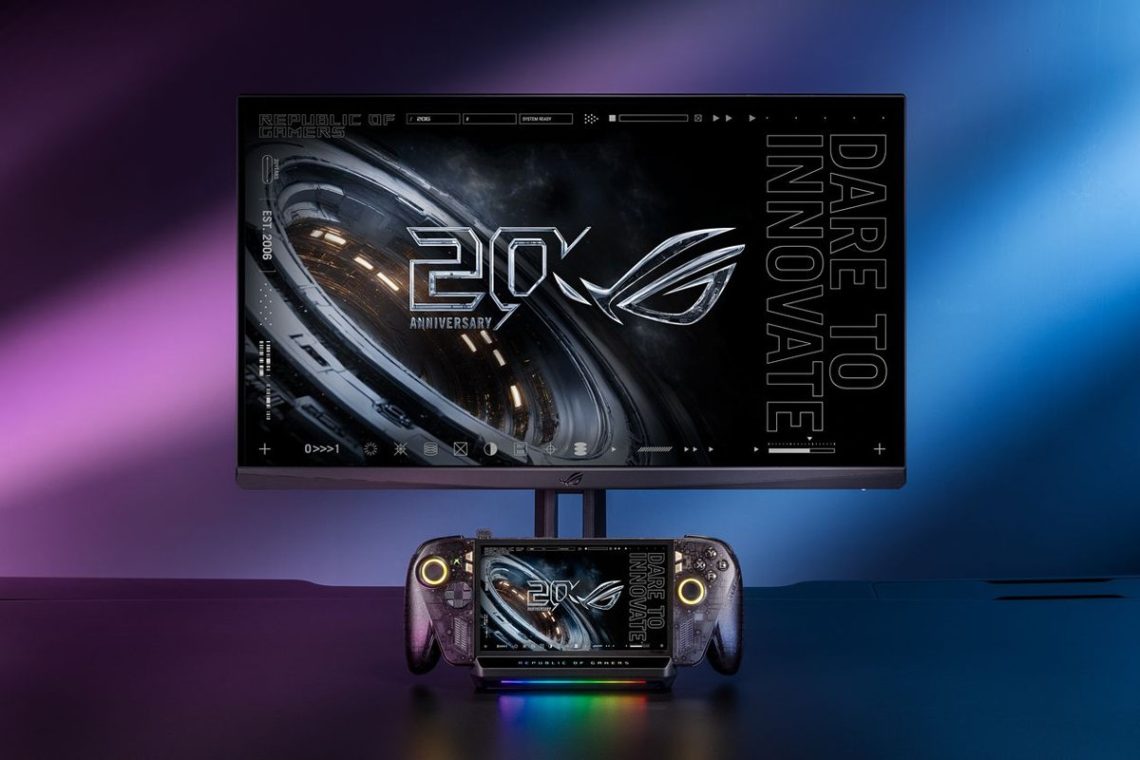
ASUS Bulwark DG310 dock brings 4K 144Hz output to the Ally desk
Your ROG Xbox Ally can have a proper place by the TV, rather than balancing wherever the charging cable happens to reach. ASUS’s October Bulwark Dock DG310 announcement details the six-in-one Bulwark Dock DG310, designed around the Ally family. HDMI 2.1 supports output up to 4K at 144Hz, with variable refresh rate, auto low-latency mode and HDR. The release is dated October 15 and was posted October 16. A tidy little home for the handheld? We’re listening.
Just don’t let 144Hz run away with the story.
An output specification is not a frame-rate promise
The dock’s supported video mode tells you what it can send to a compatible screen, not how fast a game will run. That still depends on the handheld, the game and your settings. The dock gets to organise the connections. We can’t also make it responsible for finding a secret extra GPU in the cupboard.
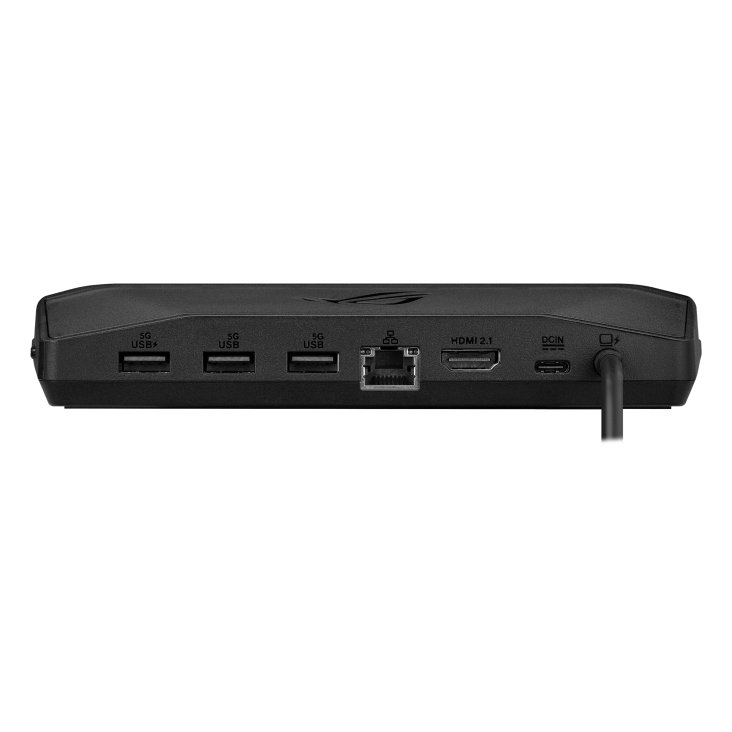
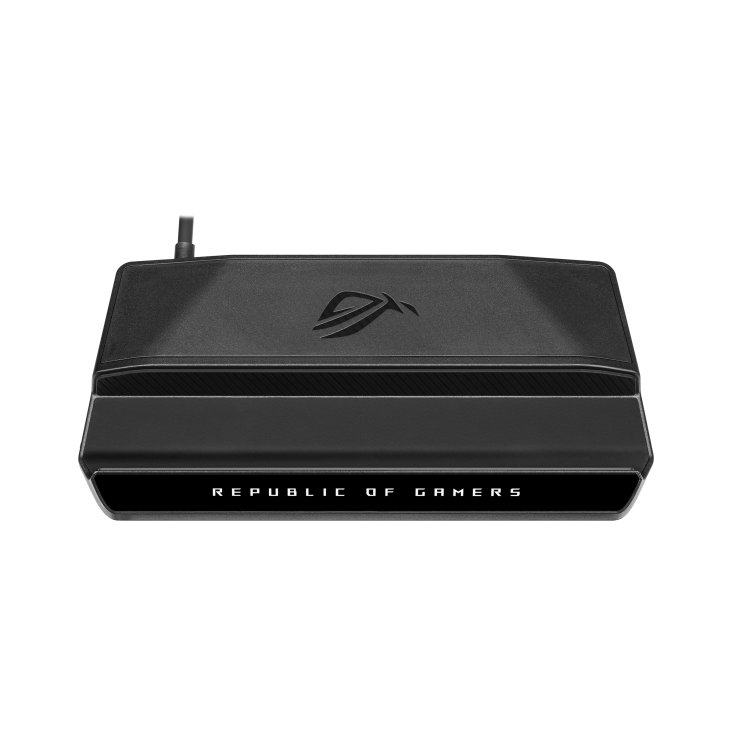
ASUS lists Gigabit Ethernet and three USB-A 3.2 Gen 1 ports alongside HDMI. The fixed USB-C cable is 60cm long and has a right-angled connector, while the stand is designed to keep the handheld’s airflow clear. There’s RGB lighting, too. Apparently even the cable organiser would like to dress up for game night.
There is one small bring-your-own detail.
Bring the right charger and a compatible device
The official specifications say there’s no charger in the box. To deliver up to 80W to the host, you need a suitable 100W charger. ASUS’s compatibility FAQ also requires USB-C DisplayPort Alt Mode and USB Power Delivery. A USB-C socket by itself doesn’t guarantee that video will come out of it.
Check the whole setup before buying: handheld, power adapter, display and every peripheral you want connected. Confirm the screen’s supported modes and where the fixed cable will reach. It’s a mildly dull two-minute job, but discovering a missing adapter after getting comfortable is a very personal sort of disappointment.
DeviceCritique’s take
ASUS also advertises one-touch Bluetooth pairing for the Ally. We haven’t tested that, latency or sustained charging, and the announcement doesn’t establish a universal price or local stock. Still choosing a screen? Our MSI Mini LED monitor report and Alienware OLED update add context. Get the compatibility right, then settle in with your game. The little dock can be in charge of holding things together for once.
Hero image: ASUS. Official image source.


You May Also Like
MSI Prestige N16 Flip puts RTX Spark in a pen-ready convertible