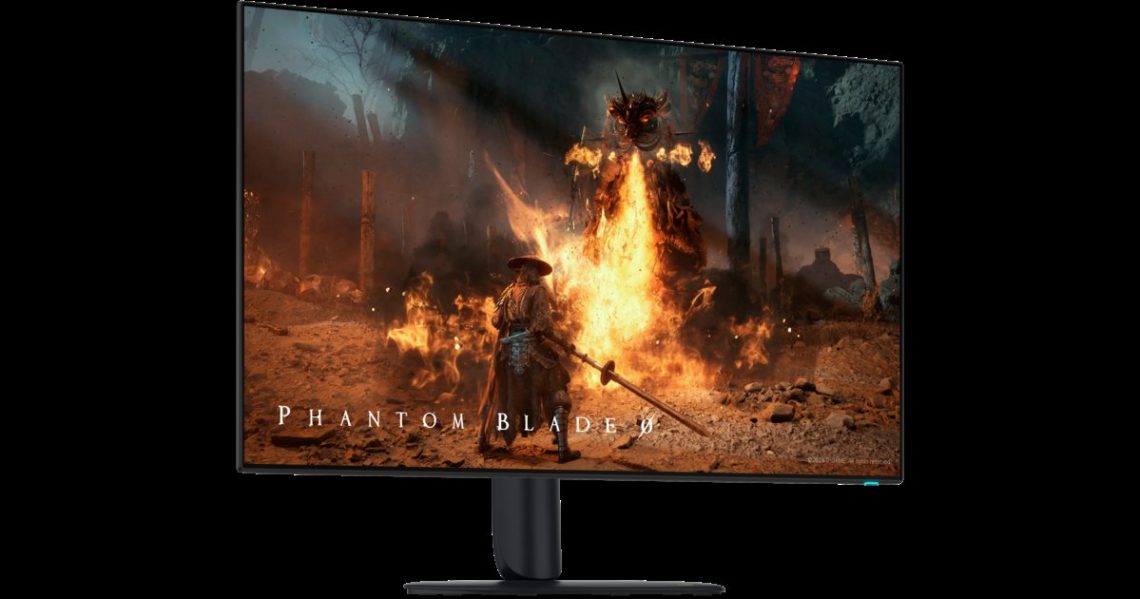
Dell explains edge dimming on two Alienware OLED gaming monitors
Alienware, why are the corners doing their own thing? If an AW3226Q or AW3926QW looks dimmer around the edges, Dell has an explanation worth reading before another round of brightness-button negotiations. Its support article, last modified on October 9, describes behaviour that can appear under certain viewing and content conditions.
Let’s start with what Dell actually says.
What Dell says is happening
The listed symptoms include edge or corner dimming, colour shifts and a green tint. Dell attributes the brightness reduction to Constant Power Control, or CPC. This built-in mechanism dims the outer display area to help reduce burn-in risk. There is a protection feature involved, rather than a corner simply deciding to take a nap.
Dell says brightness gradually returns after switching to uniform content, and that a higher brightness setting may reduce the visible difference between the centre and edges. Those are the manufacturer’s explanations. We have not measured the effect ourselves, so they should not be read as our test findings.
Now, about the parts of your day between games.
Why it matters beyond games
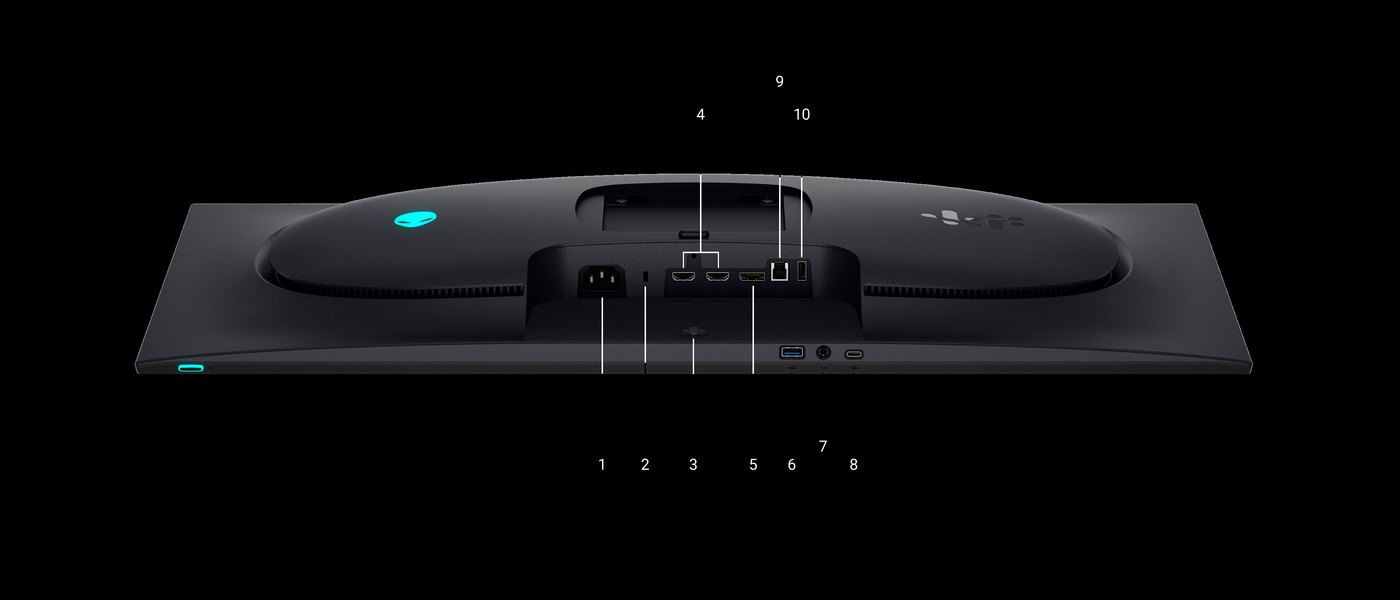
OLED often gets introduced through contrast and speed. Dell’s AW3226Q product page, for instance, highlights a 32-inch 4K panel, 165Hz refresh rate and RGB-stripe tandem OLED technology. All rather attention-grabbing. Screen uniformity still deserves a turn.
A busy game scene and a broad, plain document ask different things of a screen. Someone switching between games, spreadsheets, documents and photo work may notice brightness variations more easily on those plainer backgrounds. The dramatic space battle is lovely, darling, but the boring white page has questions.
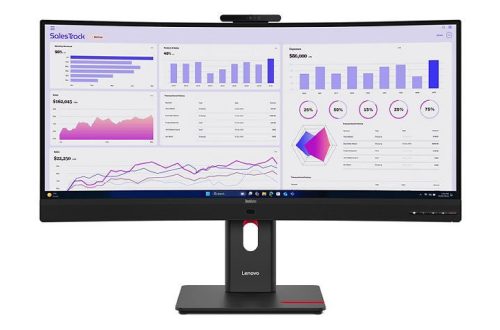
For another display approach, read MSI’s Mini LED monitor specification. Lenovo’s ThinkVision docking displays take a work-desk direction. These are reports on different products, not a measured comparison.
DeviceCritique’s take
Try an OLED monitor with the work and games you actually use, including the unglamorous bits. Yes, even the spreadsheet. Dell characterises some variation as expected panel behaviour, but that does not diagnose every individual screen problem. Persistent or unusually strong symptoms deserve comparison with its guidance and an assessment from Dell. We have not independently tested either model. A monitor can be gorgeous and still have behaviour worth asking about; we’re allowed to be fond and fussy.
Featured image: Dell. Image source.


You May Also Like
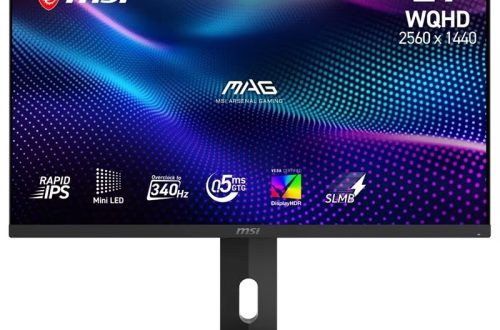
MSI details a 340Hz Mini LED monitor with 1,152 dimming zones
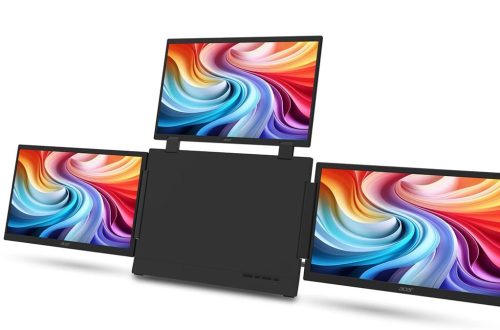
Acer PD163Q P3 puts three extra screens in a folding monitor