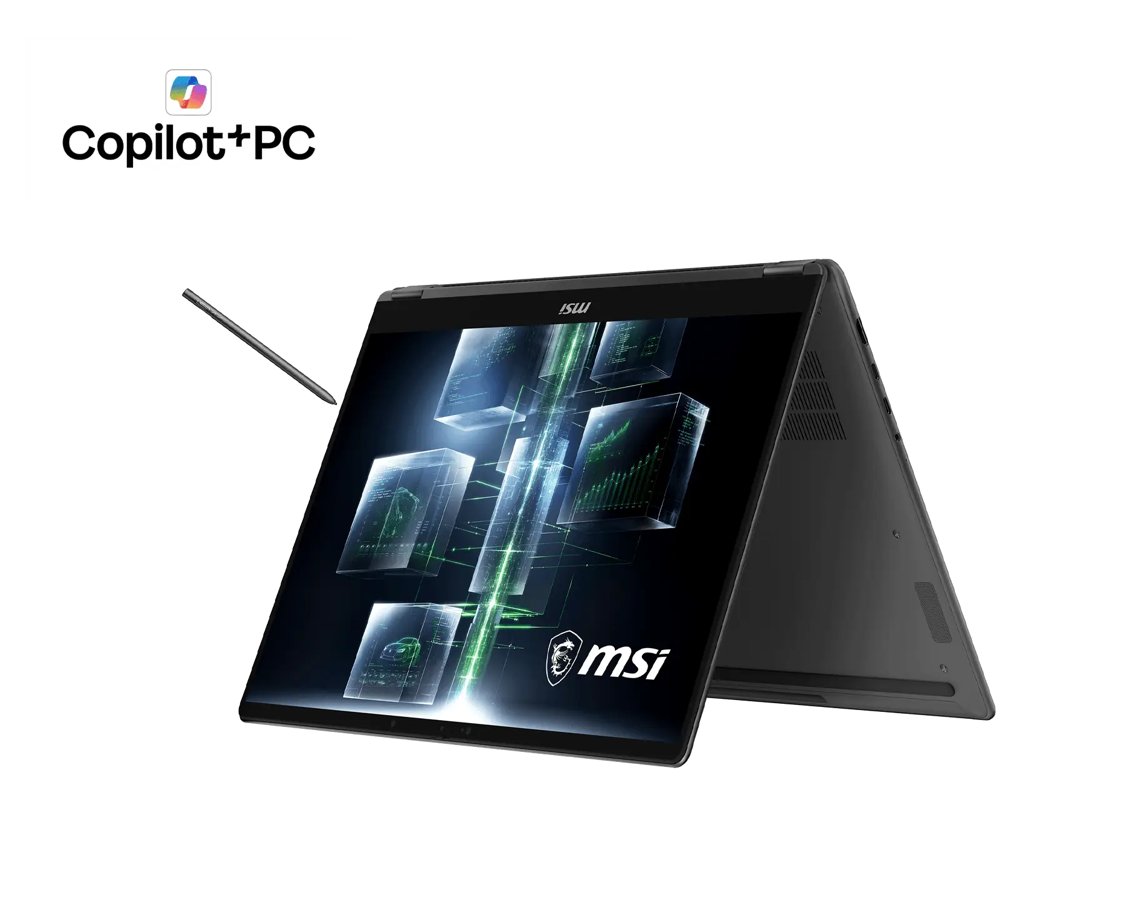
MSI Prestige N16 Flip puts RTX Spark in a pen-ready convertible
MSI’s Prestige N16 Flip would like to be a laptop, an AI workstation and a sketchbook. Ambitious little thing. The Prestige N16 Flip AI+ announcement on October 8 opens select-market pre-orders, bringing NVIDIA RTX Spark, up to 128GB of unified memory, a 360-degree hinge and a bundled MSI Nano Pen. There’s plenty to be curious about here. We’re still going to make it explain the very large numbers.
Let’s start with that memory and AI pitch.
A large memory pool, with software questions attached
MSI describes a Grace CPU and Blackwell RTX GPU sharing memory, plus Windows 11 on Arm and CUDA support. Its quoted peak is up to one petaflop of FP4 AI performance. That’s a precision-specific figure, not an application benchmark or a promise that every model runs at a particular speed.
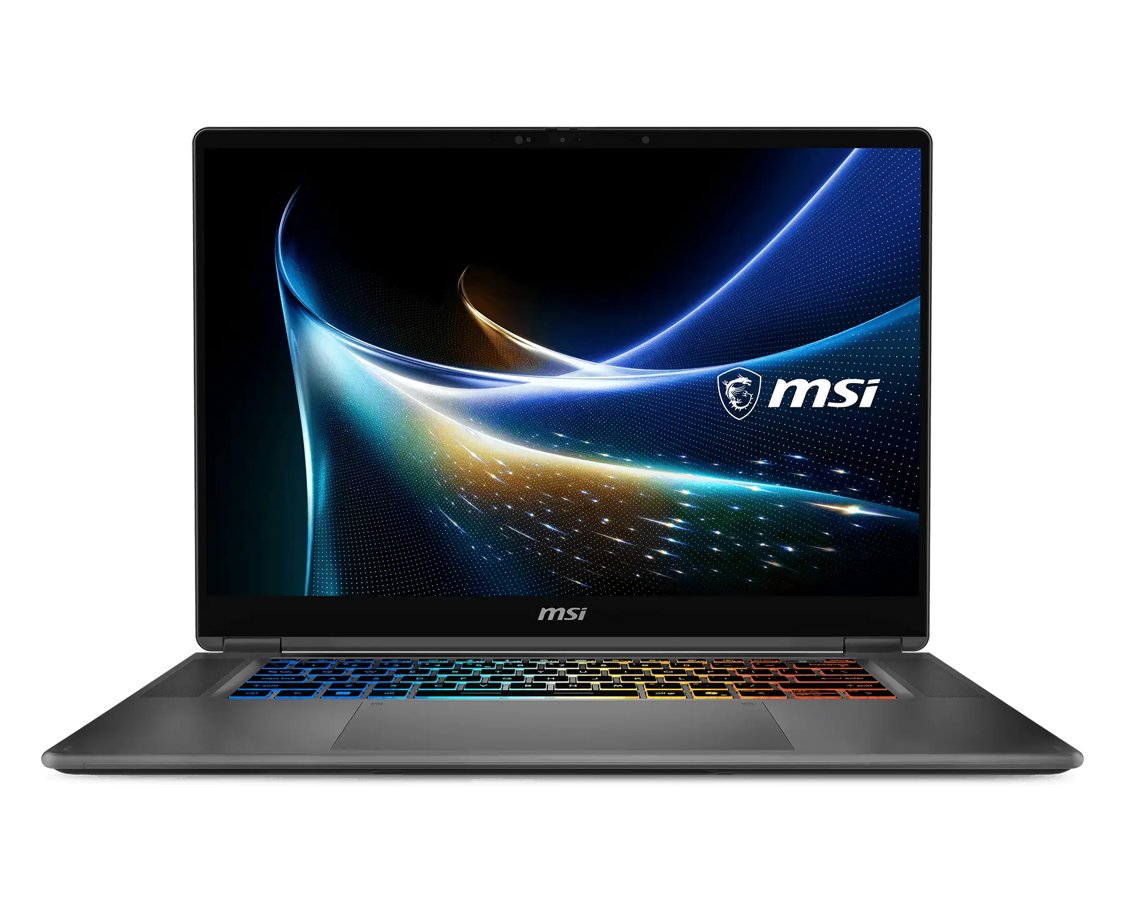
Before getting attached, check your everyday apps, plug-ins and peripherals. A large memory pool is appealing; an essential tool that doesn’t fit your workflow can undo that appeal rather quickly. We haven’t independently tested performance or compatibility. The spec sheet is allowed to flirt. Your actual software still has to get along with it.
And give the screen listing a second look.
Two OLED configurations mean reading the full listing
The C1XMT specifications list two options: a 16-inch 3840 × 2400 Tandem OLED touchscreen and a 2880 × 1800 OLED alternative. They also list a 99.9Wh battery and a 1.9kg weight. Configuration and regional availability vary. The Prestige family name alone won’t tell you which panel is in the unit you’re considering.
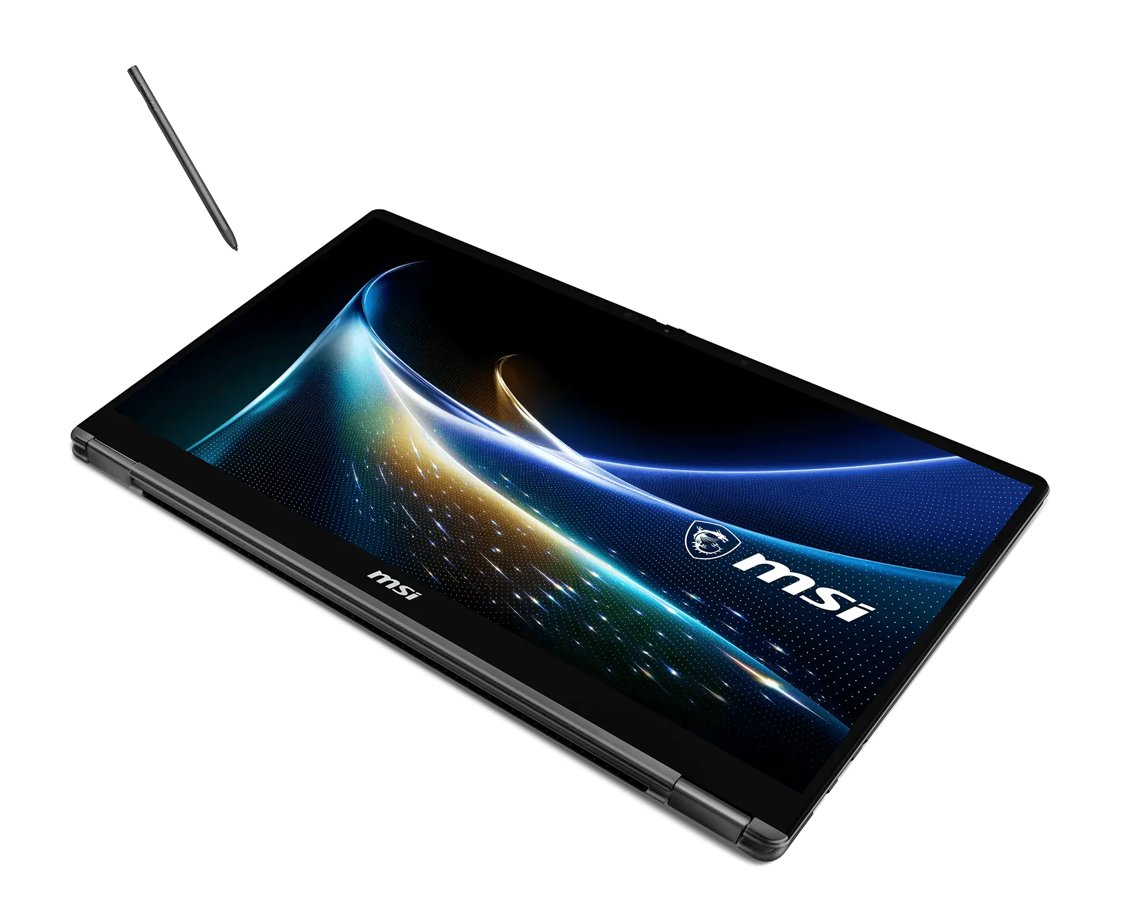
For drawing or notes, try the position you’d actually use: on a table, on your lap or held briefly as a tablet. Check the hinge and where your hands rest. Folding a laptop over is clever. Asking your wrists to pretend 1.9kg is a paper sketchbook is a rather cheekier request. Give the pen setup more than a five-second try.
DeviceCritique’s take
The appeal is a substantial computing workspace with touch and pen input, though MSI gives no single global purchase price. If reading and annotation are the main jobs, our Lenovo Yoga tablet coverage and Galaxy Tab S12 report are worth a look as well. Choose the software you need, then a shape you enjoy using. I do like an overachiever. I’d like it even more if it helped you finish one thing at a time.
Hero image: MSI. Official image source.


You May Also Like
ASUS Bulwark DG310 dock brings 4K 144Hz output to the Ally desk