Acer PD163Q P3 puts three extra screens in a folding monitor
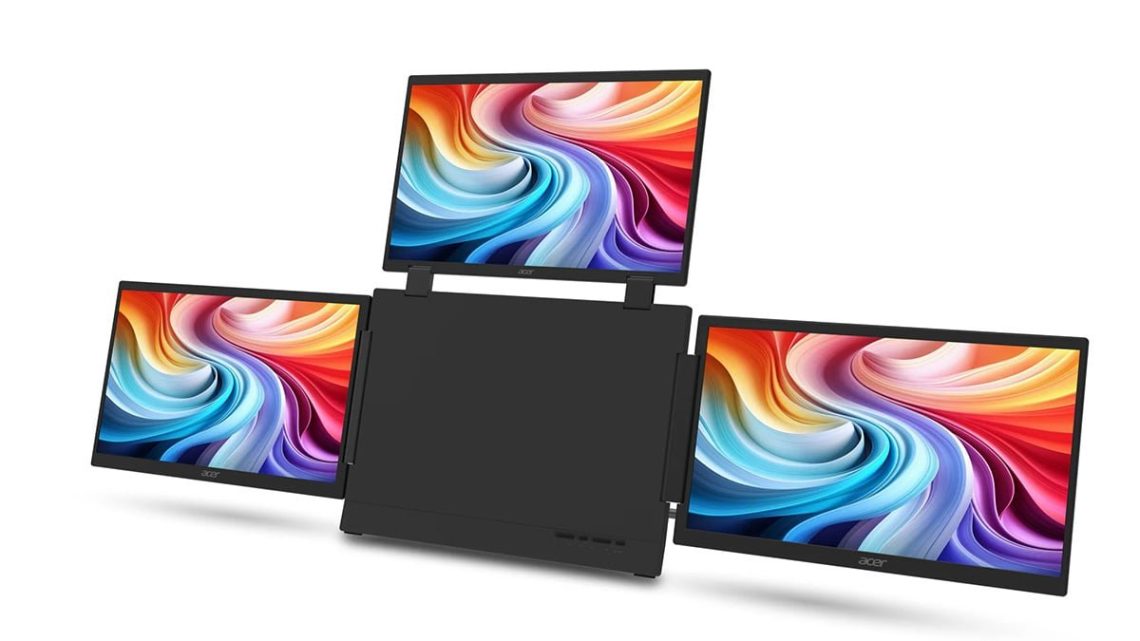
Acer has looked at the laptop desktop and decided the problem is a shortage of screens. Three of them, specifically. Its October 19 first look revisits the PD163Q P3 folding display announced at IFA in September: three 15.6-inch Full HD IPS panels, or four screens when you include the laptop. Subtle? No. We are a little charmed by the commitment, though.
Let’s give all that screen space a job.
Three panels, with a job for each
Each panel folds independently, with extend and clone modes. Extend spreads different content across the screens; clone repeats it. Acer’s original announcement lists 1920 × 1080 resolution at 60Hz, a matte surface and 250-nit brightness. Those are the display basics underneath the rather elaborate folding act.
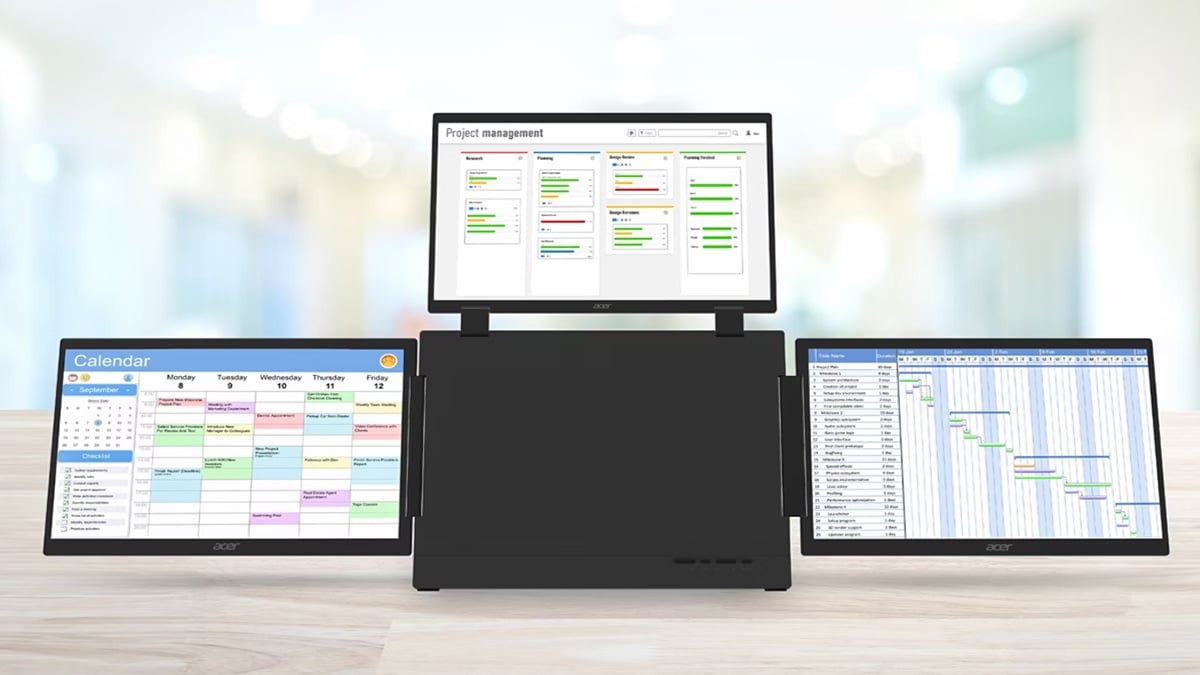
A document, reference material and a call could each have a screen, saving some window shuffling. That sounds genuinely handy. Put a chat app on every panel, though, and the poor thing becomes a very well-equipped machine for interrupting you. Three extra screens can make room for your work; they can’t politely do it for you.
There’s a little more to pack than the screens.
One connection to the laptop, plus power
One USB-C cable connects the extender to the host computer, and Acer includes an external USB-C power adapter. Allow room for that in your bag and plan for the socket it needs. The release doesn’t promise laptop charging through the extender. You can adjust brightness across all three panels together.
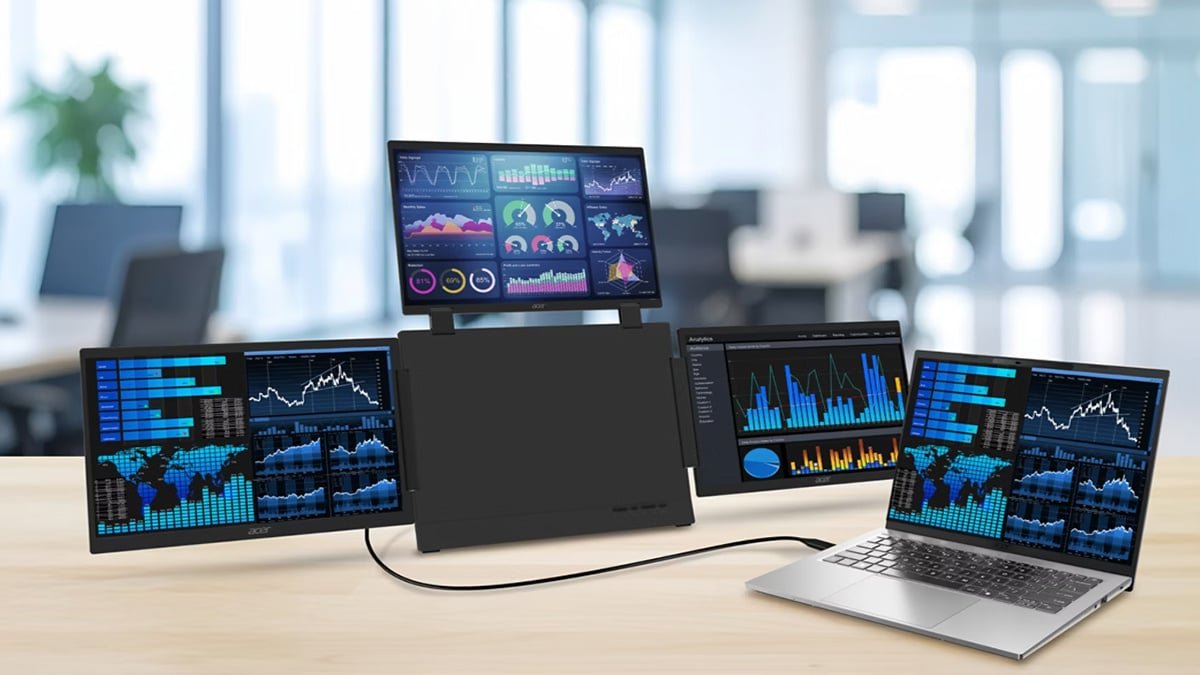
Measure the place where you’d open it, leaving room for your keyboard, mouse and arms. The café table has had no chance to prepare for this. We haven’t tested the hinges, compatibility or how pleasant the complete setup is to carry. “Portable” is worth checking against the journey you actually make.
Price and release plans
Acer plans Q1 2027 availability in North America, EMEA and Australia, from US$349.99, €349 and A$899 respectively. These are announced regional starting prices; local stock and final specifications may vary. It’s a look ahead, rather than a report that you can pick one up in shops today.
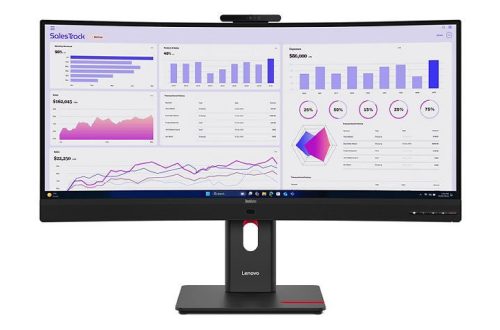
For a fixed desk, our ThinkVision docking monitor report explores a different workspace approach, while our ROG Bulwark dock article covers connections. Decide what each screen would do before making room for this folding little entourage. If it saves you repeatedly losing the reference document, lovely. Let’s make the extra space helpful rather than giving the distraction a panoramic view.
Hero image: Acer. Official image source.


You May Also Like
MSI details a 340Hz Mini LED monitor with 1,152 dimming zones
Dell explains edge dimming on two Alienware OLED gaming monitors