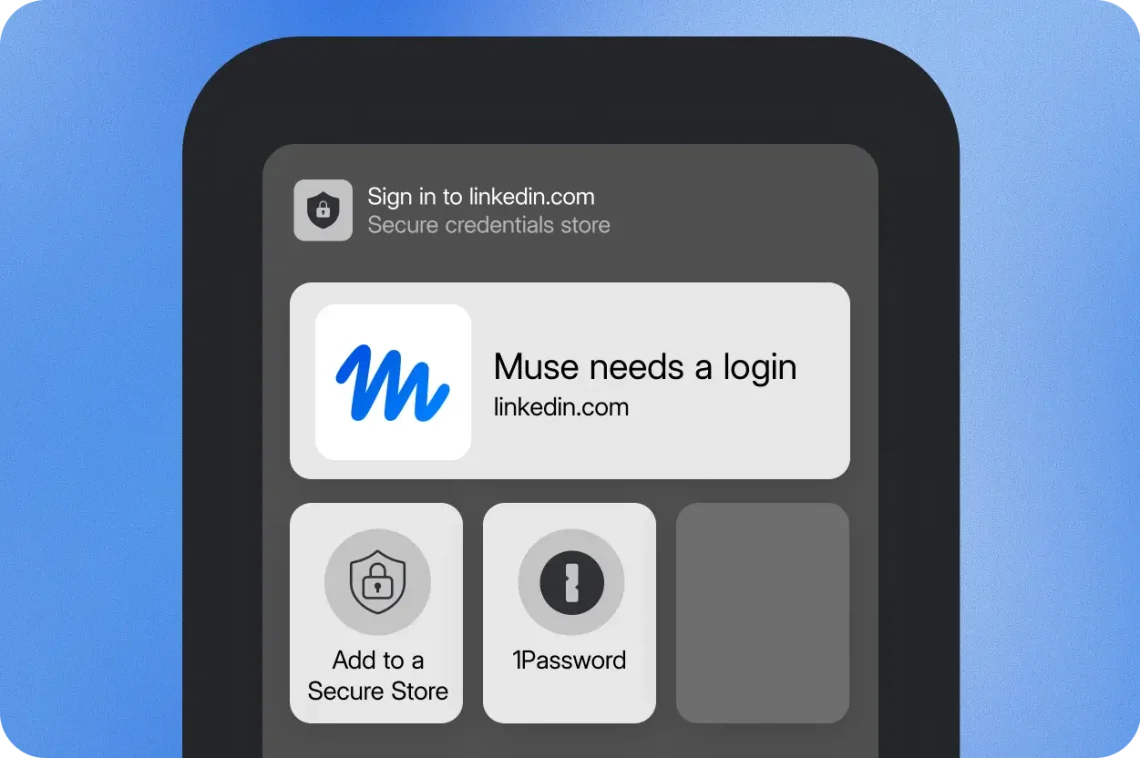
1Password for Agents offers approved sign-ins without password handoffs
An AI helper can be keen to finish a job and still have no business keeping your password as a souvenir. 1Password for Agents, announced October 22, is designed to let supported agents sign in after you approve access, with 1Password filling the credential rather than giving it to the agent. It is a useful answer to a very ordinary interruption: the assistant has reached the door, and somebody still needs to deal with the key.
The request comes to you
According to 1Password’s product explanation, an agent requests a login when it needs one. You review the request, choose a matching saved login if necessary, and approve or deny it. 1Password then fills the password or one-time code into the destination site. The company says the agent does not receive or see the credential, and connecting it does not open the whole vault.
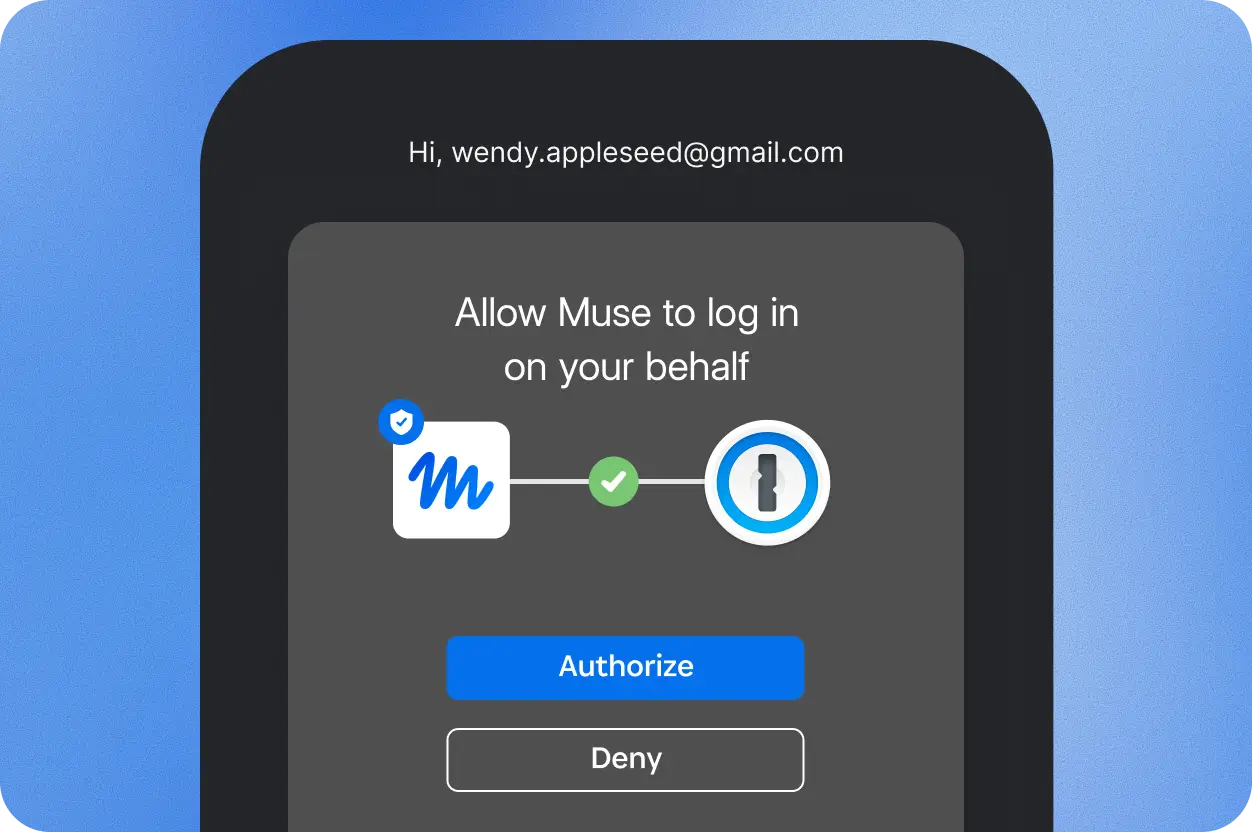
That would reduce the temptation to paste a secret into a conversation just to get past an awkward pause. The charmingly productive helper can continue being helpful without acquiring a personal collection of login details. We are delighted to encourage a hobby. This particular hobby needs to be stationery, perhaps, rather than your passwords.
The account behind the login still deserves your attention.
Hidden credentials do not limit every possible account action
The same FAQ makes an important distinction: after signing in, an agent may be able to read information or perform actions within that account. What it can do depends on the agent and the website. Approving the login therefore remains a meaningful decision. Keeping a password out of the model is one safeguard; it does not independently establish that every subsequent task will happen exactly as intended.
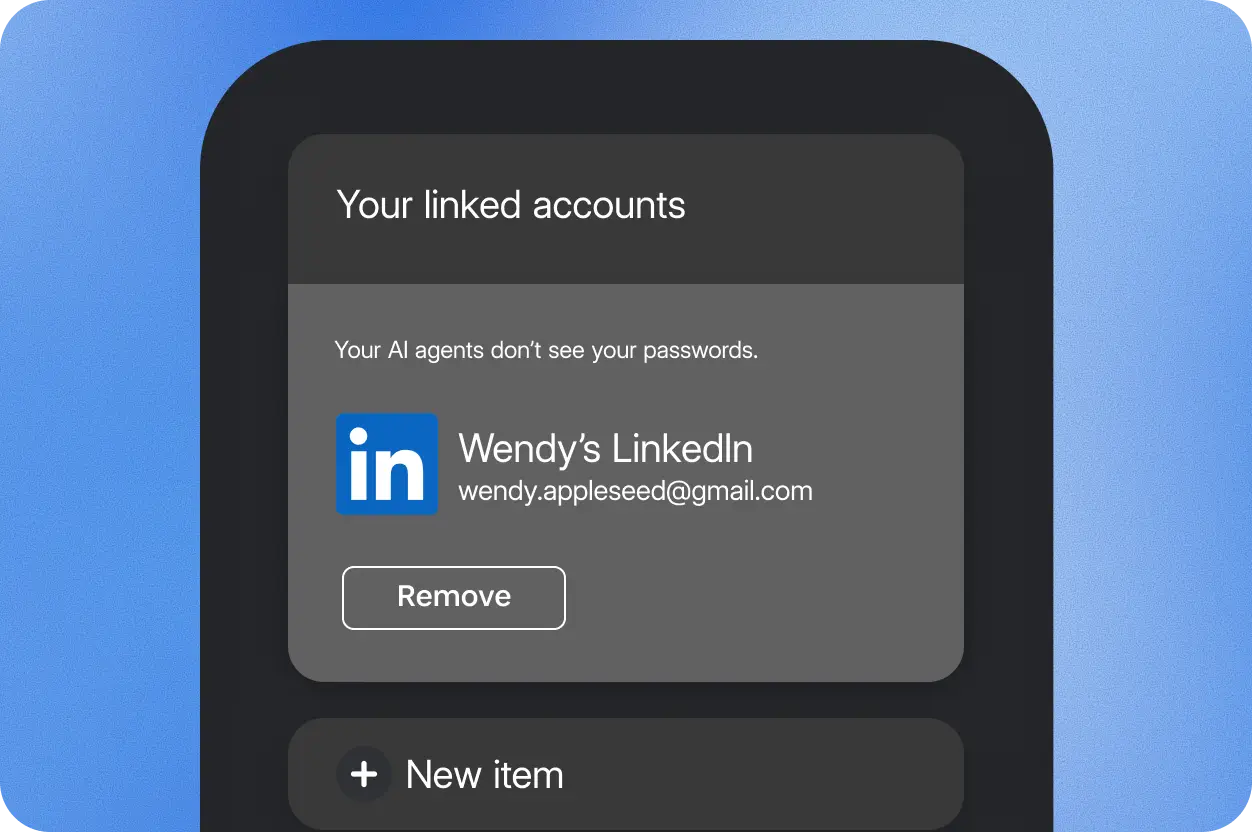
Before connecting anything, make the task and the intended account clear. Consider what the agent will encounter once inside, especially if several saved logins look similar. A tidy sign-in flow is useful when it preserves an understandable choice, rather than turning that choice into a button you press while thinking about lunch.
Some familiar integrations are still on the coming-soon list.
Availability depends on the partner and account domain
The launch blog lists Muse and SpaceXSI Grok Bot integrations as rolling out over the coming days. Connections for Claude Duet, ChatGPT Work and dots, Town Townie and other partners are coming soon. This is not support for every AI app today. Platforms, features and approval behaviour vary by integration.
1Password says the personal integrations are included at no additional cost with Individual and Family accounts on 1Password.com. Accounts on 1Password.ca and 1Password.eu are not currently supported. Check your account’s sign-in domain, as well as the exact partner’s availability, before expecting the feature to appear.
A narrower job for the password manager
We have not audited or tested these integrations. Our Amazon passkeys explainer covers another change to everyday sign-ins, while our Buffer Notes report looks at making shared work less scattered. Here, the appealing idea is specific: you can authorize a supported helper’s login while leaving the actual credential with the password manager. A little less secret-sharing, a little more clarity about who is entering which account. That is a much better souvenir.
Hero image: 1Password. Official image source.


You May Also Like
Gemini Personal Intelligence reaches Android Auto, with an opt-in catch
Meta Forum gives group admins a shared calendar and AI rule checks