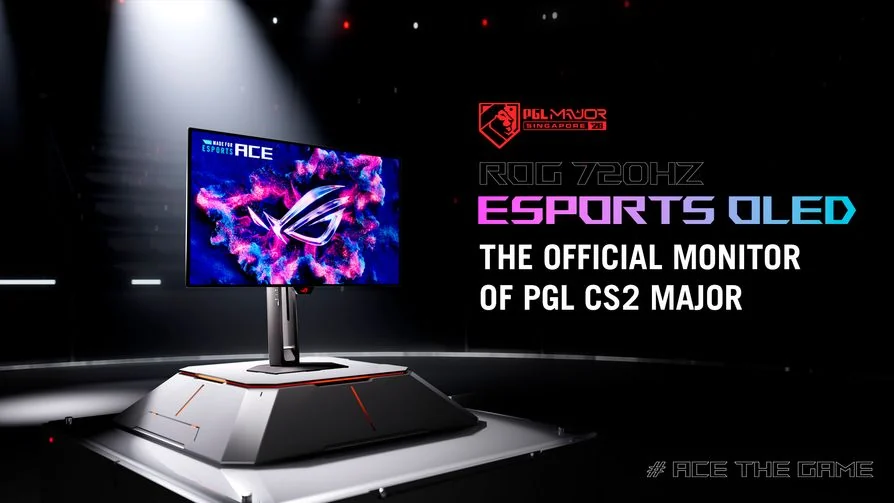
ASUS announces availability for its 720Hz and 540Hz Ace OLED monitors
A gaming setup has its little rituals. The keyboard moves a centimetre. The chair comes forward. Somebody has apparently borrowed the one comfortable position your monitor ever had. ASUS’s latest esports displays take that last problem surprisingly seriously, alongside an extremely enthusiastic refresh-rate number.
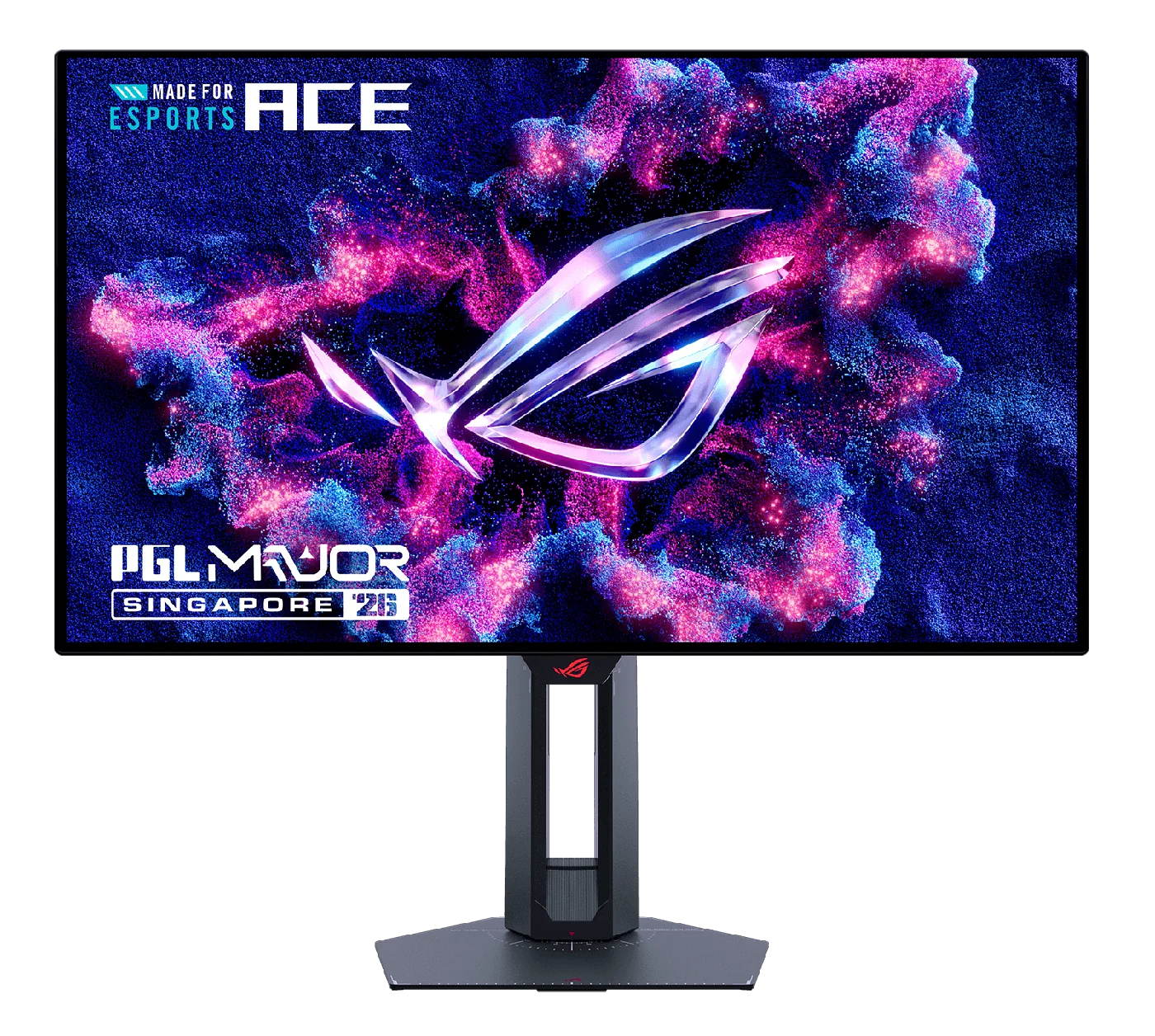
ASUS’s October 28 availability announcement covers two 24.5-inch 1,920×1,080 Tandem WOLED monitors: Swift OLED PG259QWS Ace at 720Hz and Strix OLED XG259QWPG Ace at 540Hz.
This is availability news following an earlier unveiling, rather than the monitors’ first announcement.
What does the extra speed mean?
A little arithmetic helps. At 720 refreshes per second, the interval is about 1.39 milliseconds; at 540, it is about 1.85 milliseconds. The difference is roughly 0.46 milliseconds per refresh interval. Those are calculated timing intervals, not measured input lag, pixel-response results or a promise about when your mouse click will appear.
That distinction is useful when deciding what deserves the budget. Check the frame rates your computer can sustain in the game and settings you actually use. Include a busy match, not only an empty scene that is behaving beautifully for its audition. Then compare the complete experience at a retailer or event if a suitable demonstration is available.
Also consider the rest of the day. Open the documents and creative applications that share the desk with your games. Decide whether this size and resolution suit those jobs before letting the larger refresh number adopt the whole workstation.
The stand has homework, too
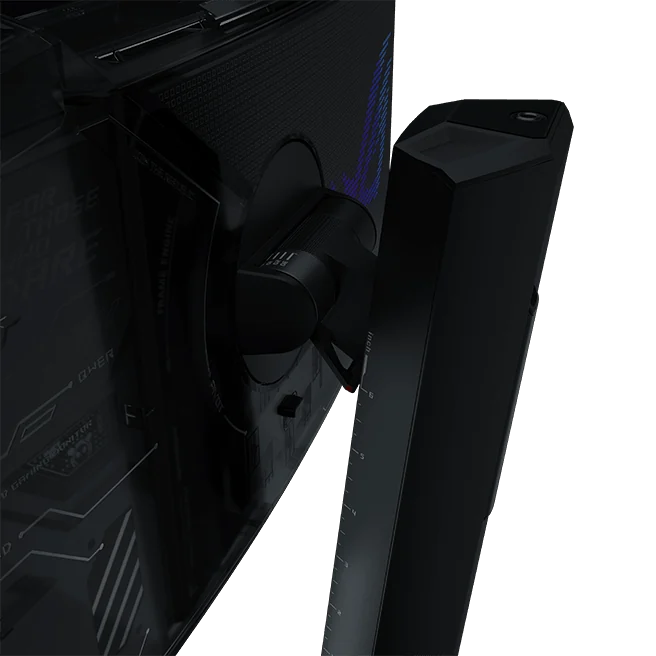
PG259QWS adds DisplayPort 2.1 UHBR20 and a Position Sensor; XG259QWPG uses DisplayPort 1.4 with DSC. Both have stand measurement scales.
The flagship product page describes on-screen height, tilt and player-distance readings. The new release supplies no local prices or country-by-country stock list.
This is the less glamorous feature with a sensible purpose: recording a position you like. If several people use the desk, keep a short setup note for each person. Include the chair and keyboard position, because a screen adjustment alone cannot reconstruct a comfortable evening. The tiny domestic mystery of “who moved everything?” may finally acquire evidence.
For a purchase shortlist, compare the exact connection modes your graphics hardware, cable and intended monitor support. Ask which settings are needed for the refresh rate you want. Check the local warranty and panel-care routine as part of the same decision. A fast screen still has to fit the system and schedule around it.
Choose the useful upgrade
Our OLED gaming-monitor buying guide helps organise those questions. The monitor desk covers other shapes and priorities, so an esports specification does not become the default answer to every display problem.
The takeaway: compare the connection and setup tools as carefully as the headline speed, then confirm a real offer in your market. The right purchase should make your usual sessions easier to enjoy. If it also saves your preferred monitor position from becoming household folklore, that is a charming little bonus.


You May Also Like
INNOCN 27X2U launches in Japan with M.BOOK and 90W USB-C
Philips Evnia unveils a 36-inch ultrawide with 260Hz overclocking