Elecom’s 140W charger puts the power split on display
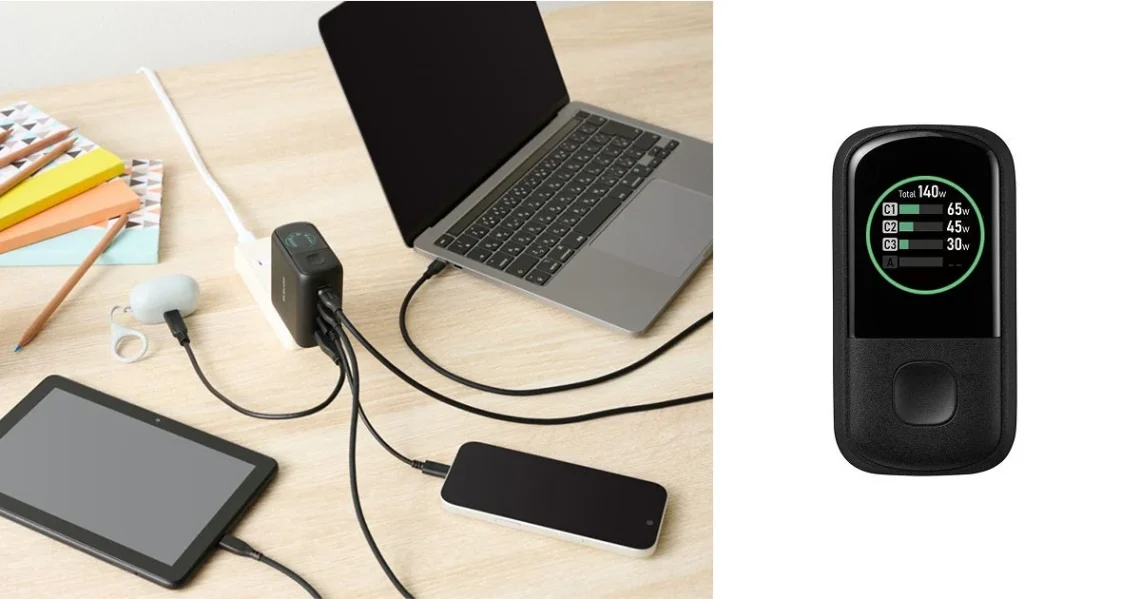
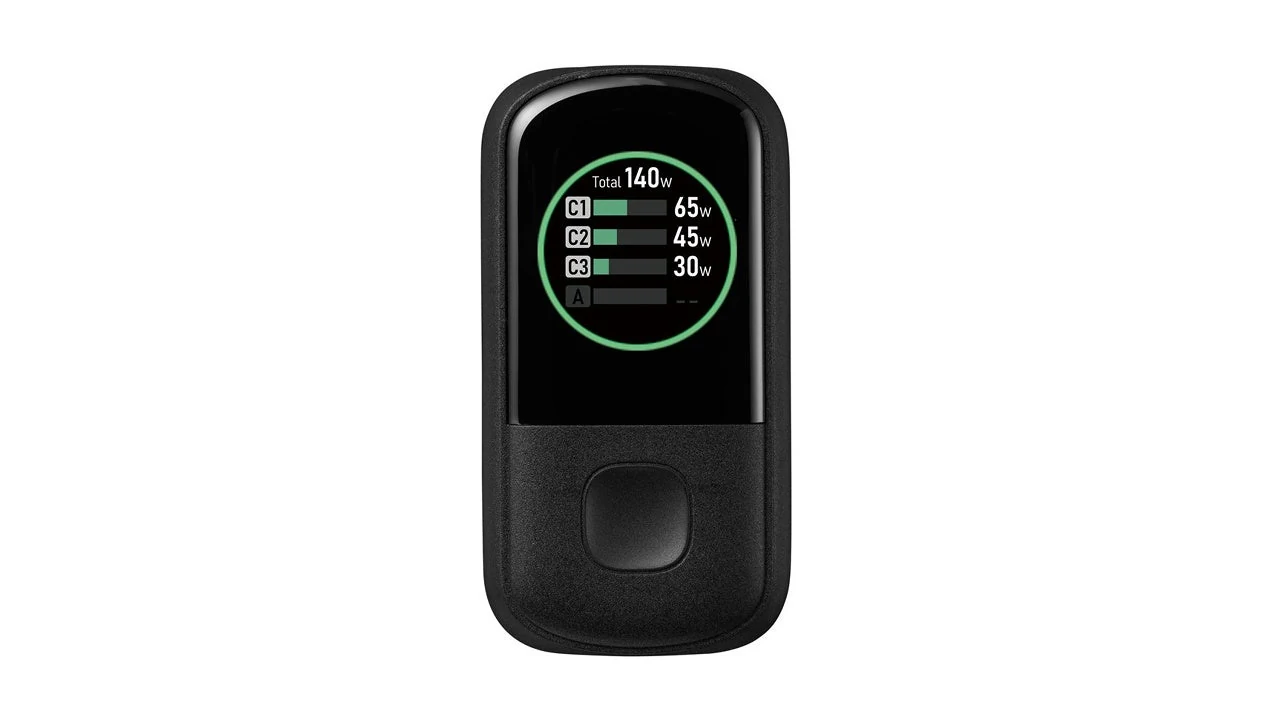
Elecom announced the ACDC-PD132140BK on October 28: a four-port charger for Japan, due in late October at an estimated ¥12,980 including tax. Its display shows port power and uses a coloured ring to indicate temperature-related output limiting.
The charger has acquired a dashboard. Naturally. Still, watching where the watts go could be more useful than staring at four devices and deciding which one looks most impatient. The trick is to read the shared-power arrangement rather than falling in love with the biggest number on the box.
140W is not the four-device setting
The first two USB-C ports can each reach 140W when used alone. With all four ports occupied, Elecom lists 134W total: 65W + 45W + 12W + 12W. Cables are not included, and the product is designed for use in Japan.
That makes the practical question pleasantly concrete: which device needs the strongest port while everything else is connected? Put the laptop, tablet, phone and smaller accessory into a normal evening’s charging order. Compare that pattern with the manufacturer’s table before counting the chargers you can leave behind.
A visible number is a clue, not a verdict
A power display can make a changed connection easier to notice. It cannot, on its own, tell you whether a device is faulty or whether a particular charge rate is appropriate for its present state. Use the device maker’s guidance alongside the charger information before turning one low reading into a grand electrical mystery.
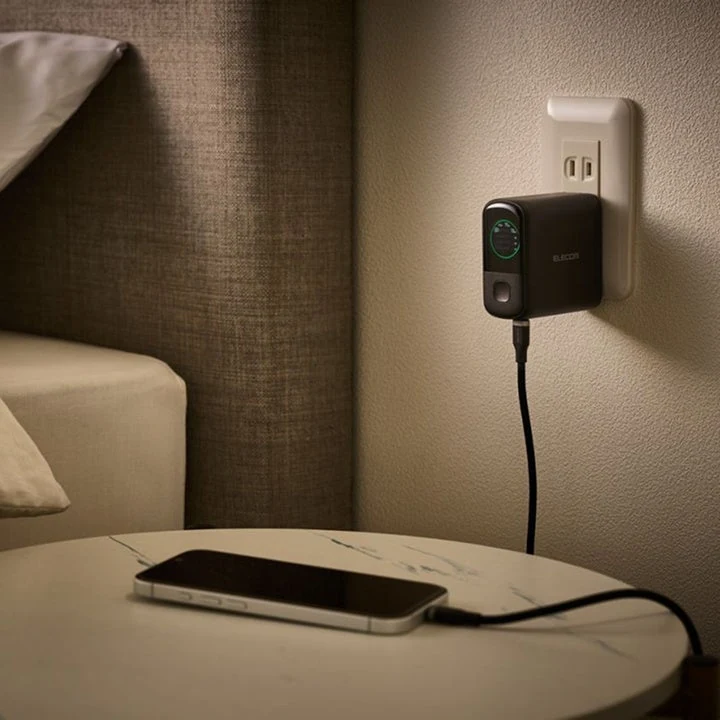
Check the cable requirements just as carefully as the charger. The connector shape is only the beginning of the shopping list. Match the device, cable and power supply together, and label the cables you intend to keep with the setup. Your future self deserves fewer tiny-label inspections by bedside lighting.
Buy for the collection you already charge
Our M6 MacBook Pro coverage illustrates why a laptop’s charging requirements deserve their own check. If a charger is part of a larger desk rebuild, the buying-guide hub is a better starting point than buying every appealing accessory separately.
This announcement establishes a Japanese-market option, not Canadian availability. Compare local warranty, electrical-use guidance and the full accessory cost before importing. A tidy charging corner should simplify the evening, not become a small international procurement project.
The useful takeaway is the four-device allocation. If those ports cover the way you actually charge, the display may add welcome clarity. If they do not, a beautiful little ring cannot negotiate extra power on your behalf.


You May Also Like
NEC unveils LAVIE X14 with a 99.9Wh battery
MSI Prestige N16 Flip puts RTX Spark in a pen-ready convertible