Xbox previews a faster PC app and brings its new web layout to more players
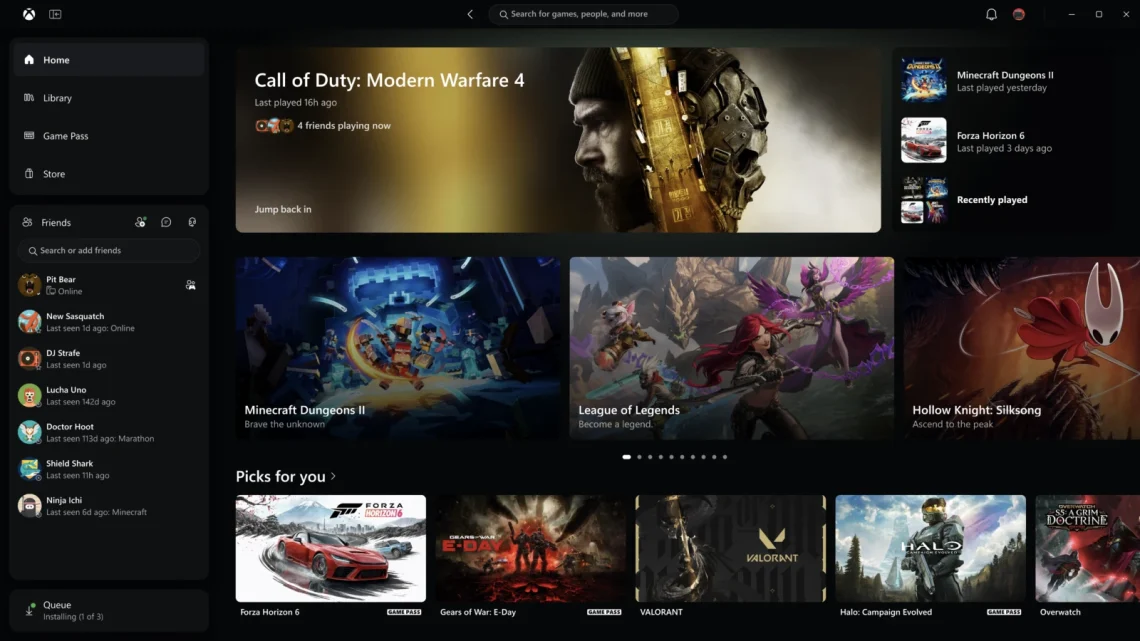
There’s a tiny ritual before an evening of PC gaming: open the launcher, wait for the launcher, and briefly forget which game you meant to launch. Xbox is working on the middle part. Its new PC app preview also moves some of the things you actually use closer to the front.
In its November 5 Xbox Wire announcement, Microsoft says Xbox Insiders can try an updated Windows app. The company is separately expanding its refreshed browser experience and starting to update cloud gaming apps on supported TVs and VR headsets. Three rollouts, one announcement. Let’s untangle them before the menu does it for us.
The faster launcher is an Insider preview
Microsoft reports up to 60% faster app launches in its own tests. It also reports up to 50% faster loading for pages such as Home, Store and Game Pass, and up to 65% faster opening for windows inside the app. Results can vary with hardware, configuration, connection and usage. These figures describe the launcher, not how quickly a game loads once you press Play.
The changes you can see may matter just as much. Library gets new ways to sort and filter games, search can surface installed games and add-ons as well as people, and friends move into the main navigation. If someone has already started a party, that’s one less bit of housekeeping between you and the inevitable “wait, can you hear me?”
The browser rollout is a separate track
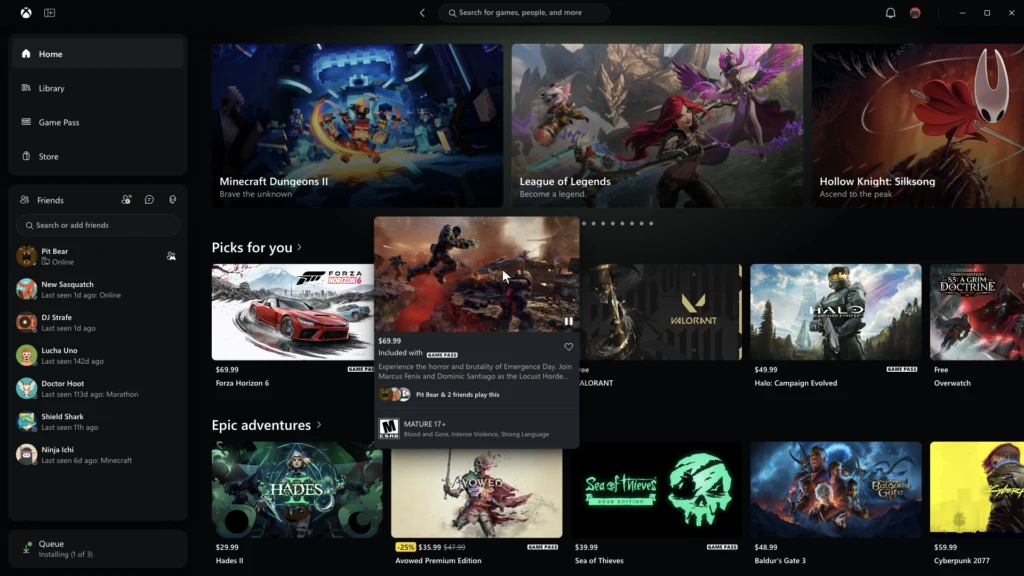
Microsoft first put the redesigned cloud gaming site into public preview in January. It now says more players will receive the new layout automatically over the coming weeks, and points anyone who wants to see it sooner to play.xbox.com.
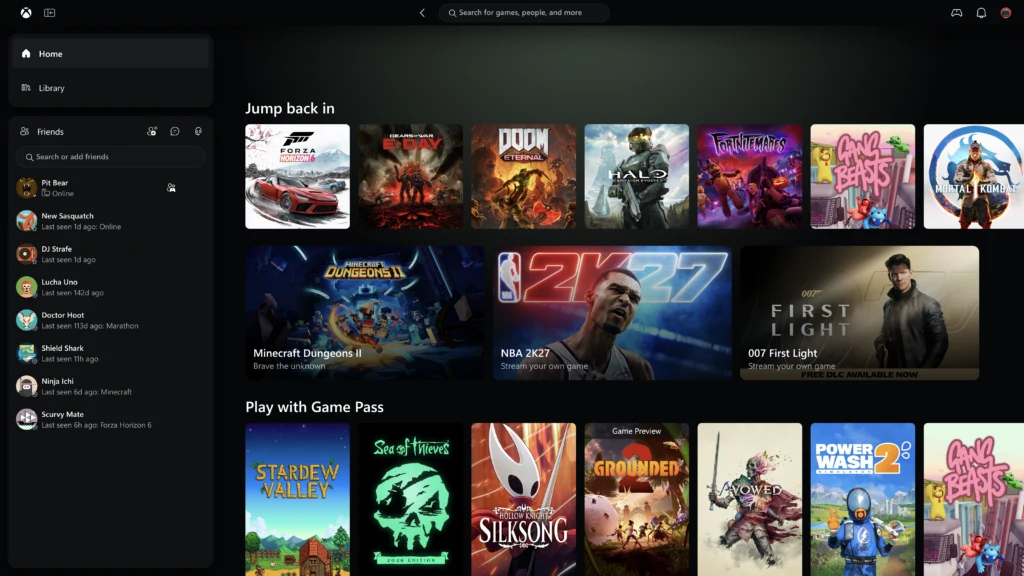
The new Library brings eligible owned and Game Pass titles together. Desktop mode uses more of a large screen for browsing, while five high-contrast options sit alongside the light and dark themes. That last bit is welcome: when all you need is to find the Play button, the interface has no business giving you a sight-reading exam.
What to check before changing your setup
If you normally play installed PC games, the Insider preview is the part to watch. If you stream, start with the browser layout or check for an app update on your supported TV or headset. The announcement concerns navigation and presentation; it does not promise better streaming latency or change which games your account can play.
Our Software & Services desk follows the rollout side of these updates. If you’re working out where you want to play, the Computing desk covers the hardware side. For now, the useful change is fewer steps to get to your games. Blaming the launcher for being late to the party may soon require a new excuse.


You May Also Like

Canva Craft brings 2K image generation to Dream Lab

Vivaldi 8.3 is stable—and its first fixes have already arrived