ASUS brings light-blue OLED Vivobooks to Japan
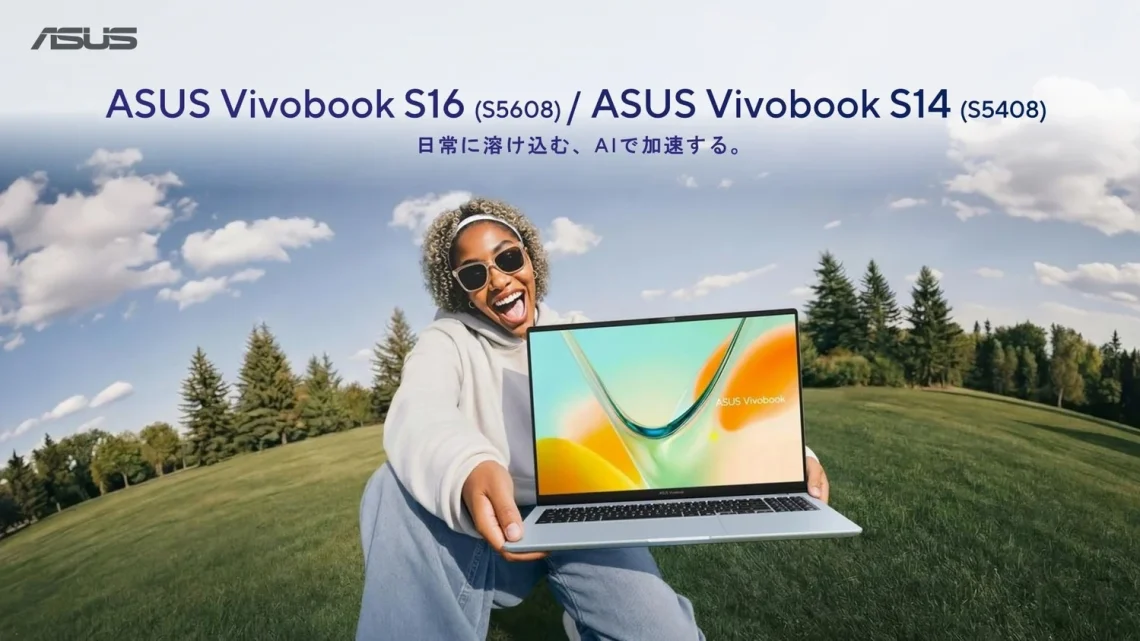
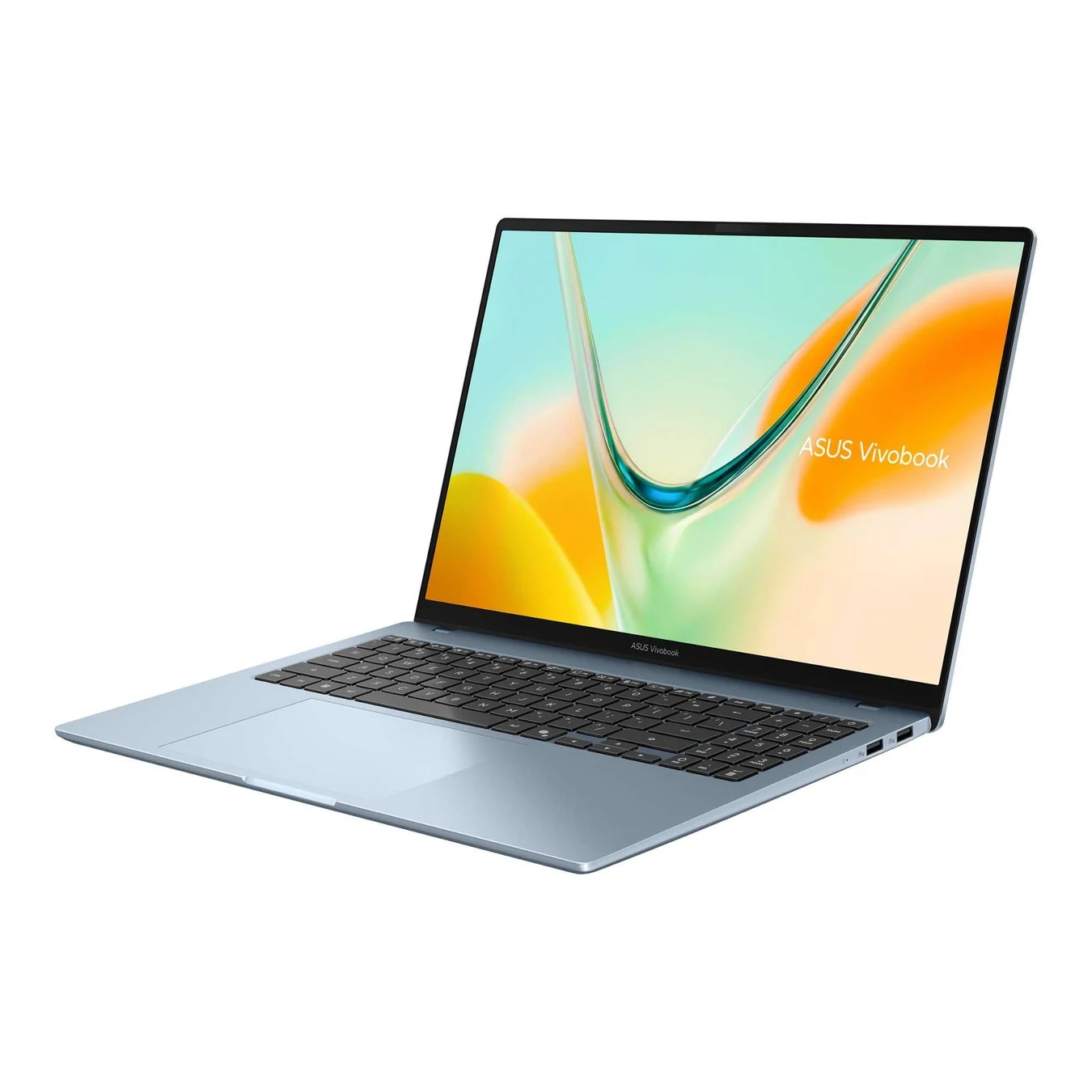
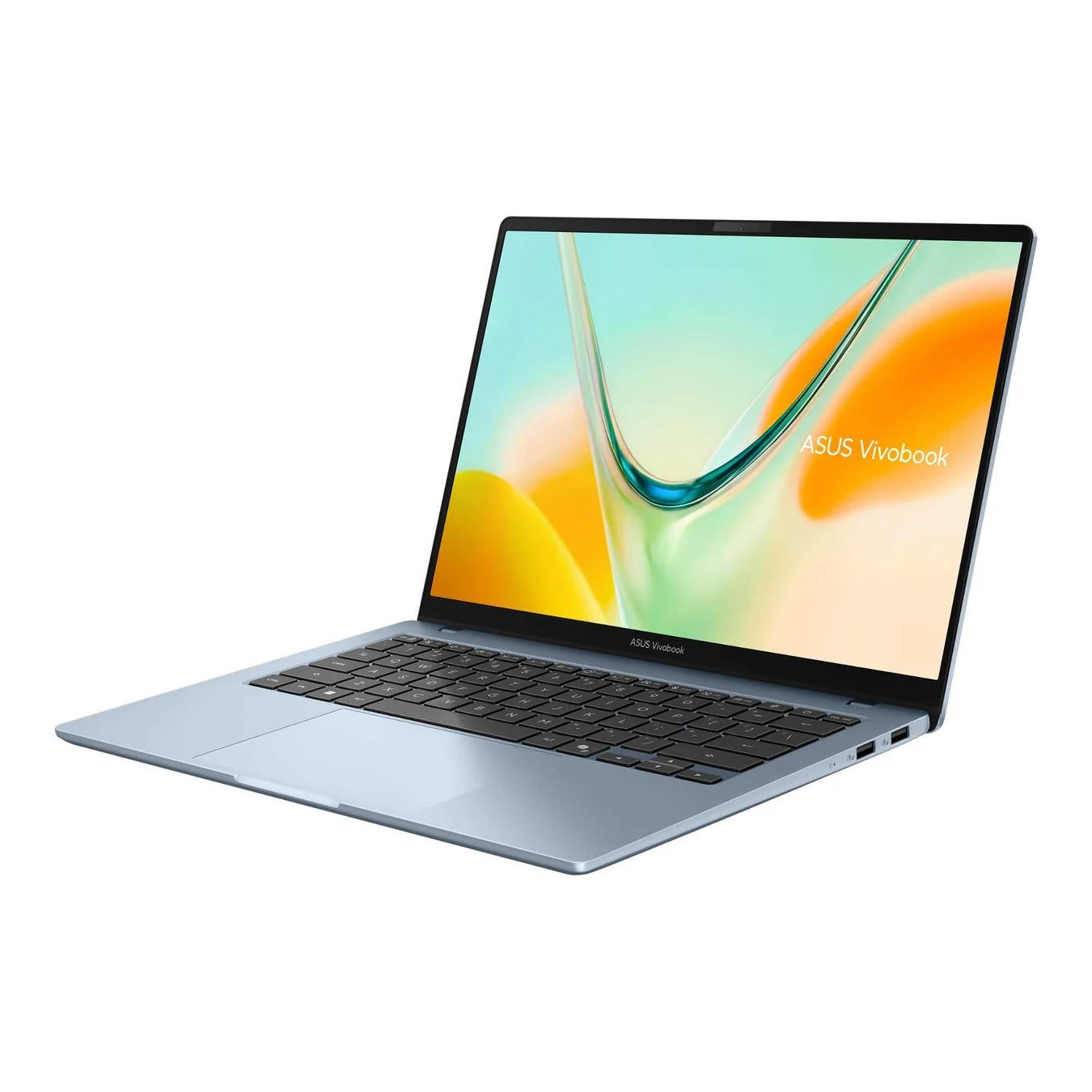
ASUS announced new Vivobook S16 and S14 models for Japan on October 28. The 16-inch S5608 arrives first; the 14-inch S5408 follows November 11. The Snapdragon X laptops offer OLED screens and light-blue or grey finishes.
Light blue is doing some very persuasive work here. A laptop that looks pleasant beside a notebook and a cup of tea is allowed to be appealing. It simply does not get to distract you from the configuration menu. That tiny menu is where the useful decisions are hiding.
The smaller body is not the whole comparison
ASUS lists 8GB or 16GB memory and 256GB or 512GB storage across the range. Its headline battery claim is up to 30 hours, a manufacturer figure rather than a DeviceCritique result. Both screens have 1920×1200 resolution.
Start with what you carry and what you keep open. A browser-led workday, a large local photo library and a collection of creative applications do not place the same demands on a machine. Compare exact model numbers and included software, rather than assuming two similarly coloured laptops are interchangeable.
Before the blue laptop comes home, check the apps
Microsoft’s Windows on Arm FAQ explains that many Windows 11 apps can run through emulation, while hardware and software drivers must support the architecture. Some games depend on incompatible anti-cheat drivers. Check the publisher or device manufacturer for the tools you need.
This is especially useful if the laptop is joining an existing setup. List the printer, audio interface, specialist utilities and favourite games that would be annoying to lose. Compatibility is much easier to investigate while shopping than five minutes before a deadline, when the printer has decided to become a decorative object.
Our DAW and MIDI guide offers another reminder that an application and its connected hardware need checking together. For a different platform, the M6 MacBook Pro announcement has its own configuration choices; neither story replaces that software checklist.
Battery hours are a starting point
A headline battery figure should not become a promise for your mixture of calls, screen brightness, uploads and background apps. Look for the test conditions, then compare independent results from the exact configuration you plan to buy. Keep your charger plan practical until your own routine proves otherwise.
The useful upgrade is the laptop that fits the bag, runs the necessary tools and has enough memory and storage for its intended life. If the light-blue finish also makes opening it a little nicer, excellent. We may admire the colour after the checklist is finished. Just a little.


You May Also Like
Windows 11 tests phone controls and an internet speed test in Quick Settings
NEC unveils LAVIE X14 with a 99.9Wh battery