
Apple’s M6 iMac starts at CAD $2,099, with configuration catches
Apple’s M6 iMac announcement brings Canadian starting prices of CAD $2,099 for the 10-core CPU/GPU model and CAD $2,299 for the 12-core version. Preorders begin October 28; availability starts November 6.
An all-in-one has a charmingly simple sales pitch: put a computer on the desk and let it look like it belongs there. Very civilised. The important shopping decision, however, is hiding behind those appealing colours. Pick the configuration around your connections before deciding which shade deserves the window seat.
Two price tags, different desk possibilities
The specification table gives the 10-core model two Thunderbolt 4 ports and support for one external display, up to 6K at 60Hz. The 12-core model has four ports and supports up to two 6K displays at 60Hz.
Count the things you already use: a backup drive, a camera card reader, a printer or an extra screen. Then sketch where each one will connect. That little exercise can tell you whether the cheaper configuration is enough, whether a hub belongs in the budget, or whether you are solving a problem your desk does not actually have.
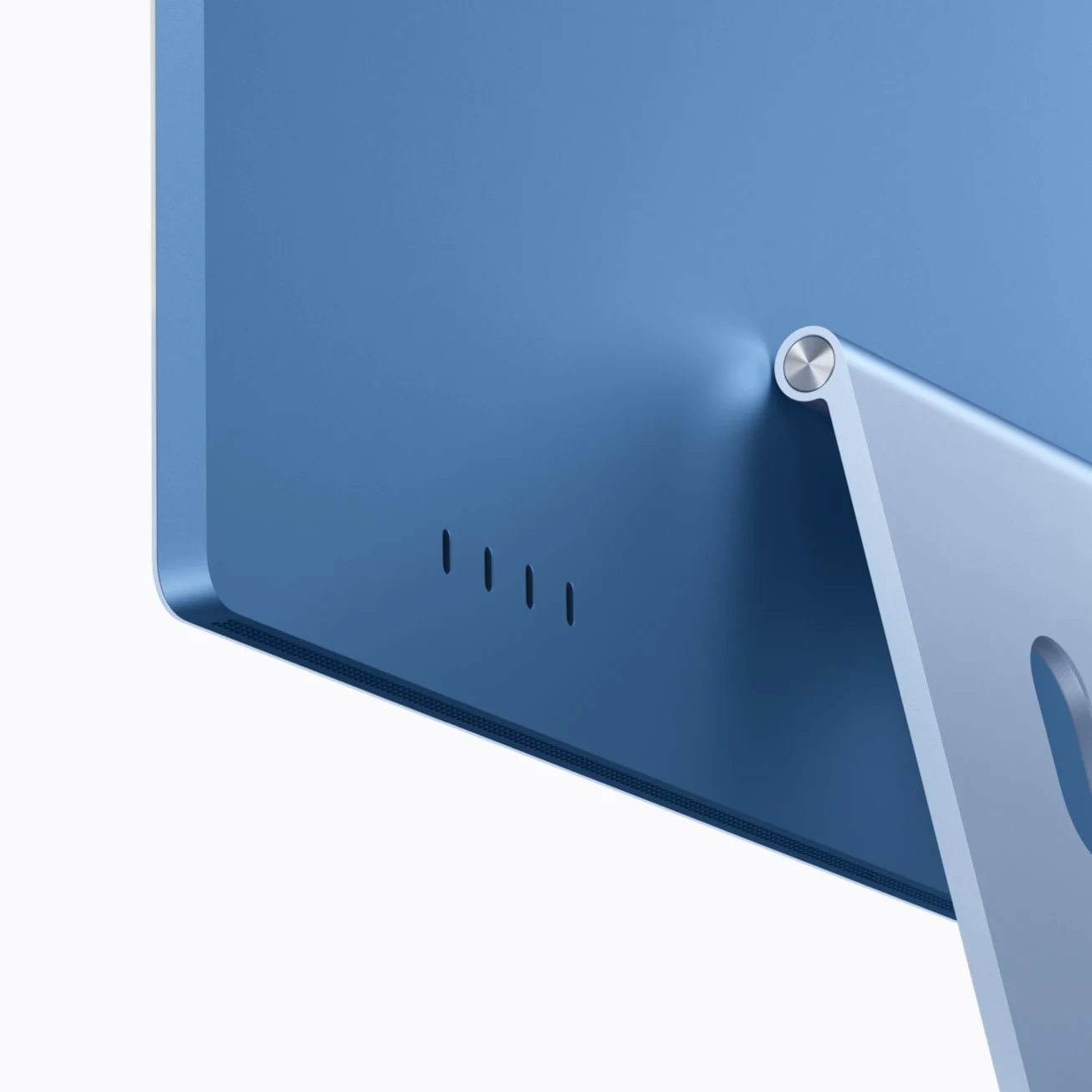
Both start with 16GB of memory and 256GB storage. The 10-core model can reach 24GB and 1TB; the 12-core model allows 32GB and 2TB. Touch ID is included with the 12-core model’s keyboard; the base model includes a standard Magic Keyboard.
For a shared home computer, ask everyone what needs to live locally before choosing storage. For a work machine, open a typical project and look at the space it occupies alongside your other files. The colour picker is a pleasant diversion; it is a terrible capacity planner.
The screen is part of the buying decision
The 24-inch-class 4.5K display has an actual 23.5-inch diagonal. Nano-texture glass is optional on the 12-core configuration. Wireless connections include Wi-Fi 7 and Bluetooth 6.
Consider the room as carefully as the computer. Place a screen where you plan to work and see what the windows and overhead lights do across the day. If you want to choose a computer and display separately, our ThinkVision docking-monitor coverage explores another way to organise a desk.

Our OLED monitor buying guide also helps frame a different set of screen priorities. Start with what you actually do at the desk, rather than trying to make every display specification win the same contest.
The useful upgrade is the whole setup
The M6 iMac is an appealing option when you want the computer, screen and everyday accessories to arrive as a coherent package. Compare the complete configuration, including any storage or connection extras, before treating the starting price as your final bill. Then choose the colour. We can allow a little drama at that stage.


You May Also Like
Dell KM7321W review: the office combo that skips the light show
Windows 11 tests phone controls and an internet speed test in Quick Settings