Apple’s OLED MacBook Pro adds touch, starting at CAD $3,999
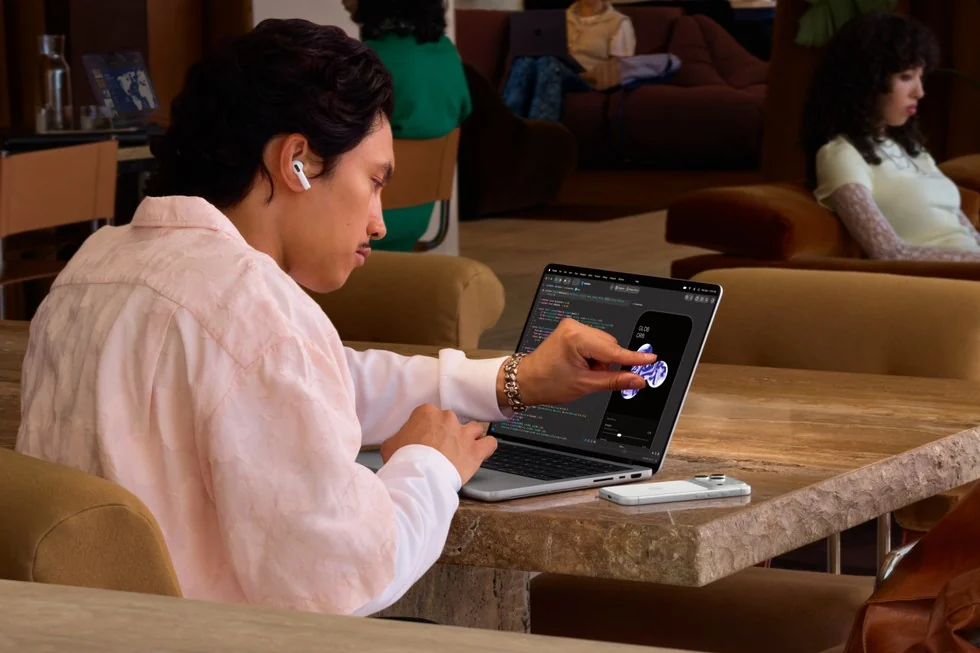
The laptop screen has spent years collecting fingerprints from people pointing at things it could not actually respond to. Apple has finally decided to acknowledge the tiny, smudgy elephant in the room.
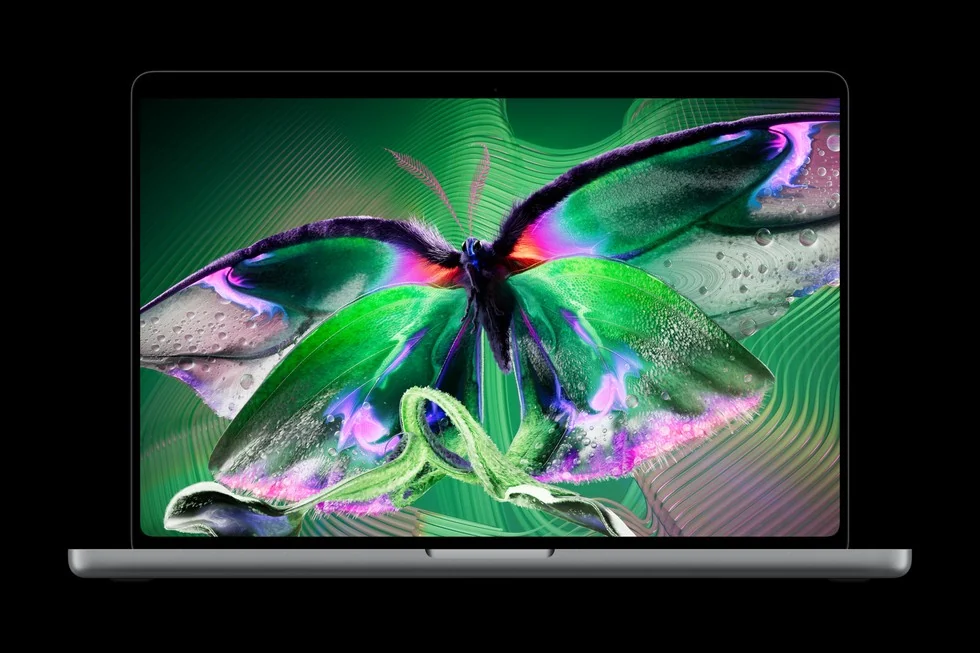
Apple announced the touchscreen PROLED XDR MacBook Pro on October 28. The 14- and 16-inch models use tandem OLED and M5 Pro or M5 Max. Preorders start today; availability begins November 6.
The screen is the reason to pay attention
Start with what gets in your way today. If you keep reaching toward an image to move a detail, a direct interaction could be useful. If your hands live on keyboard shortcuts all afternoon, a touchscreen might spend a surprising amount of its life being a very expensive spectator.
That distinction matters more than winning an argument about whether laptops should have touch. The best input method is the one that makes your actual task less fiddly. Your spreadsheet does not award bonus marks for ideological commitment.
Here is where the shopping gets confusing
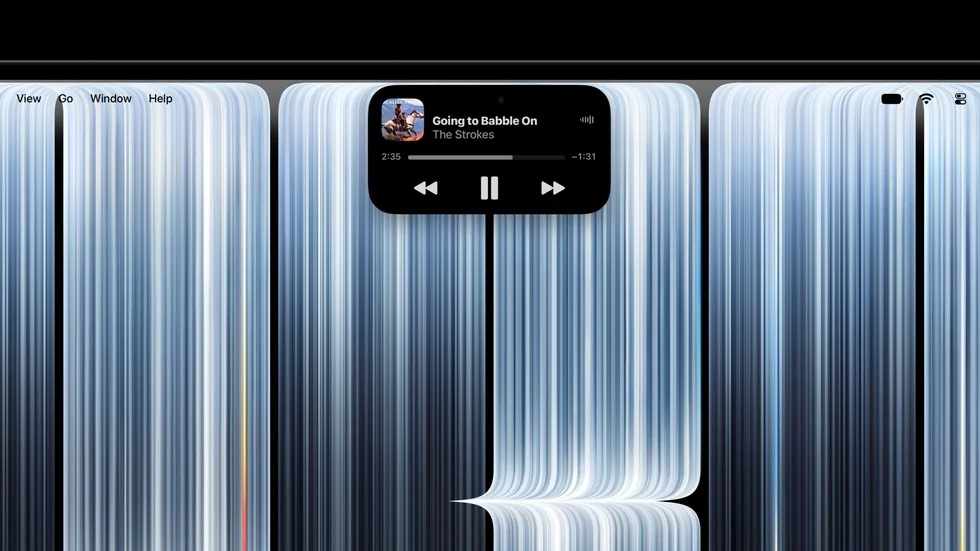
The Canadian Apple Store lists a CAD $3,999 starting price. Apple also brings Dynamic Island to these Macs.
Compare that exact configuration with the separate M6 MacBook Pro announcement. A shared family name is an invitation to open the wrong product tab. Put the screen, chip, memory and storage on one line before comparing prices; otherwise your bargain may have quietly changed outfits.
For a sensible shortlist, write down one problem you need the new screen to solve. Then add the apps you use to solve it. A photographer checking a selection and a musician reaching for an instrument control have different priorities, even if the promotional video makes both look delightfully effortless.
Apple says many existing apps translate touches into clicks. Dedicated gestures and app updates can go further.
Give the demo a small, boring audition
When you can try one, repeat a familiar job instead of copying the showroom routine. Select something small, undo a mistake, switch tools and return to typing. Notice whether reaching up feels helpful or merely interrupts a rhythm you already like. Five glamorous seconds of pinching a photo will not answer that.
Also check what happens when the computer is positioned where you normally work. A desk setup and a cramped travel table ask different things of your arms. Ask about your specific accessories and applications before assuming your existing workflow will arrive wearing a little OLED crown.
Creators can use our DAW and MIDI comparison guide to keep software needs in the decision. The useful takeaway: buy a clearer or easier working day. A laptop that makes you gasp is lovely; one that earns its place after the gasp is better.


You May Also Like
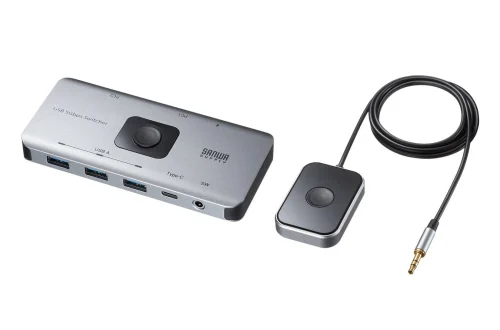
Sanwa SW-USS24 shares four USB devices between two computers

ASUS brings light-blue OLED Vivobooks to Japan