Google opens Connected Apps Platform preview
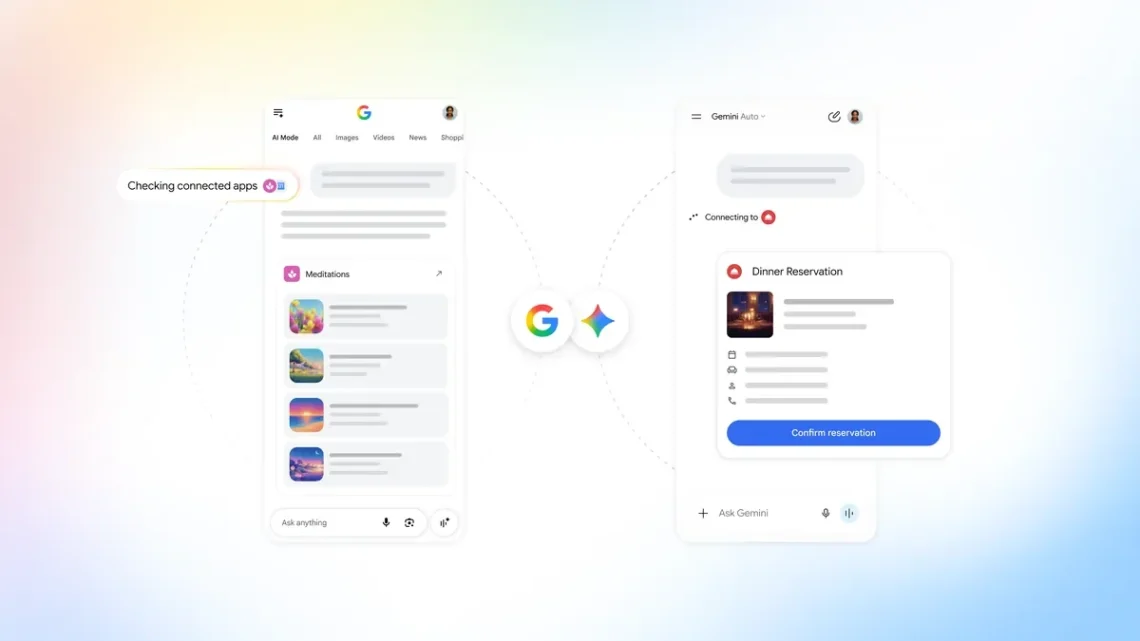
The dream is to ask for one thing and let the right app handle it. The less dreamy version involves opening several tabs, remembering which account owns what and discovering that the final confirmation is waiting somewhere else. Google’s new developer platform is aimed at putting more of those connections inside a conversation.
Google announced its Connected Apps Platform preview on October 28. Developers can register, test and submit integrations for Search, Gemini or both through Connected Console. Access opens in phases, with additional markets to follow.
What is live and what is still on the calendar
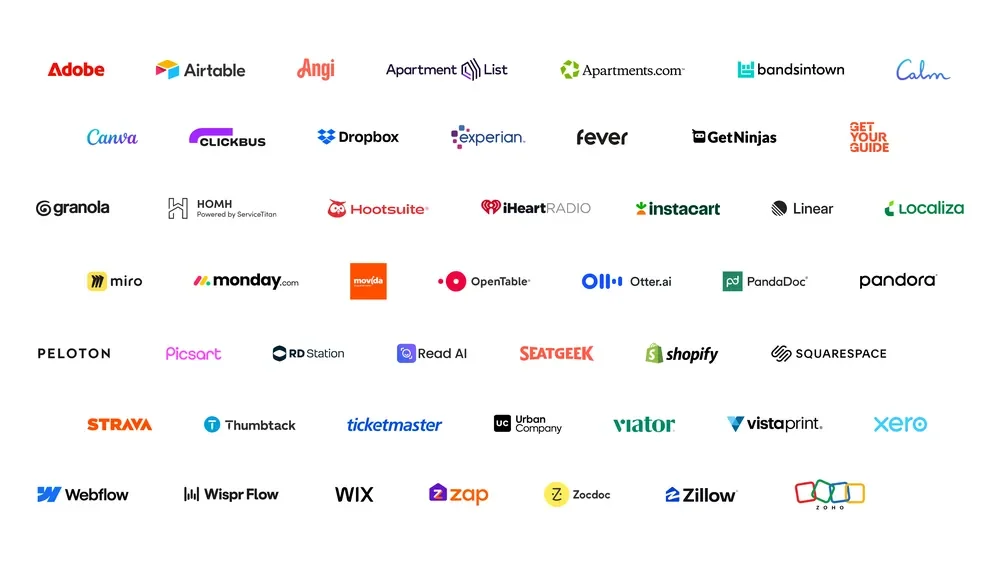
Adobe, Experian, Localiza and Peloton integrations are live in Gemini, according to Google; Search support follows in coming weeks. Calm is planned for both. A logo in the overview is not a promise that every integration is available to every account today.
That distinction is the useful starting point for readers. Find the service you actually use, check whether the integration appears for your account and look at which actions it can perform. An announcement about a platform is not the same as an app you can successfully use for tonight’s plan. The calendar remains stubbornly interested in specifics.
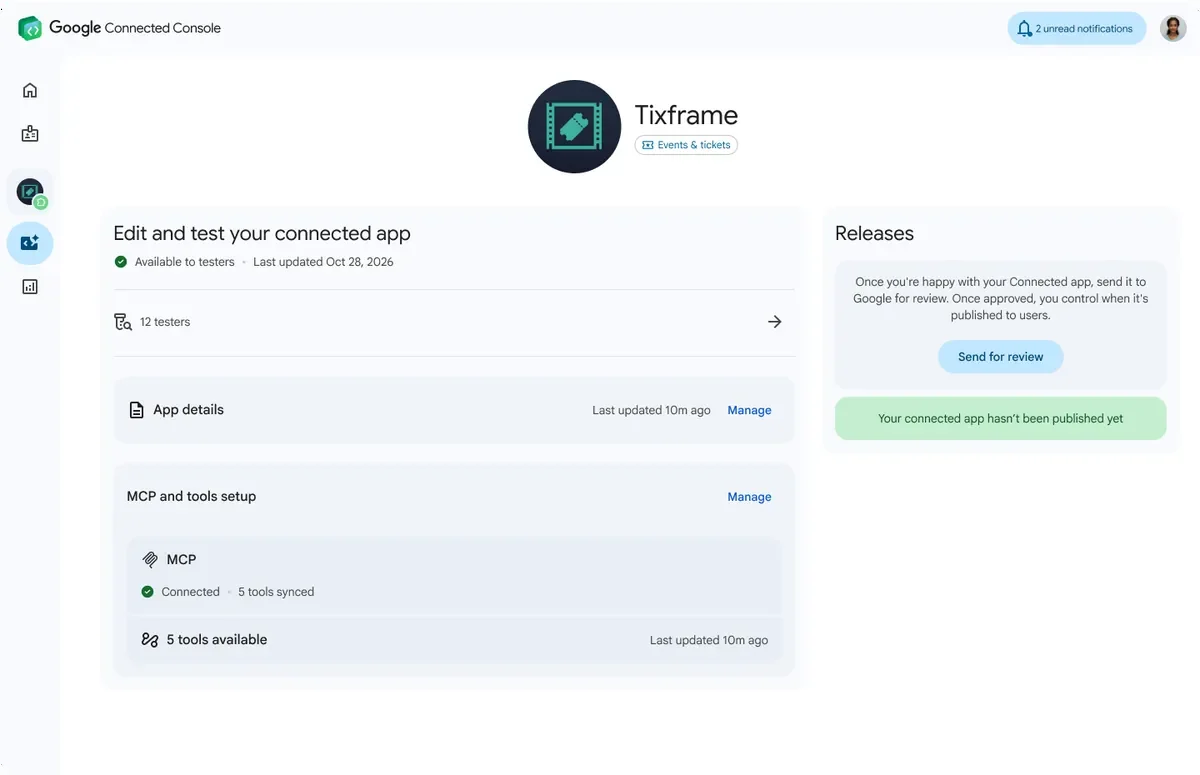
Try a small, inspectable task before relying on a connected service for something time-sensitive. Check the account, the result and any final confirmation in the underlying app. A conversational interface should make a process easier to follow, not turn the receipt into a surprise side quest.
Two integration routes, one practical question
Google’s developer documentation describes a cloud-hosted MCP integration or Android AppFunctions for local execution, plus app-linking and authorization. Connecting a service does not make its paid content or subscription automatically free.
For developers, the important planning work is to define a useful action clearly. Decide what information it needs, what a successful result looks like and what should happen if the service cannot complete the request. Then test the awkward cases: an expired login, a missing detail or a result that needs the user to choose between two possibilities.
For everyone else, that engineering question becomes a simple expectation: can you understand what is connected and what just happened? Keep the original service easy to reach. If an action affects a booking, purchase or shared account, review its details before treating the conversation as the complete record. Convenience is much nicer when it remembers to bring a receipt.
Let one useful connection earn its place
Our Personal Intelligence coverage explores another part of Google’s connected-account experience. This platform announcement concerns integrations with services and their available actions, so it deserves its own account and availability checks. The Software & Services desk follows those differences as the tools develop.
The useful takeaway is a phased developer preview and a specific set of partner integrations, with more promised later. Choose one service and one task that would genuinely remove a nuisance from your day. If the connection makes that task clear and reliable, lovely. Your browser may finally have fewer tabs open purely because nobody could remember where the important button lived.


You May Also Like

ST’s tiny car sensors aim to bring safety tech to more models

SIMGOT sets Japanese release for SuperMix 5 and EG280