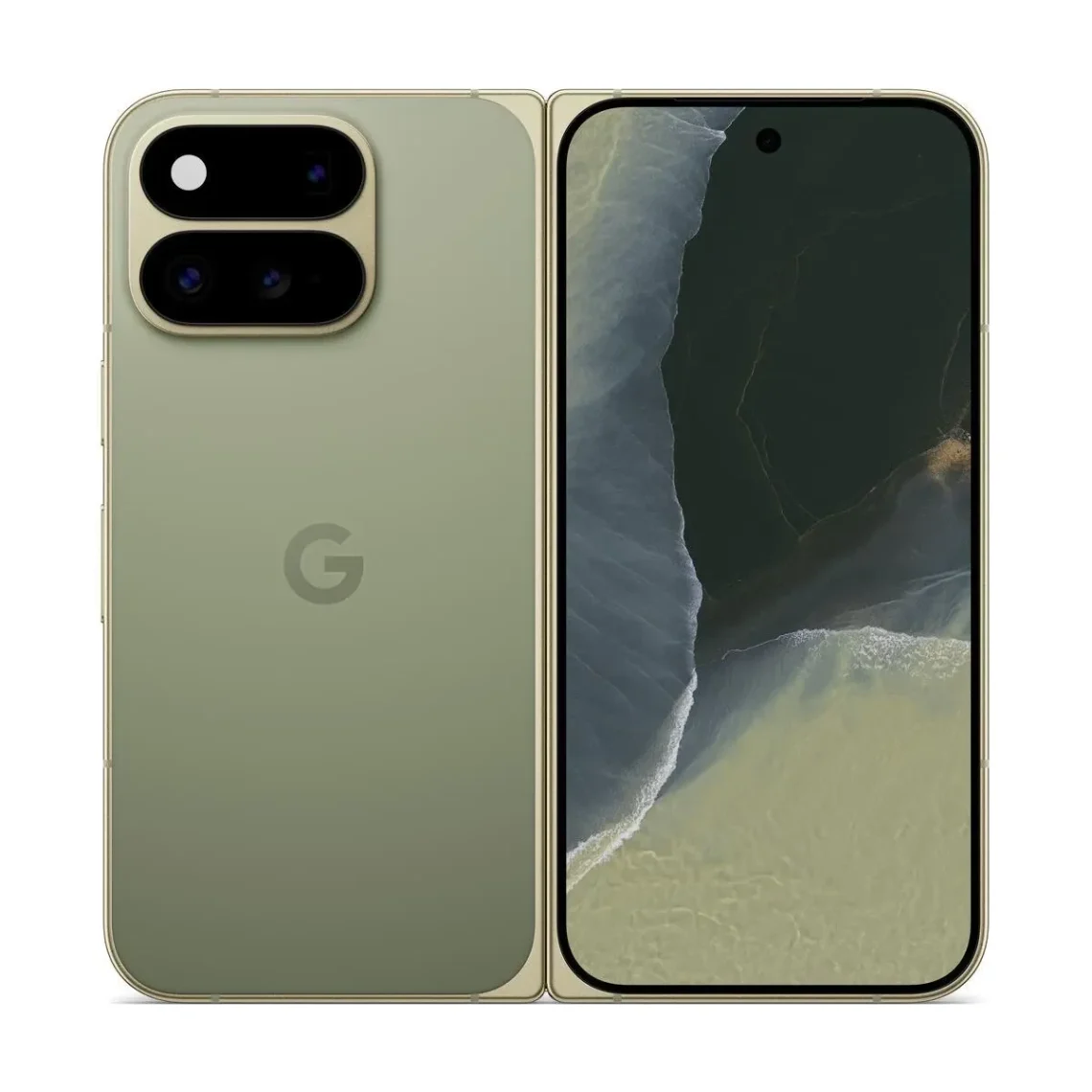
Android 17 QPR3 Beta 3 tackles black screens and flicker on Pixels
A foldable screen is supposed to make a dramatic entrance when you open it. Going completely dark is a little too committed to the theatre. Google’s latest Pixel beta addresses that particular awkward performance, alongside several less theatrical interruptions.
Google’s October 29 release notes list 26 fixes in Android 17 QPR3 Beta 3. Builds are DP11.261016.003 and DP11.261016.004; the security patch level is October 5.
Match the fix to the thing that actually went wrong
Selected fixes address an inner screen staying black after unfolding, flicker in Recents, poor webcam video and failed WPA-Enterprise Wi-Fi authentication using PEAP. Google lists these as fixes; we have not independently tested them.
The useful detail is the trigger. A display problem after unfolding and a flicker while switching apps are different things to reproduce. If one sounds familiar, note the action that preceded it and compare that same sequence after updating. A release-note bullet is a specific claim to examine, rather than a declaration that every display complaint has vanished.
Likewise, the webcam item concerns that use of the device, not a promise that every photograph or video improves. Let the named problem keep its own little name tag. Broad upgrade excitement has a habit of borrowing everybody’s coat.
The QPR3 setup guide lists supported Pixels, including Pixel 11 Pro Fold and Pixel Tablet, and describes beta enrolment and emulator options. Confirm your exact device there.
This is still a beta, with an exit to understand
The Android Beta programme warns that prerelease software may affect normal operation. Returning to a stable public build generally wipes locally saved data. A limited no-wipe exit window follows applying the matching stable release, before another beta is installed.
For someone already testing this branch, that makes the build number and release notes the sensible starting points. For someone using a stable release, it is a different decision. Fixes for beta users are not, by themselves, a reason to move a dependable everyday phone into a testing programme.
Make the backup and recovery plan part of the decision before enrolment. Waiting for a public release is a perfectly useful choice when the phone is doing something less glamorous than testing software, such as being available when you need it.
App makers should change the shape, too
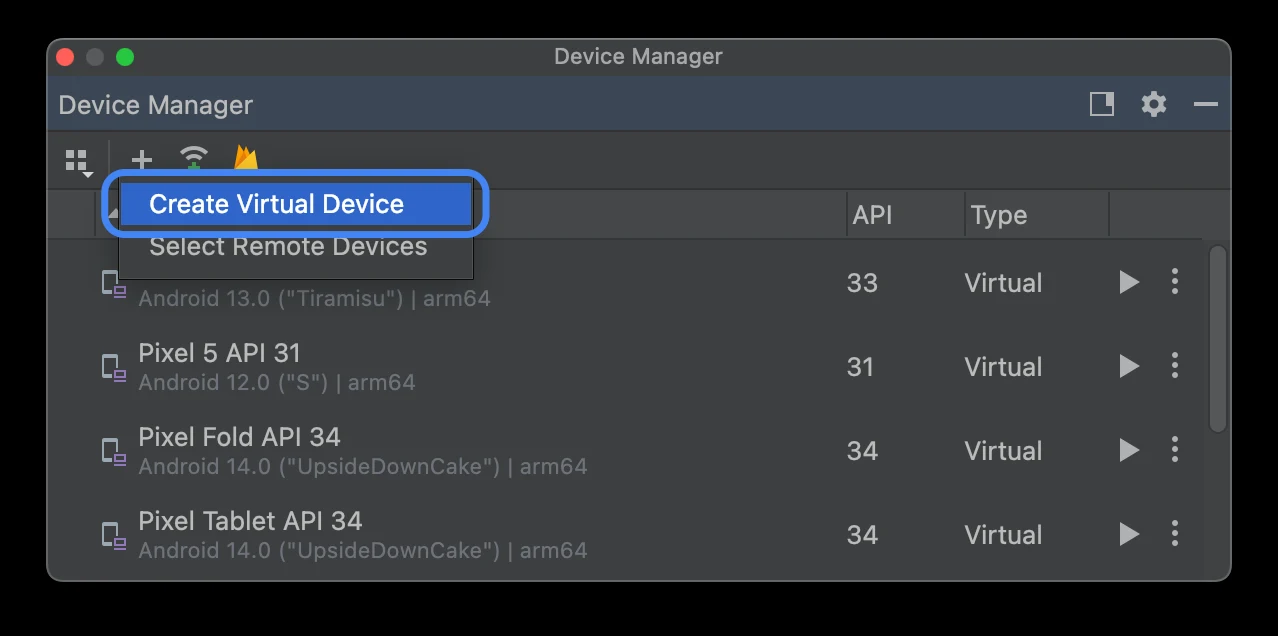
Google’s setup documentation illustrates Android Studio device creation. The pictured API labels are older; this is not our own Beta 3 testing.
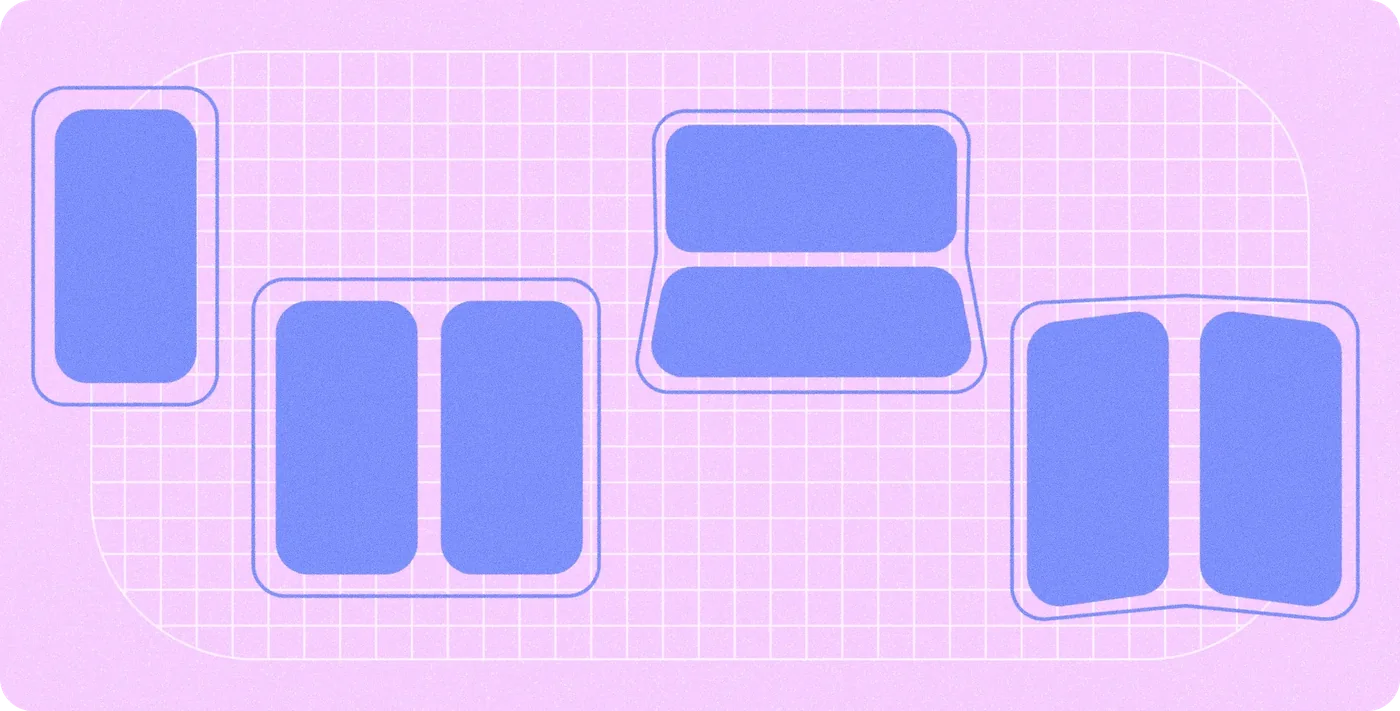
Google’s foldable-design guide illustrates closed, flat, tabletop and book postures. For an app with a layout that changes between phone and unfolded screens, keep that transition in your checks instead of looking only at a stationary screen. Repeat the ordinary route through the app and look for missing content, retained input and awkward navigation. The interesting result is whether the task still makes sense after the shape changes.
Our ColorOS rollout coverage shows why the exact software channel matters; the smartphone desk follows the wider field. Treat this as a targeted beta repair list. The screen gets another chance at its entrance, and the stable phone can keep its existing job.
Hero: Google’s August product image. Inline illustrations: Android Open Source Project, reproduced under its published content licensing terms; see the linked original documentation.


You May Also Like
POCO X8s goes global with a 6.35-inch screen and a 6,330mAh battery
HomePod mini 2 reaches Canada at CAD $199