SmartThings Now puts home controls up front and expands local control
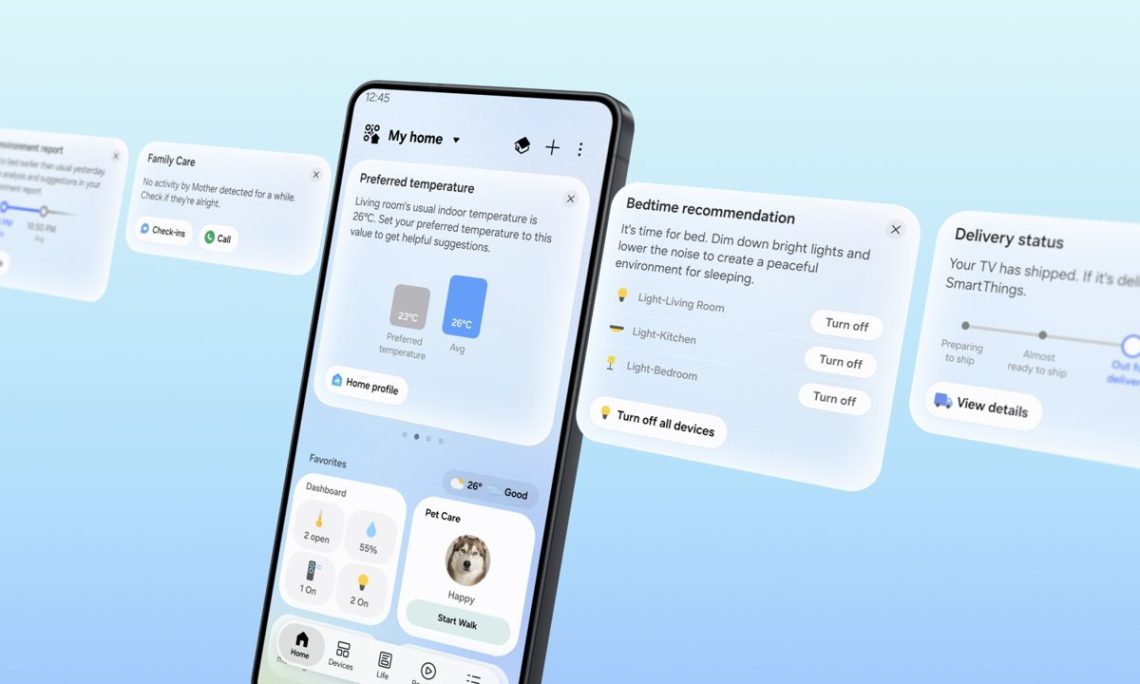
The smart home would like to be helpful. Excellent—could it start by letting us turn on a light without a small administrative task? Samsung’s October 6 SmartThings update adds SmartThings Now cards at the top of the Home tab, with contextual information and suggested actions. It also expands local control. That second change sounds particularly welcome when the outside internet wanders off.
Here’s what moves closer to your thumb.
Less searching through the control cupboard
Samsung says the cards can suggest actions when you arrive home and recommend changes to Favorites based on recent use. A Floating Bar brings frequent controls towards the bottom of the screen. Matter 1.6 support also arrives, including energy meters, closures, irrigation equipment and soil sensors. There’s quite a bit happening behind those friendlier controls.
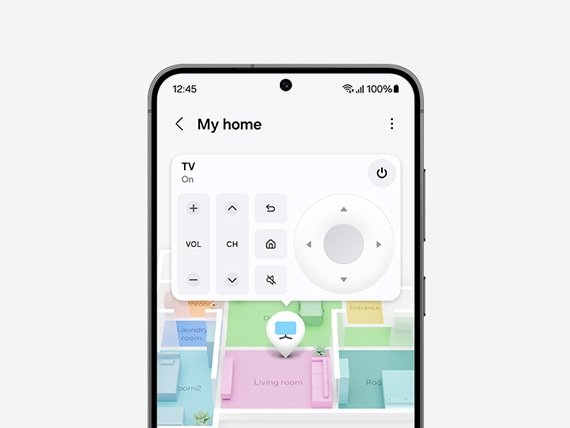
The useful question is simple: can you reach the thing you want without stopping to think about the app? A suggestion earns its place when it saves effort. If it crowds out the control you came for, the app is being a little too eager. We appreciate the enthusiasm, SmartThings. The lamp first, please.
Now, what does “local” actually cover?
Local control still needs a working local setup
Put a phone and a supported SmartThings hub on the same Wi-Fi network, and commands can go directly to the hub. Samsung lists Android and iOS support with SmartThings Station, V2–V4 hubs and certain hub-enabled TVs and Family Hub devices. Its approximately 30% response improvement comes from controlled company tests. Actual results vary.
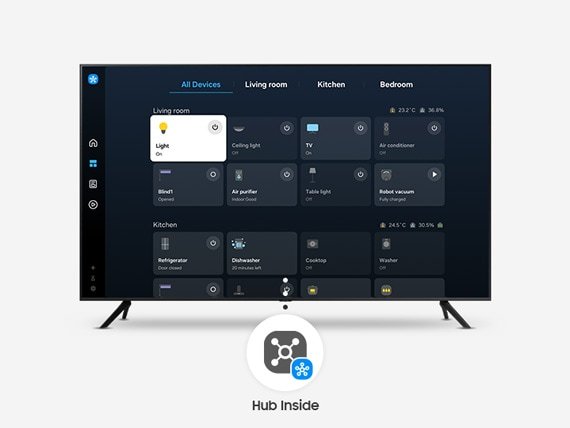
That doesn’t mean every connected product or cloud feature will work without internet access. Check your hub model and try the particular routine you need. Losing the outside connection is different from losing your home network itself. The local setup still has to be there, doing its job; “offline” isn’t a magic little blanket over every smart-home problem.
DeviceCritique’s take
For existing users, reliability is the part to watch. These controls belong to a wider device ecosystem, including the screens in our Galaxy Tab S12 report and Samsung TV Art Store update. We haven’t tested the new app or its speed claim. Fewer taps and a dependable light switch would be a very nice start. Quietly useful is an attractive quality in a gadget, you know.
Featured image: Samsung. Image source.


You May Also Like
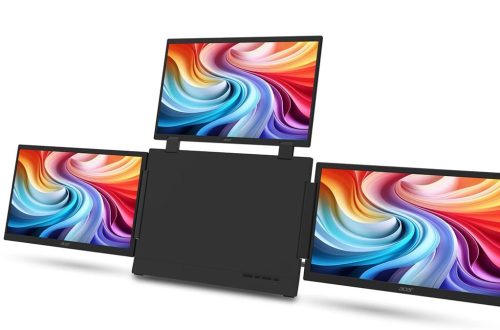
Acer PD163Q P3 puts three extra screens in a folding monitor

Canada’s privacy Bill C-11: first, check which C-11 you mean