OLED gaming monitors are booming. Does your desk need one?
A gaming monitor is an unusually persuasive desk accessory. Show it a space scene, turn the lights down and suddenly the sensible budget spreadsheet is being escorted from the room. OLED is having that sort of moment. The trick is working out whether the beautiful screen fits the unglamorous hours between games, too.
The growth is measurable. TrendForce reported on August 13 that global OLED monitor shipments rose 98% year on year and 26.1% quarter on quarter in Q2 2026. It identified 27-inch QHD as the dominant segment. These are research estimates for an earlier quarter, not October search rankings, and rapid growth does not mean OLED represents most monitors sold.
Why would you want OLED in the first place?
Samsung’s OLED explanation describes self-lit pixels that can switch off completely for black. Each pixel controls its own light: a bright star does not require illuminating the dark sky around it. That pixel-level contrast is the reason to investigate OLED for atmospheric games and films. Your favourite spooky corridor finally gets to commit to the bit.
Start with the desk you actually have
Before picking a panel, list what will occupy it. Mostly games and films? Several hours of documents followed by games? The same dashboard all afternoon? Your answer is more useful than trying to win a specifications argument with somebody whose desktop has never contained a spreadsheet.
Two starting choices from ASUS’s March Strix announcement make the options concrete:
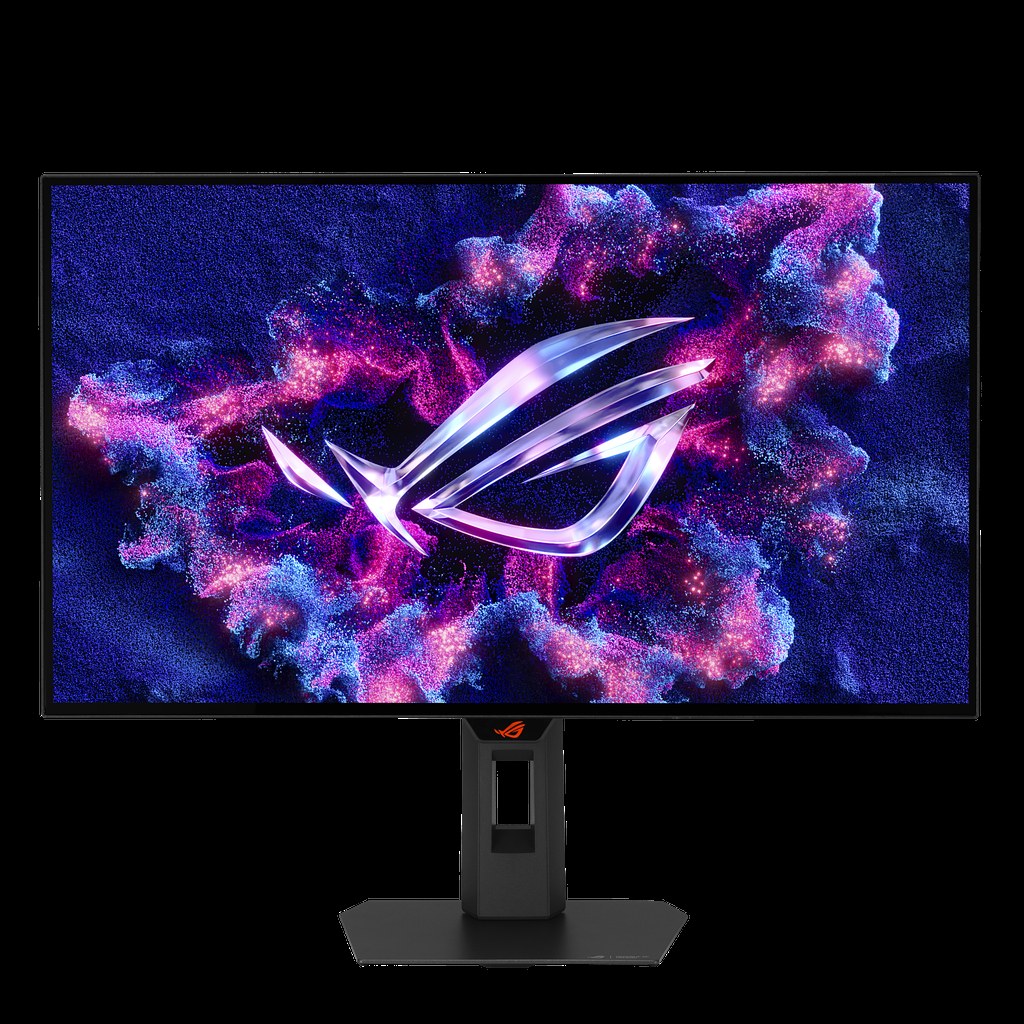
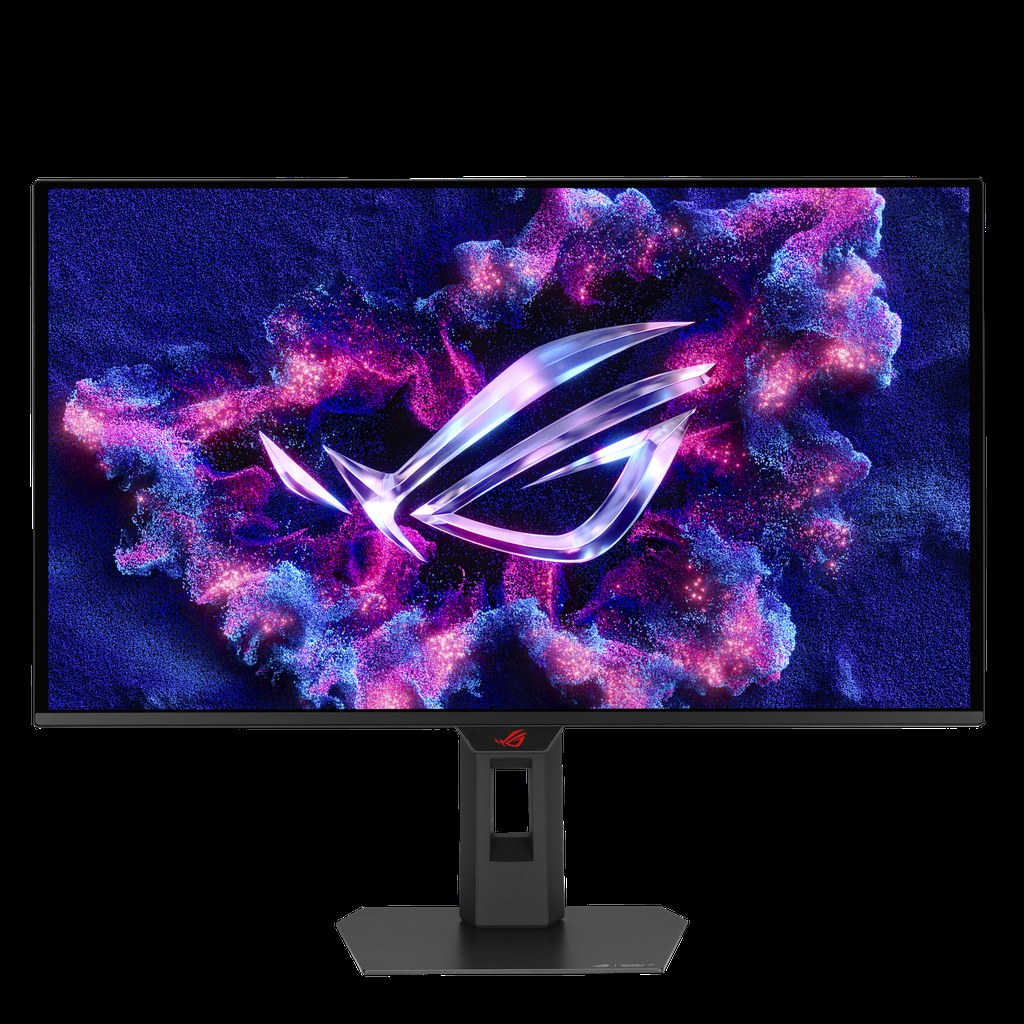
- ROG Strix OLED XG27AQDMG Gen2: investigate this 27-inch QHD, 240Hz model if you want to compare a glossy WOLED option.
- ROG Strix OLED XG27ACDMS: investigate this 27-inch QHD, 280Hz model if you want a QD-OLED alternative with a higher maximum refresh rate.
These are specification-based starting points, not tested rankings. Check local availability and pricing. A higher refresh ceiling is only useful when your system and games can take advantage of it.
The care instructions deserve a date with you
Here is the less sparkly bit. ASUS’s support guidance warns that displaying a static, high-contrast image for a prolonged period can cause persistence or burn-in. It describes protection features including pixel movement and cleaning. Follow the exact monitor’s manual and keep its recommended safeguards enabled; one model’s maintenance schedule is not a universal recipe.
That does not make OLED an automatic rejection. It makes your habits part of the buying decision. If you want a screen you never have to think about, ask whether managing another device’s needs sounds charming or exhausting. Your monitor should support your workday, not become a tiny demanding flatmate with excellent colour coordination.
Check the boring details before the gorgeous demo
A useful shortlist has room for practical checks. View your usual document at the size you intend to use. Ask how the screen behaves in your room’s lighting. Confirm the ports support your computer or console at the settings you need. A spec sheet cannot see the sunny window parked behind your chair.
Read the local warranty before paying. Samsung’s US OLED monitor page, for example, qualifies its three-year warranty as available on selected models only. Confirm burn-in coverage, exclusions and the actual seller’s return policy for your model and country. “Three years” is a starting point for a question, not the entire answer.
For more context, our Alienware edge-dimming explainer shows why display behaviour matters. Our MSI Mini LED story offers another technology to investigate.
The useful verdict: shortlist OLED when the games you love and the care you will accept make a sensible match. Keep alternatives in the conversation. A monitor can be very pretty without being your monitor. We can admire it respectfully from the other side of the checkout button.
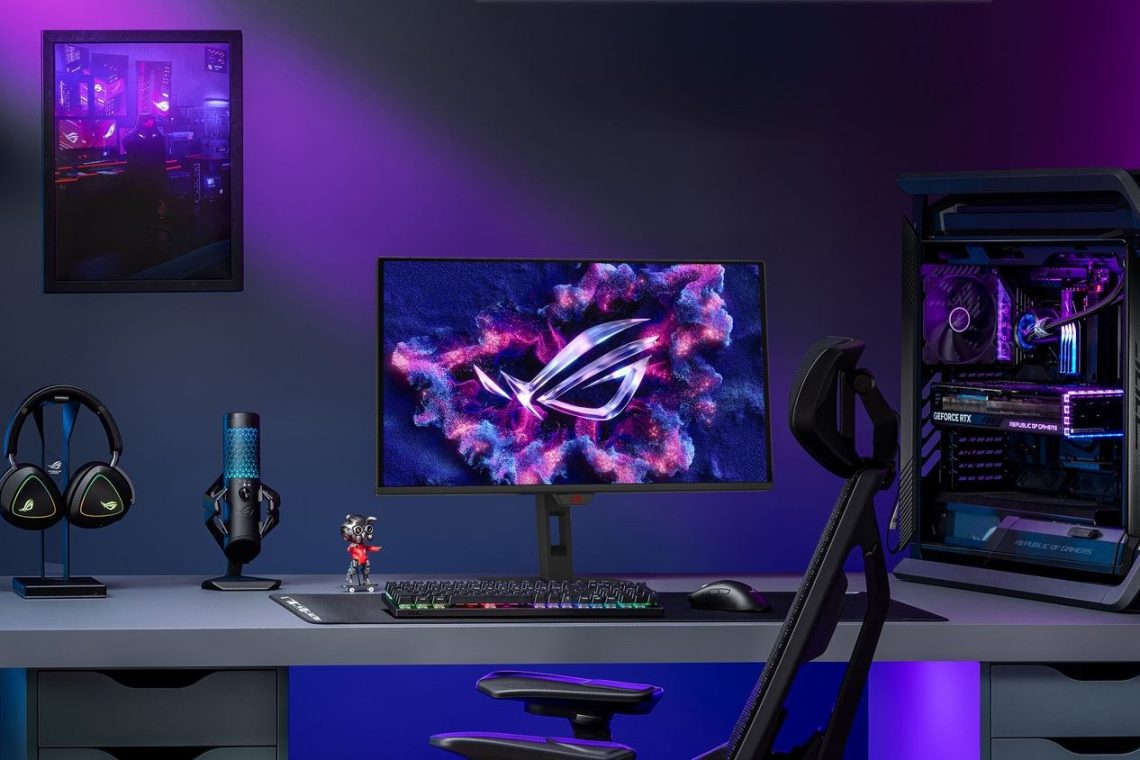
Hero image: ASUS. Official manufacturer image source. This October 25 trend explainer uses published information; DeviceCritique has not tested the pictured products.

You May Also Like
Acer PD163Q P3 puts three extra screens in a folding monitor
Philips Evnia unveils a 36-inch ultrawide with 260Hz overclocking