INNOCN’s Japan monitor sale makes the panel choice more interesting
A monitor sale can turn a sensible screen replacement into a floor-plan discussion remarkably quickly. One minute you are comparing pixels. The next, a 49-inch display is auditioning for the role of “entire desk”.
INNOCN announced a Japan-market Amazon.co.jp promotion on November 4, running through November 12. This is a sale on four models, not a claim that four monitors launched today. Its tax-inclusive yen offers are:
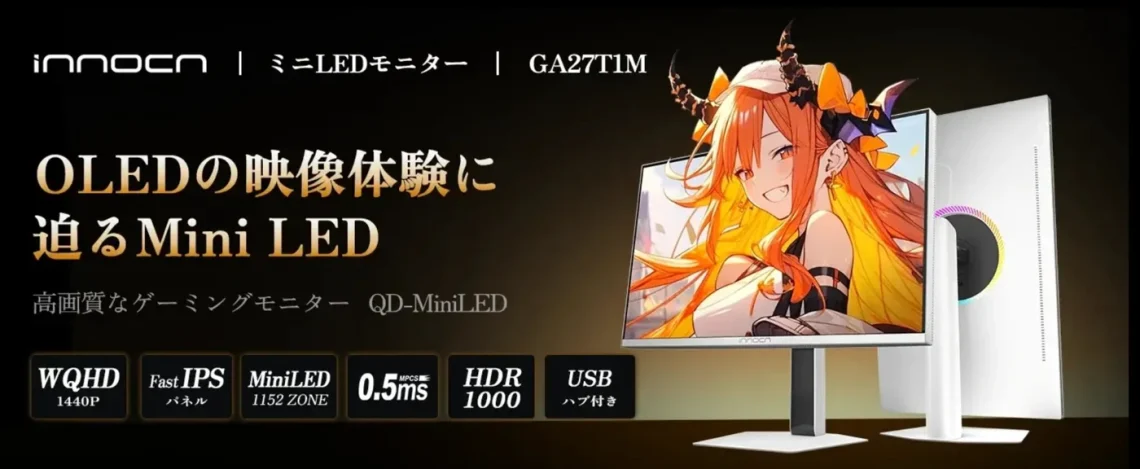
- GA27T1M: ¥45,599 for a 27-inch WQHD Mini LED model, advertised at 320Hz normally or up to 345Hz overclocked.
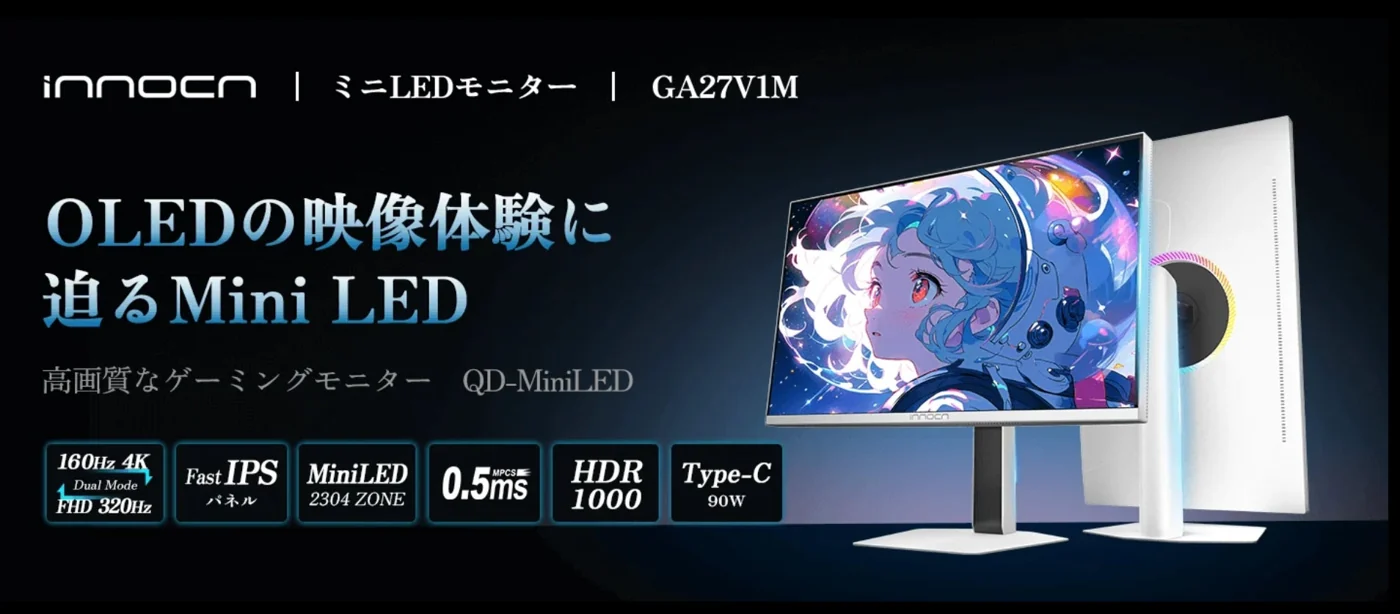
- GA27V1M: ¥63,980 for a 27-inch Mini LED display with alternative 4K 160Hz and Full HD 320Hz modes.
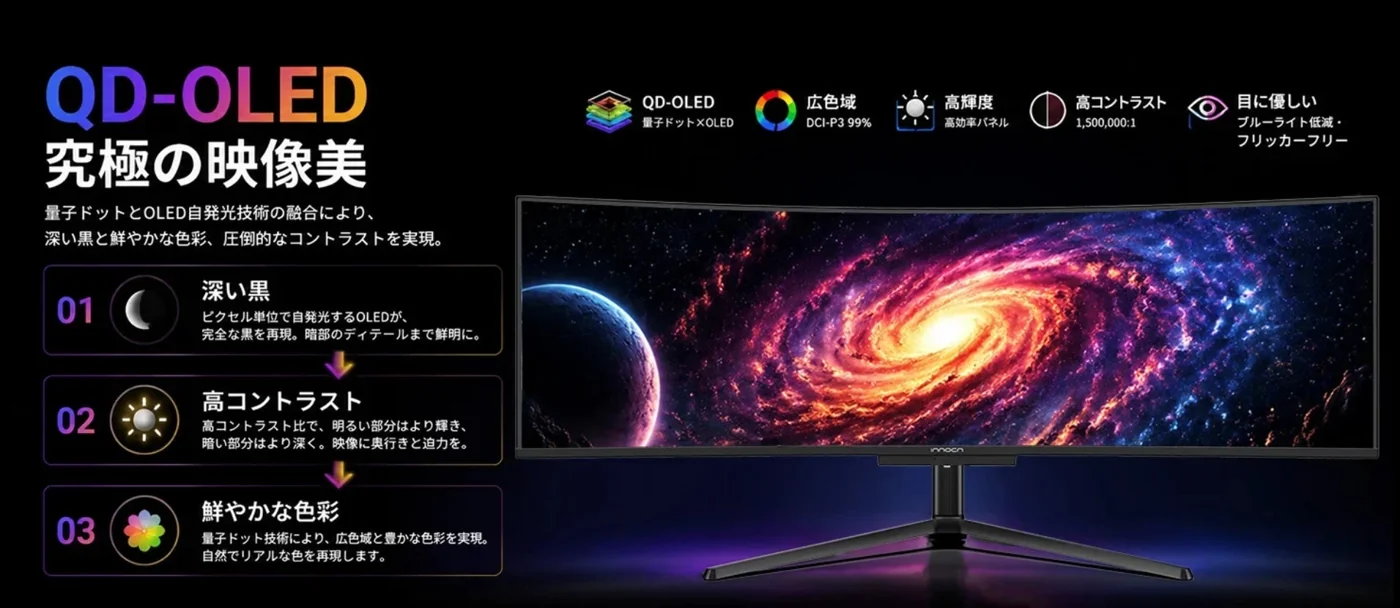
- 49Q1R: ¥159,999 for a curved 49-inch QD-OLED ultrawide.
- E49M1R: ¥142,490 for a flat 49-inch Mini LED ultrawide.
Choose what you want the screen to do
First, give the monitor a job. Are you trying to make fast games feel clearer, fit several work windows side by side, or improve the way a familiar game looks? Rank those priorities before ranking discounts. A lower price cannot rescue a screen that solves the wrong problem.
For dual-mode models, read the resolution and refresh rate together. The GA27V1M’s two modes are alternatives; the announcement does not promise 4K at 320Hz. A big number loses some of its magic when it has accidentally borrowed the other mode’s trousers.
The laptop cable has a footnote
INNOCN lists up to 90W USB-C power delivery for GA27V1M, falling to a maximum of 45W with HDR enabled. Confirm the current price and stock on the linked retailer pages; the release’s savings percentages use INNOCN’s stated regular prices.
That charging detail deserves a place on a laptop shortlist. Compare your computer’s power requirement with the mode you intend to use, and check that its port supports the required video connection. A single cable is a lovely desk-cleaning idea; discovering you still need your charger is a less glamorous little reunion.
Our ThinkVision docking-monitor coverage offers another way to think about a screen that also manages a desk’s connections.
The size test is pleasingly low-tech
Before ordering an ultrawide, mark out the exact model’s dimensions on your desk and check stand depth, viewing distance and clearance around other equipment. Make sure the return policy gives you a workable route if the fit or presentation is wrong. The tape measure is not exciting. It is, however, very good at preventing expensive furniture comedy.
For an imported purchase, include shipping, local taxes and warranty arrangements in the comparison. This announcement establishes Japanese offers; it does not establish Canadian availability or final Canadian costs. We have not tested these monitors or independently verified their advertised image-quality claims.
The useful takeaway: pick the panel type, working size and connection needs first, then check the live offer. Our OLED monitor buying explainer adds context for that choice. The best sale is the one that leaves your actual setup happier.


You May Also Like
JAPANNEXT’s white 21.5-inch touchscreen has one crucial cable detail
OLED gaming monitors are booming. Does your desk need one?