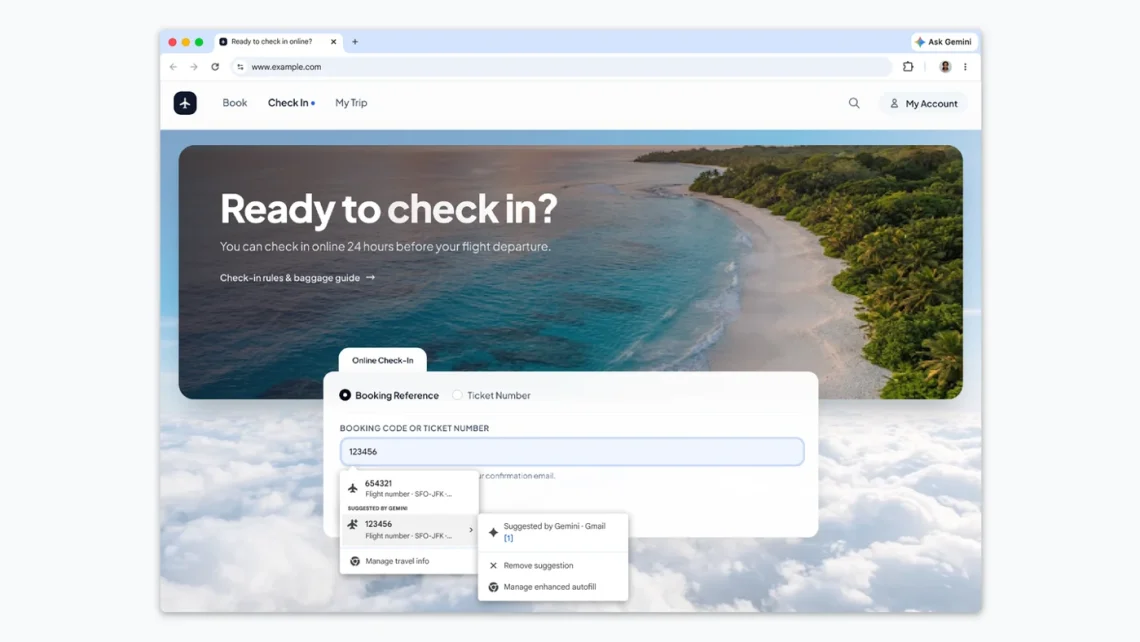
Chrome autofill can pull booking details from Gmail
Somewhere between “your booking is confirmed” and “please enter your booking reference,” a perfectly sensible journey becomes an inbox treasure hunt. The prize is usually six characters you were certain you had copied. Chrome’s latest autofill change goes after that small, deeply familiar nuisance.
Google’s October 28 update lets Chrome’s enhanced autofill suggest details from Gmail, including order numbers, parcel tracking and flight bookings. Rollout begins in the U.S. on desktop, Android and iOS for Gemini in Chrome users aged 18+ with Personal Intelligence enabled.
Useful information, at the moment a form needs it
The appeal is easy to understand: information should not become difficult to use merely because it arrived in a different tab. A browser that finds the right detail could remove a very particular kind of friction. It does not need to redesign your whole morning; helping you escape one repetitive search would already be a respectable little contribution.
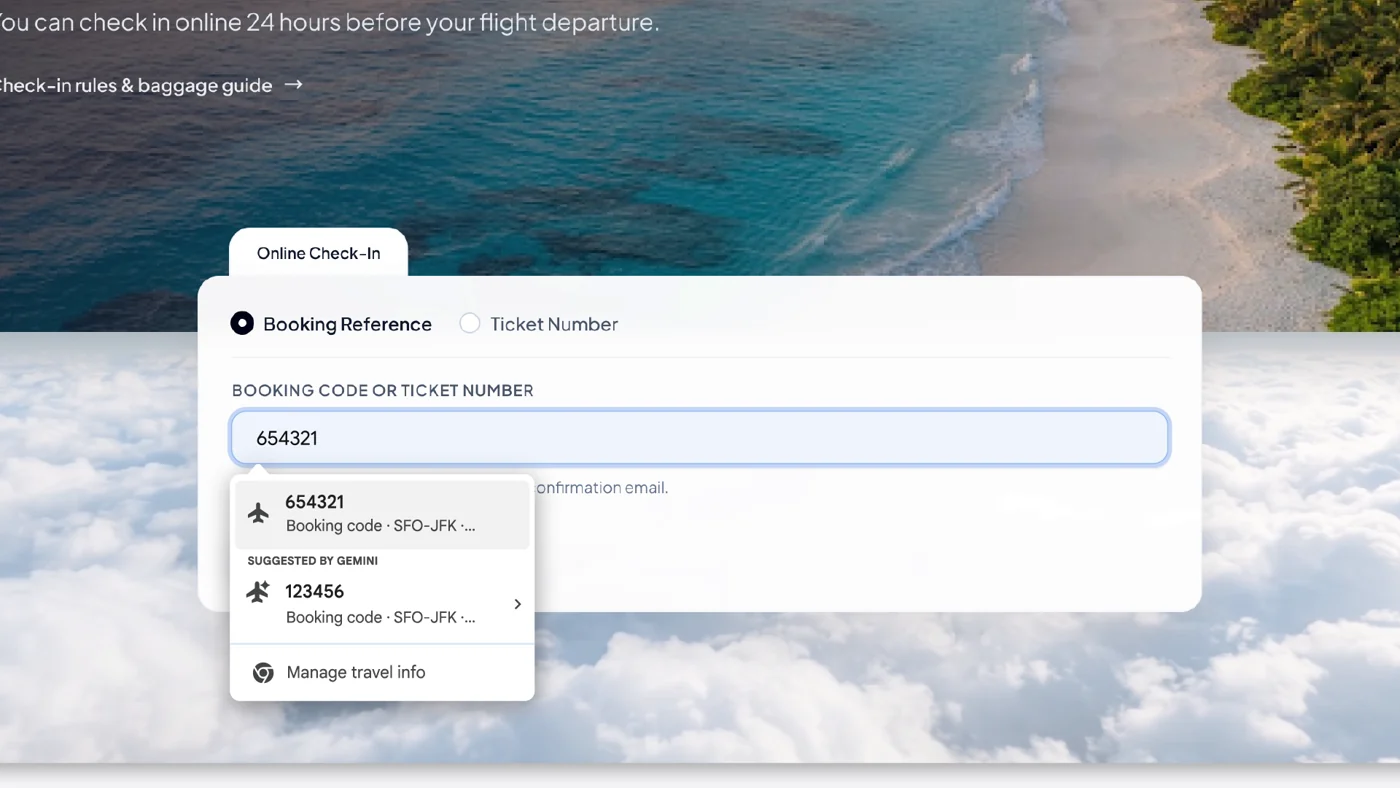
There is a practical boundary, though. The correct email is not always the most recent email, and a trip or purchase can involve several similar references. Before submitting a form, compare the suggested value with the actual booking, order or shipment you mean. A convenient suggestion deserves a quick glance, especially when changing one character could send you back to the beginning.
Your inbox is part of the feature decision
Google says sensitive data is encrypted. Chrome settings control whether enhanced autofill is enabled and what it can access. This announcement does not establish availability for Canadian users or every Chrome account.
On desktop, Google’s autofill help directs users through Autofill and passwords, Autofill settings, then Enhanced autofill. “Find and fill with Gemini” switches it off or on.
Review the access decision in the context of what you actually want help with. If the recurring annoyance is finding one travel reference, consider whether the proposed convenience is worthwhile for your own account. There is no need to switch on every connected feature simply because you have arrived at a settings page. The buttons are not keeping a friendship score.
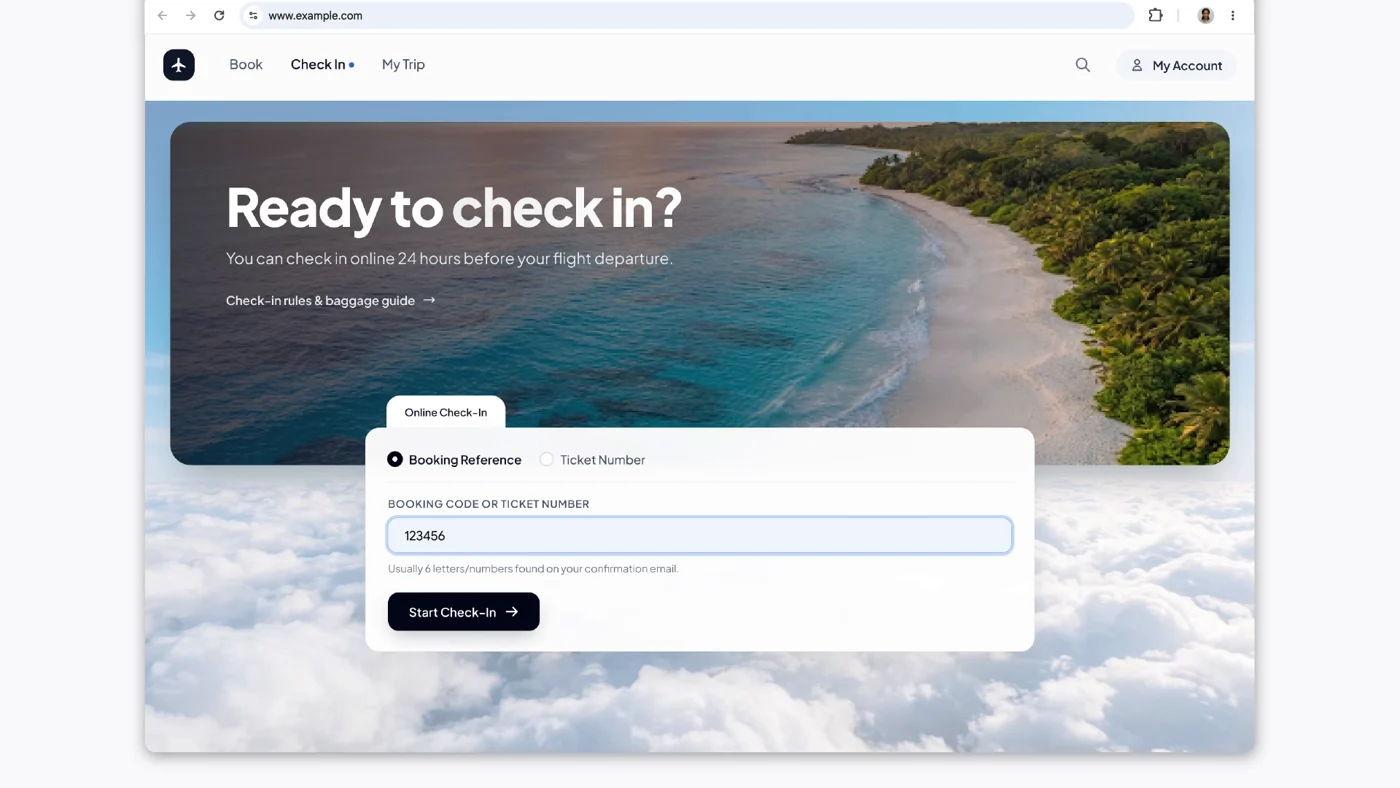
For a shared or work-related device, also establish which account is active before relying on a suggestion. Keep the final submission deliberate rather than treating autofill as a reason to stop reading. The happy outcome is fewer unnecessary trips through an inbox, while you still know what information is going into the form.
The rollout is narrower than “Chrome can do this now”
The eligibility details matter as much as the demonstration. A familiar browser icon on your phone does not establish that the feature is available for your country and account. Check the stated rollout before troubleshooting a missing option; sometimes the explanation is regional availability, rather than a setting hiding behind three other settings in a tiny trench coat.
Our Personal Intelligence coverage for Android Auto explores another place connected account information is appearing. The Software & Services desk follows these changes across devices. For this update, the takeaway is specific: eligible U.S. users get an inbox-aware suggestion tool, with account access to consider and the final form still worth checking. Lovely if it saves a search. Still your flight, still your reference.


You May Also Like
Bose QuietComfort Ultra: what the original headphones promised
NICEHCK NK1 Ultra gets a Japanese release date