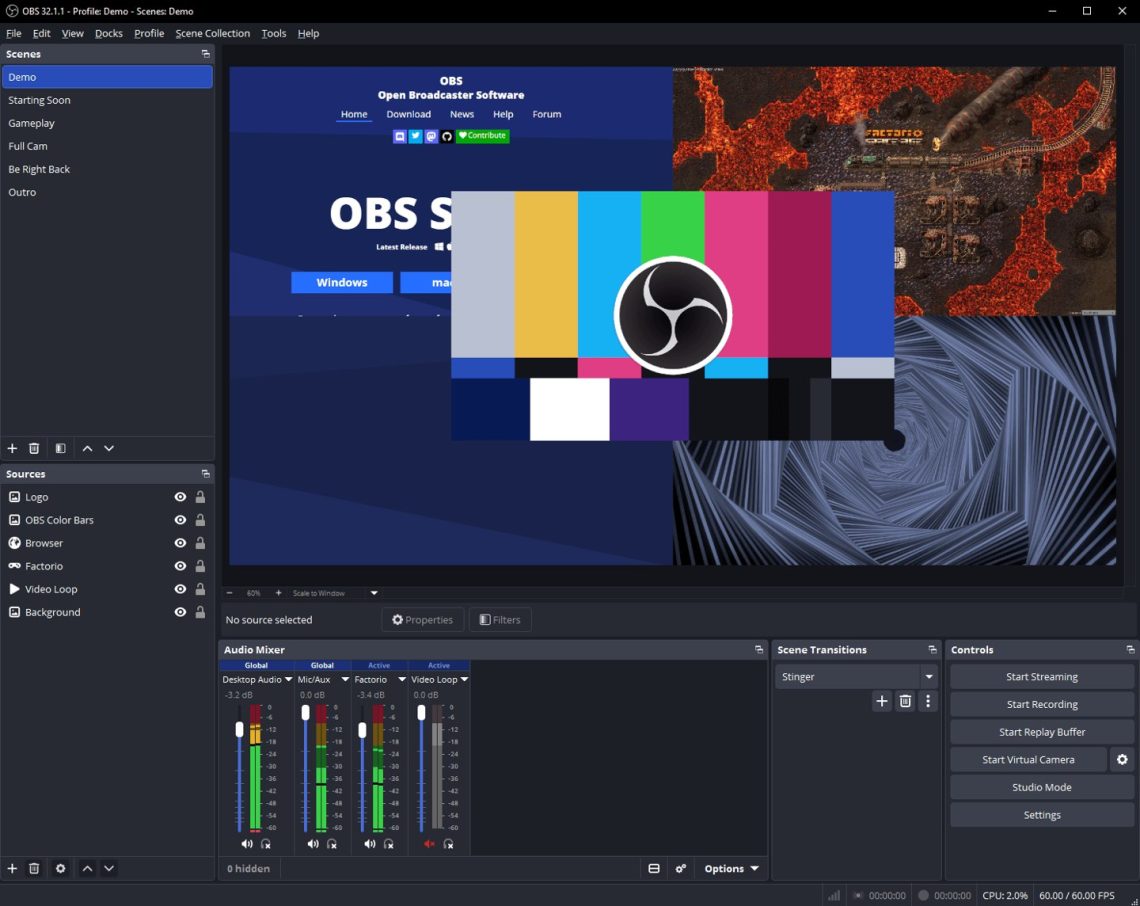
OBS Studio 33 updates its browser engine and changes plugin loading
A carefully arranged stream has a peculiar talent for finding its least convenient moment to misbehave. The webcam is ready. The microphone is behaving. Then an overlay chooses performance art. OBS Studio’s latest stable release is mostly about improving the machinery beneath that little production, rather than giving it another shiny button to babysit.
OBS Studio 33.0.0 was released on October 23. Its official release notes list a major embedded-browser update, rewritten plugin loading and the removal of Ubuntu 24.04 support.
The browser inside your broadcast gets a refresh
The release moves its embedded browser framework from CEF 127 to CEF 150, affecting browser sources and docks.
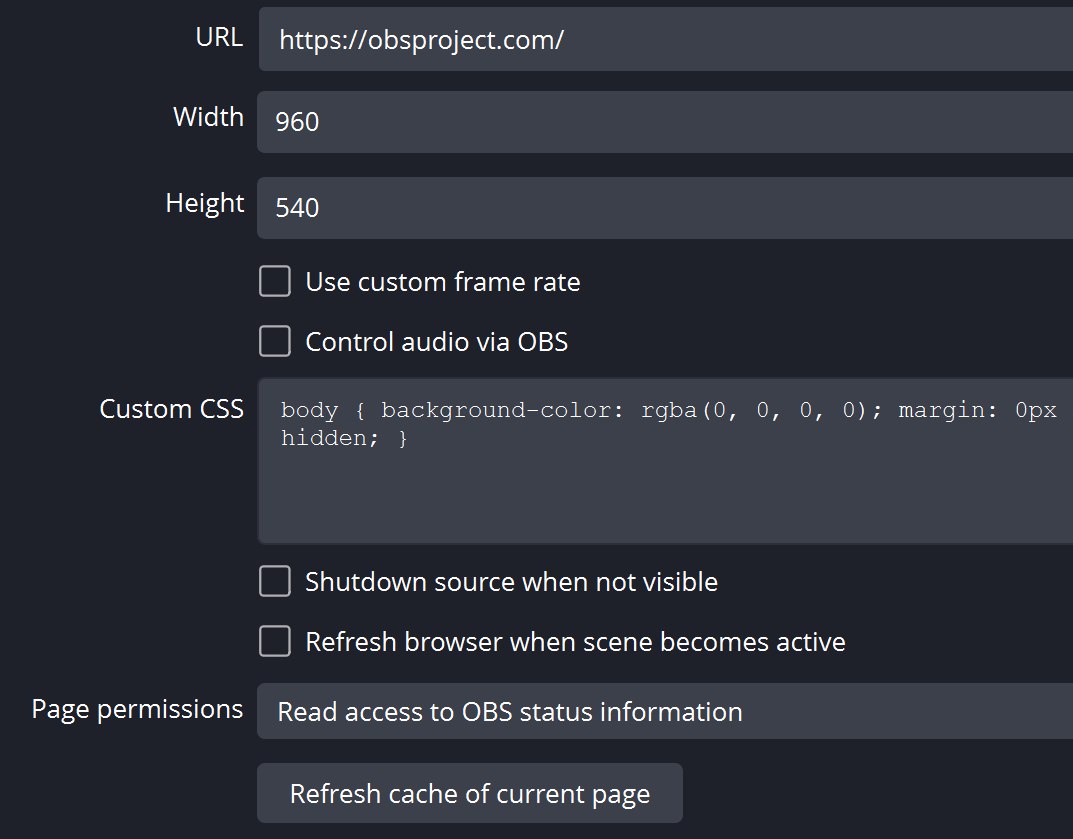
If “browser source” sounds abstract, the OBS documentation describes it as a web browser you can place directly inside a scene. It can load a web address or a local page, with its own dimensions and styling. That is how a small piece of web content becomes part of the picture rather than a separate tab you keep forgetting to share.
For a regular recording or stream, the sensible check is wonderfully boring: open a familiar scene, watch the browser content and make a short recording before the real session. A quiet rehearsal is much nicer than discovering a sulking overlay while everyone is waiting. We have not tested version 33.0.0, so this is an upgrade checklist, not a performance verdict.
The plugin change deserves a look before the next major version.
Check the Legacy label before moving files
The project’s plugin-location guide says older Windows plugin layouts remain loadable but receive a Legacy label in the plugin manager. Updated layouts are preferred, and the release notes set OBS Studio 34.0 as the end of loading from legacy locations.
The guide warns that simply moving files will not work for every plugin, especially those with complex dependencies; it recommends following the plugin author’s instructions. macOS plugin locations have not changed. So check for an updated installer or guidance rather than trying to tidy a plugin folder by instinct. The folder may look untidy. It may also be doing something rather specific.
A little less wrestling with the layout
The source-snapping change included in the release adds visual alignment indicators, lets sources snap along a shared axis without touching, and stops snapping to hidden sources. That is useful when lining up a camera frame or graphic without giving it seventeen increasingly resentful nudges.
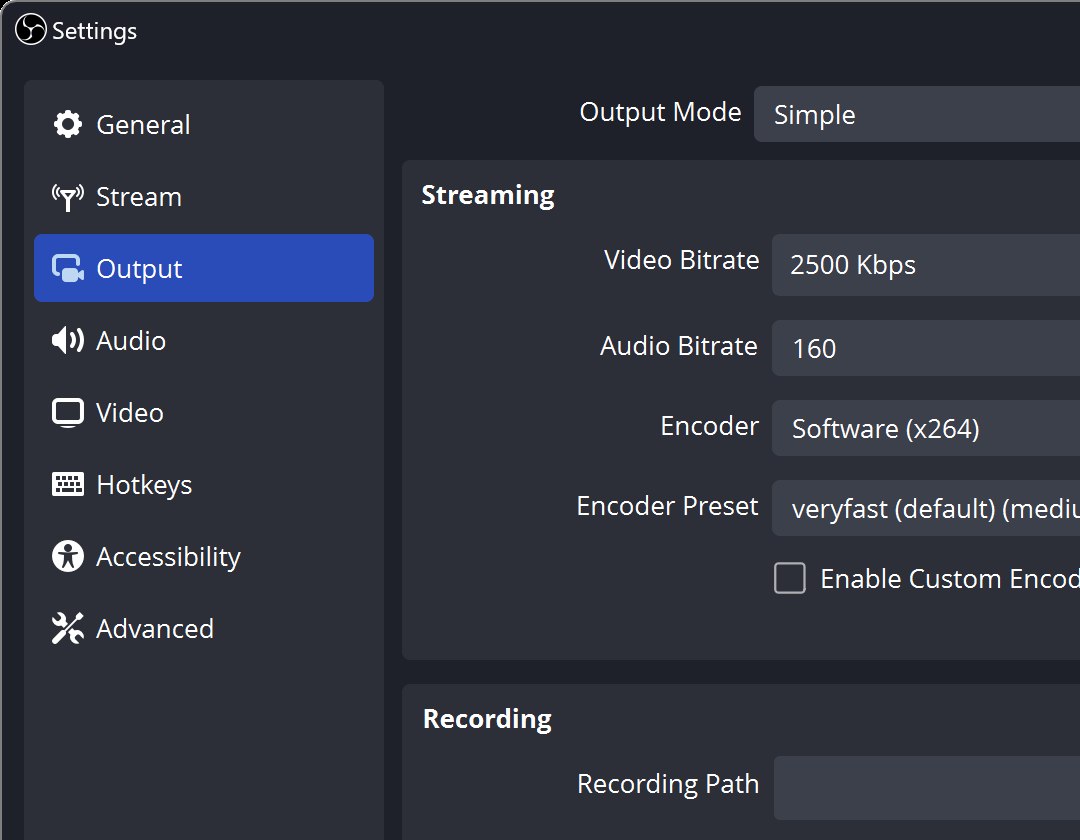
Before updating a setup you depend on, preserve both kinds of configuration. OBS explains that Profiles save output-related settings and can be exported, while Scene Collections hold scenes and sources. One does not replace the other. A backup of the wrong half is a very organized way to have a bad afternoon.
Our PowerToys update report covers another collection of practical desktop improvements, and our audio buying guide helps untangle listening gear and connections. For OBS, the immediate win is a tidy upgrade routine: check plugins, save the setup and rehearse the scene. Let the broadcast provide the drama. The settings can have a quiet evening.
Images: OBS Project. These official website illustrations show an earlier interface, including OBS 32.1.1 in the hero; they are contextual examples, not captures of our testing or new version 33 controls. Official image source.


You May Also Like

Sony gives INZONE H9 II a Fnatic finish and E9 a purple option

Apple TV adds Dolby Atmos to F1 for the US Grand Prix weekend