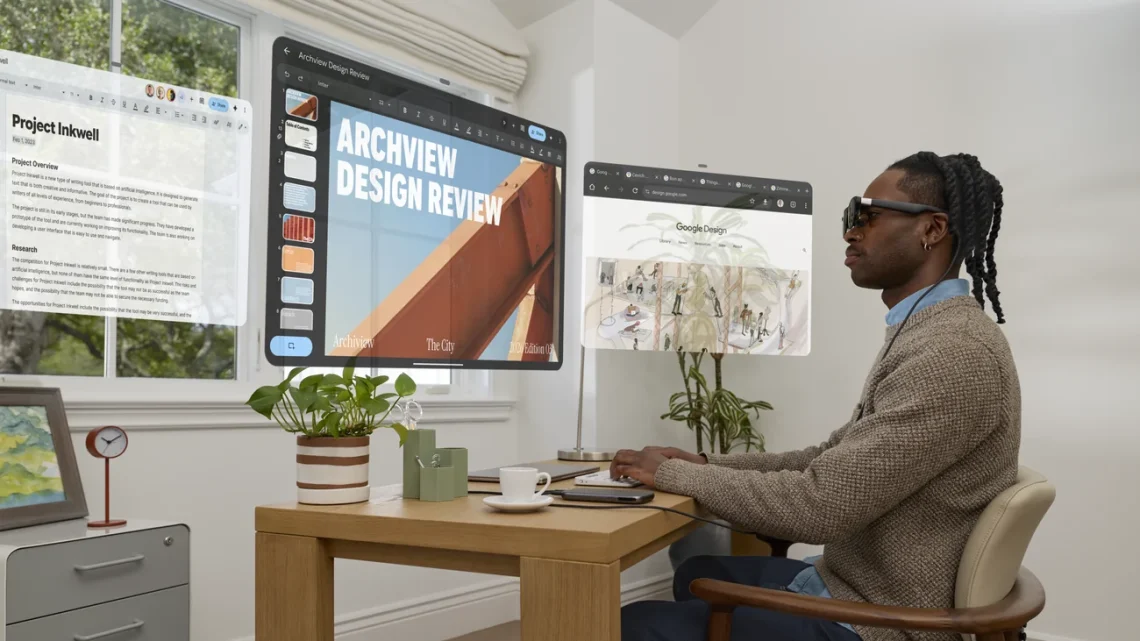
XREAL AURA opens orders in Canada
The airport workspace fantasy usually contains one immaculate laptop and absolutely no elbows. XREAL’s new glasses offer a different arrangement: put the screens in front of your eyes, then find somewhere sensible for the little computer attached to them. Ah. The cable has joined the travel party.
Google’s October 28 launch opens XREAL AURA orders in the U.S., Canada and Korea; Japan follows November 2. Google quotes launch pricing from US $1,099 through year-end, with shipments beginning in mid-November.
The small computer is still part of the outfit
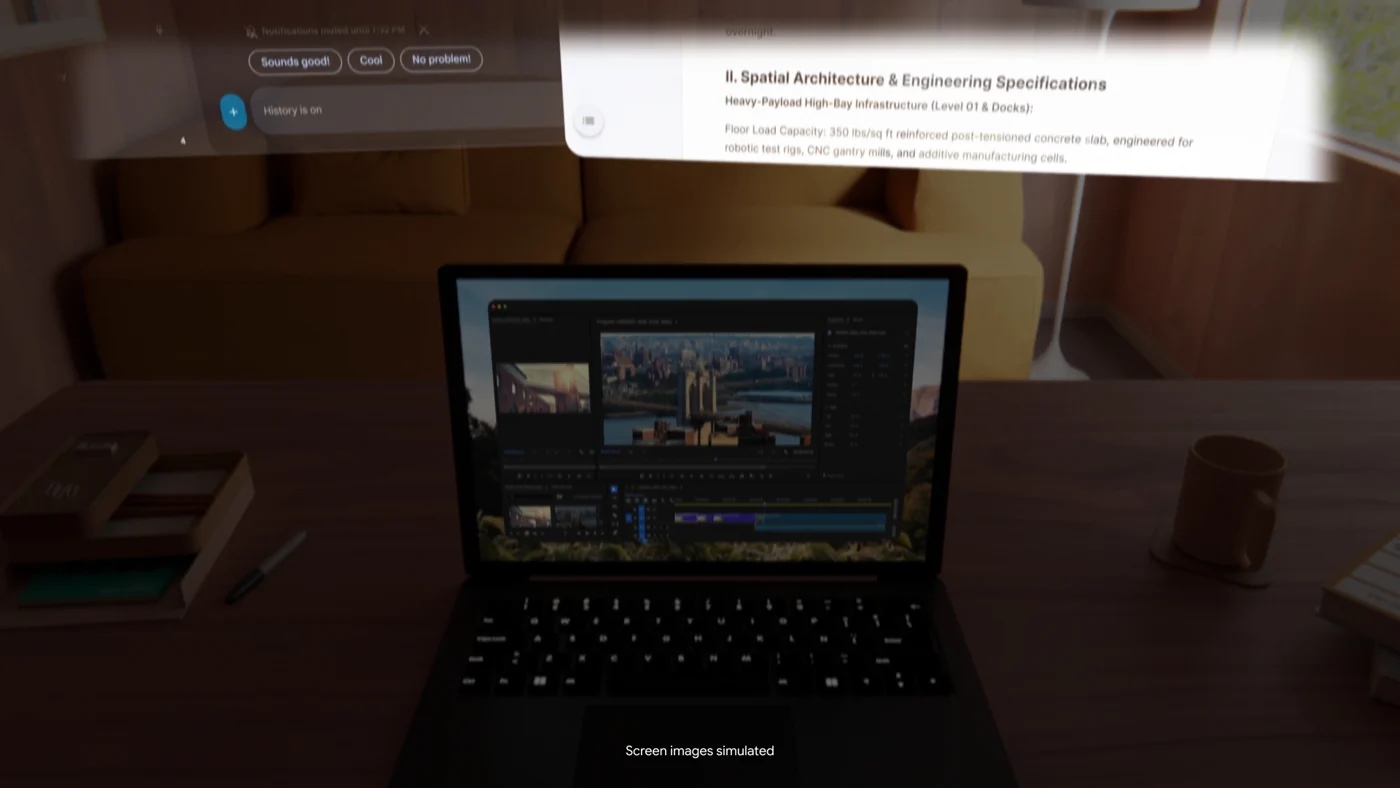
AURA uses a cabled compute puck containing its battery. Google specifies a 70-degree field of view and glasses under 95g. Wired Mirroring requires USB-C video output; setup, a compatible account and age 18+ are required. Multiple Android XR apps can sit beside a mirrored laptop. Google supports Bluetooth keyboards and mice, or using the puck as a trackpad.
That is an important distinction when judging portability. Think about the complete setup you intend to carry, including the puck, cables, any keyboard and your usual charger. Glasses can be light without the whole working arrangement disappearing into a shirt pocket. A packing list is allowed to be less romantic than a launch video.
Your USB-C port needs to do the right job
VESA’s DisplayPort FAQ explains why the connector alone is insufficient: a USB-C port without DisplayPort Alt Mode sends no video to a connected display. Check the computer’s documentation for support. A charging cable fitting neatly into a socket is not proof that a picture will appear.
For a laptop-based workflow, test your own machine and an appropriate cable before planning a trip around virtual windows. Then repeat a real task: read a dense document, switch between two sources and return to typing. A floating screen can look impressive while the small text you actually need remains the real audition.
Our Sony spatial-display coverage also shows why video connections and power requirements deserve separate questions. Similar-looking connectors are very good at encouraging optimistic assumptions. They should really come with a tiny raised eyebrow.
Keep the demonstration and your checkout separate
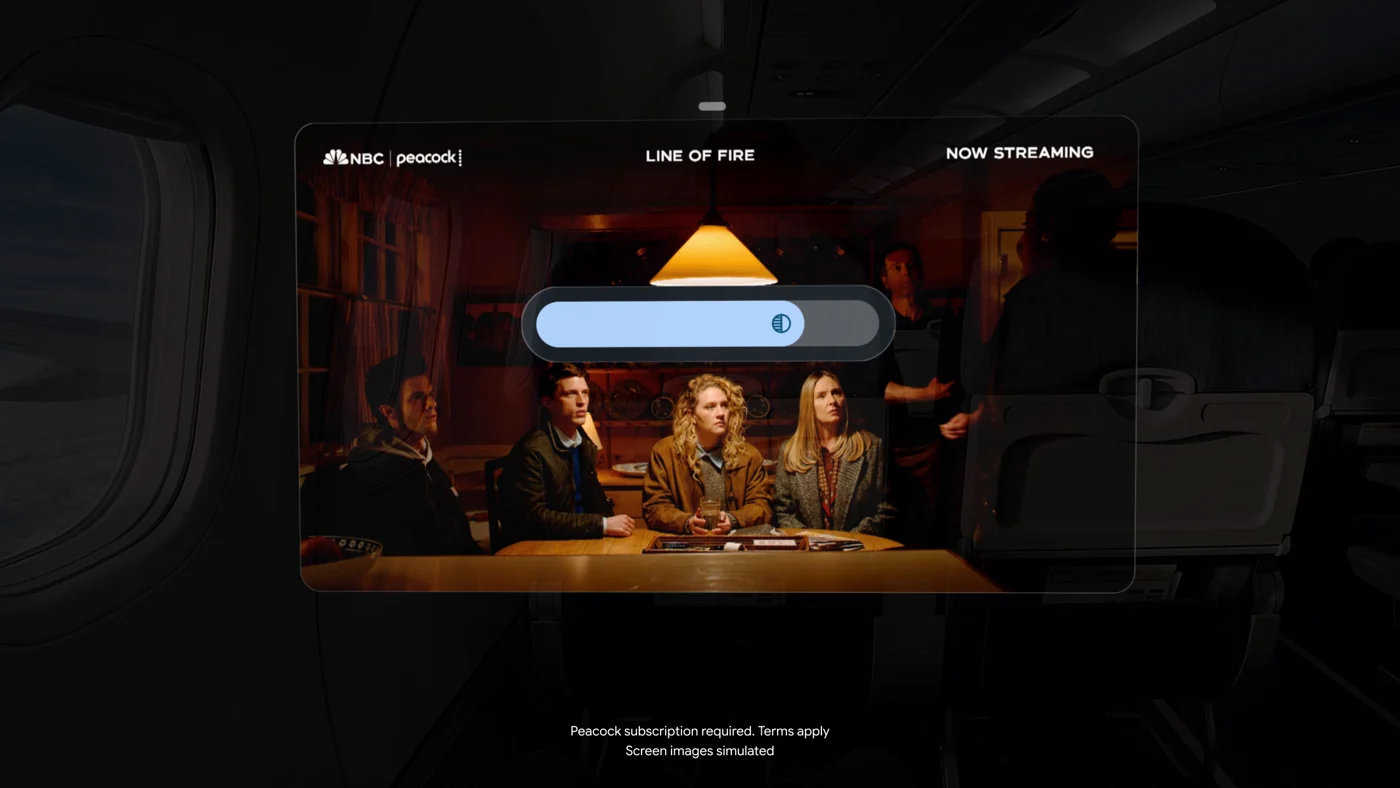
The official demonstrations shown here use simulated screens.
Treat the promotional views as an explanation of the idea, rather than our own measurement of clarity, comfort or tracking. Those are things we have not tested. Prescription needs, prolonged wear and whether you prefer this arrangement to an ordinary screen are personal buying questions that a dramatic floating cinema cannot settle for you.
Likewise, do not read a dollar figure without its currency or turn an order-opening announcement into an immediate-delivery promise. Check the offer, shipping estimate and returns process for your own market before paying. A regional checkout is the part of the story your bank account will actually meet.
The useful takeaway is a complete-system decision: glasses, compute puck, compatible connections and the apps you need. Our Wearables & XR desk follows the wider picture. If the arrangement makes your everyday task easier, lovely. If it merely gives your cable collection a new home, you are allowed to keep the boring screen.


You May Also Like
1Password for Agents offers approved sign-ins without password handoffs
Sony’s six-inch ELF-MN1 brings glasses-free 3D to the desk