
ASUS ROG Ace OLED monitors open Japan preorders at 720Hz and 540Hz
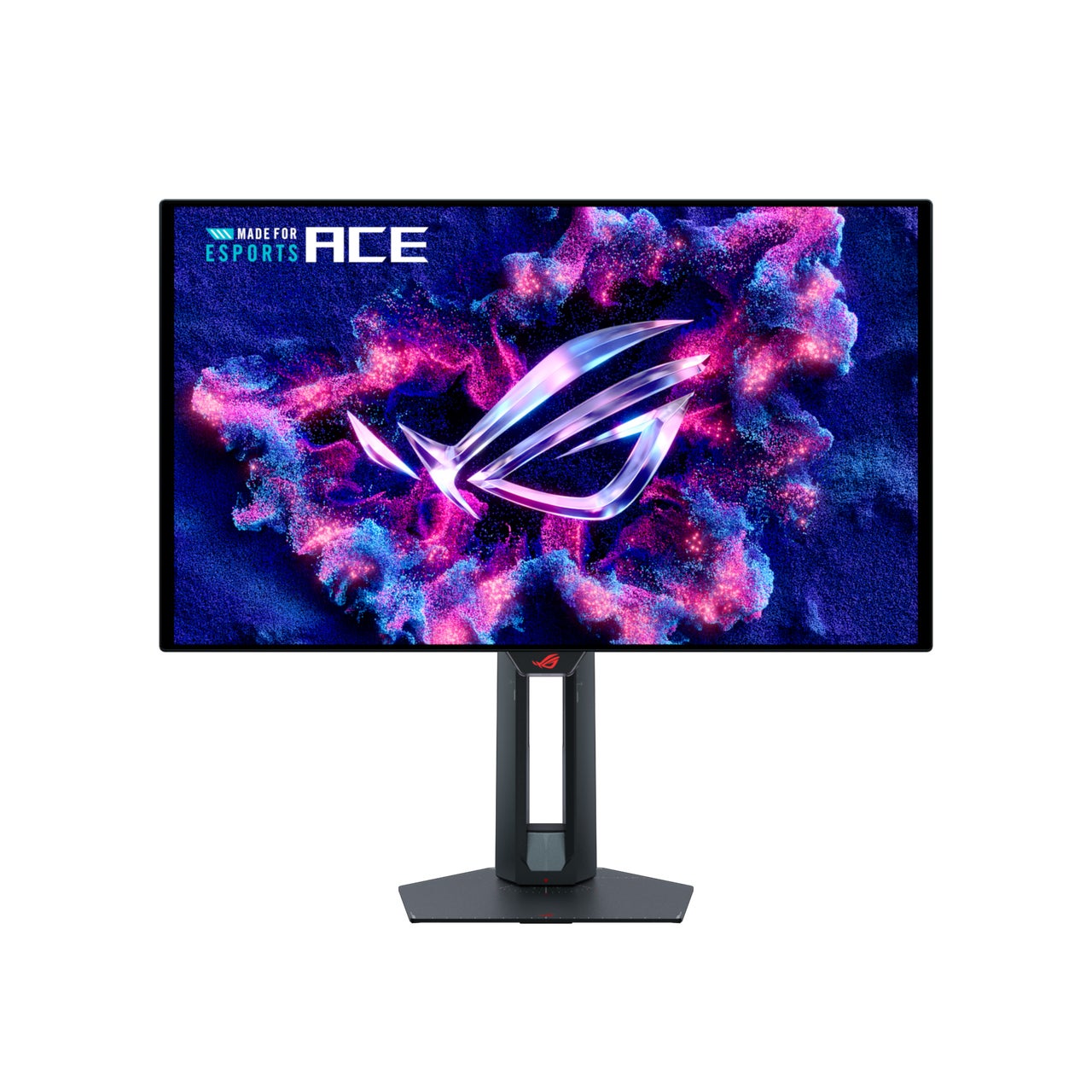
ASUS has two new reasons for competitive gamers to reorganize the desk, and neither involves making room for a bigger screen. Its 24.5-inch ROG Ace OLED monitors stay compact while chasing refresh rates that make the specification sheet look slightly over-caffeinated.
In its November 20 Japanese announcement, ASUS opened reservations for the ROG Swift OLED PG259QWS Ace and ROG Strix OLED XG259QWPG Ace, with sales scheduled to begin progressively from November 27. This is a Japanese launch update, not confirmation of Canadian pricing or stock. The announcement does not state a retail price.
Two models, one very specific job
Both use 1920 × 1080 Tandem WOLED panels. ASUS rates the PG259QWS Ace at up to 720Hz and the XG259QWPG Ace at up to 540Hz, with a claimed 0.02ms grey-to-grey response time for each. Those are manufacturer specifications; we have not measured either monitor.
Here’s the useful distinction: refresh rate describes the display’s update frequency, while a quoted pixel-transition time describes a different part of its behaviour. Neither number is a complete measurement of the delay between moving your mouse and seeing the result.
This pairing makes most sense for someone deliberately building around competitive games at Full HD. Before being charmed by the largest number, look at the frame rates your PC actually produces in your preferred games and settings. The monitor can bring enthusiasm; it cannot quietly replace the rest of the computer while you are making tea.
Check the connections, not just the headline
The official PG259QWS Ace page lists DisplayPort 2.1 UHBR20 and two HDMI 2.1 inputs. The XG259QWPG Ace page instead lists DisplayPort 1.4 DSC alongside two HDMI 2.1 inputs. Do not treat their connection specifications as interchangeable.
Check the supported timing table, graphics output and cable requirements for the exact mode you want before ordering. Keep your comparison grounded in a complete setup. Our Monitors desk follows other display choices, while the Computing desk covers the hardware supplying the pictures.
The stand deserves a little attention too
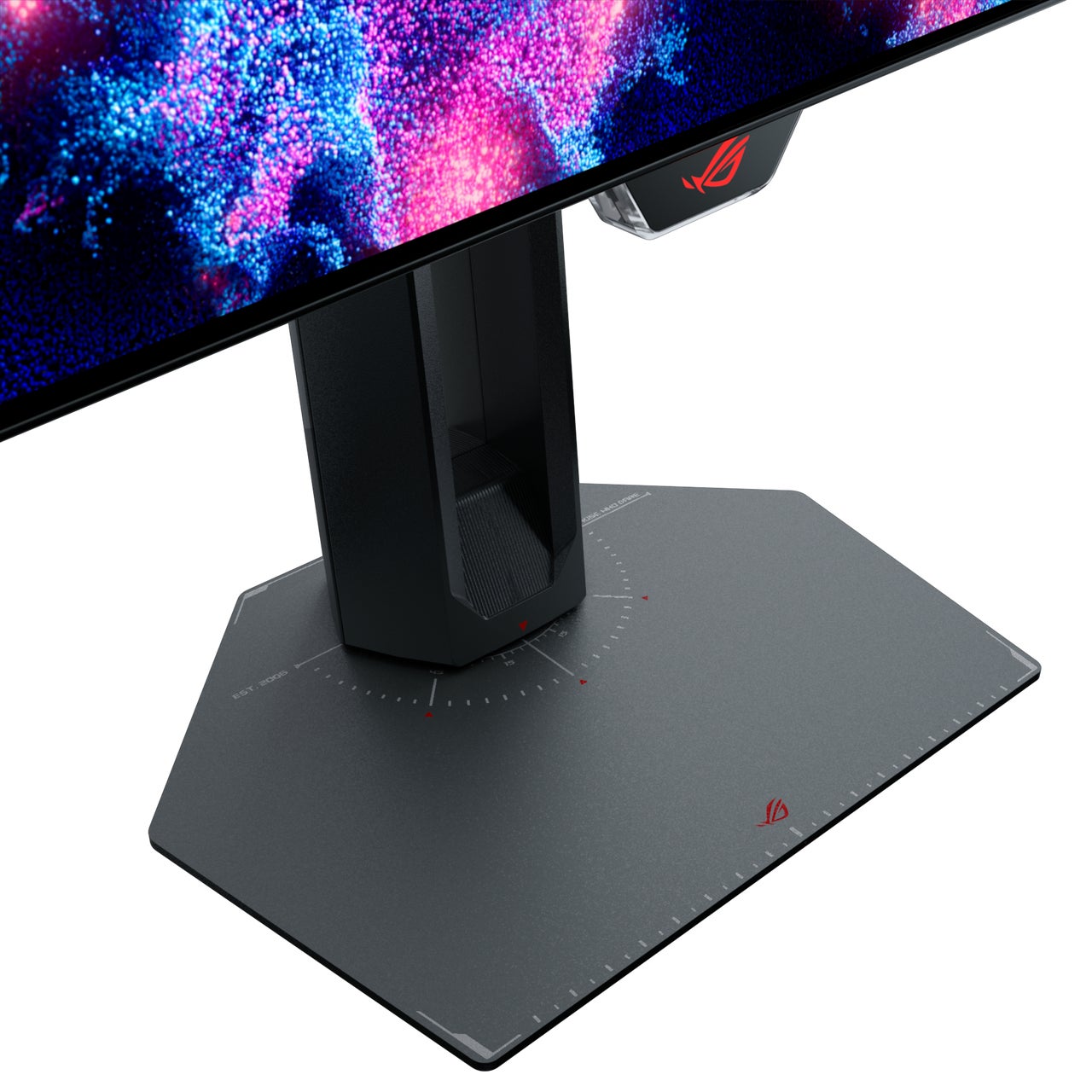
ASUS describes markings for repeatable stand adjustments; the Swift model also has a position sensor that displays setup measurements. These are practical features to examine if you regularly move between a home desk and event setups. Remembering a preferred position is considerably nicer than recreating it through increasingly suspicious squinting.
Both product pages describe OLED Care Pro with a proximity sensor. Treat those protective features as risk management, not a promise that burn-in cannot happen. Read the applicable care instructions and local warranty before committing.
Our takeaway: compare these as specialized Full HD gaming displays. Match the refresh target, connection path and everyday setup to your actual needs, then check the local price. A tidy little screen can be ambitious without requiring your wallet to share every ambition.

You May Also Like
JAPANNEXT’s white 21.5-inch touchscreen has one crucial cable detail
MSI details a 340Hz Mini LED monitor with 1,152 dimming zones