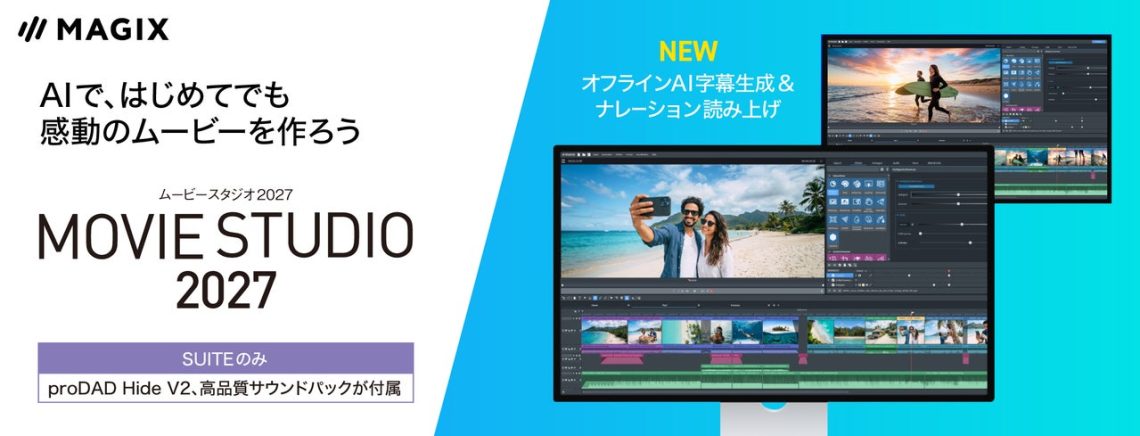
Movie Studio 2027 launches in Japan with offline AI subtitles
The clip is twelve seconds long. Finding it among files called “final”, “final2” and “actually-final” takes twenty minutes. Video editing has a small administrative goblin living inside it, and Movie Studio 2027 is taking a swing at both the editing and the rummaging.
SOURCENEXT launched the Japanese download editions of Movie Studio 2027 on November 20: Platinum costs ¥9,900 and Suite ¥16,880, including tax. MAGIX develops the software; SOURCENEXT handles this release’s sales and support.
Offline AI has a specific meaning here
The new subtitle-generation and narration features process on the PC without uploading the video to the cloud, according to the publisher. Initial registration, activation and some functions still require internet access, and users must register with MAGIX.
So, plan the setup before taking a project somewhere with unreliable Wi-Fi. “This feature processes locally” and “the whole application never needs the internet” are different promises. A useful demonstration would start with your own short sample clip, generate the captions, then let you correct and export them. Read names, punctuation and timing closely. Your friend Maya deserves better than being introduced as “mayonnaise.”
Finding the footage gets some attention
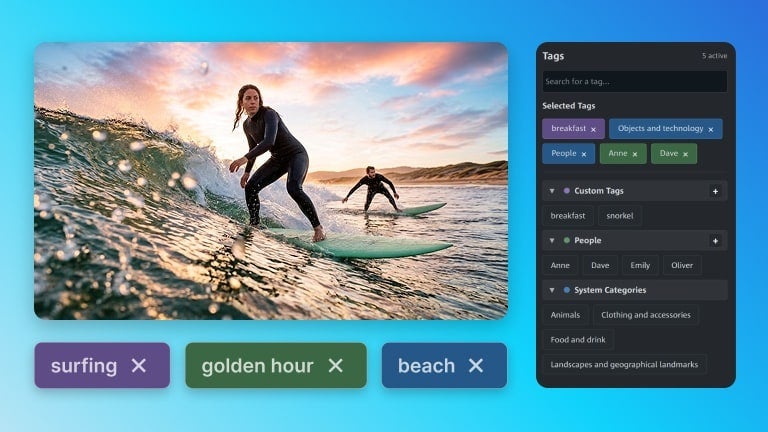
The release adds face-based media organization, custom media tags and a smart search using tags, keywords and filenames.
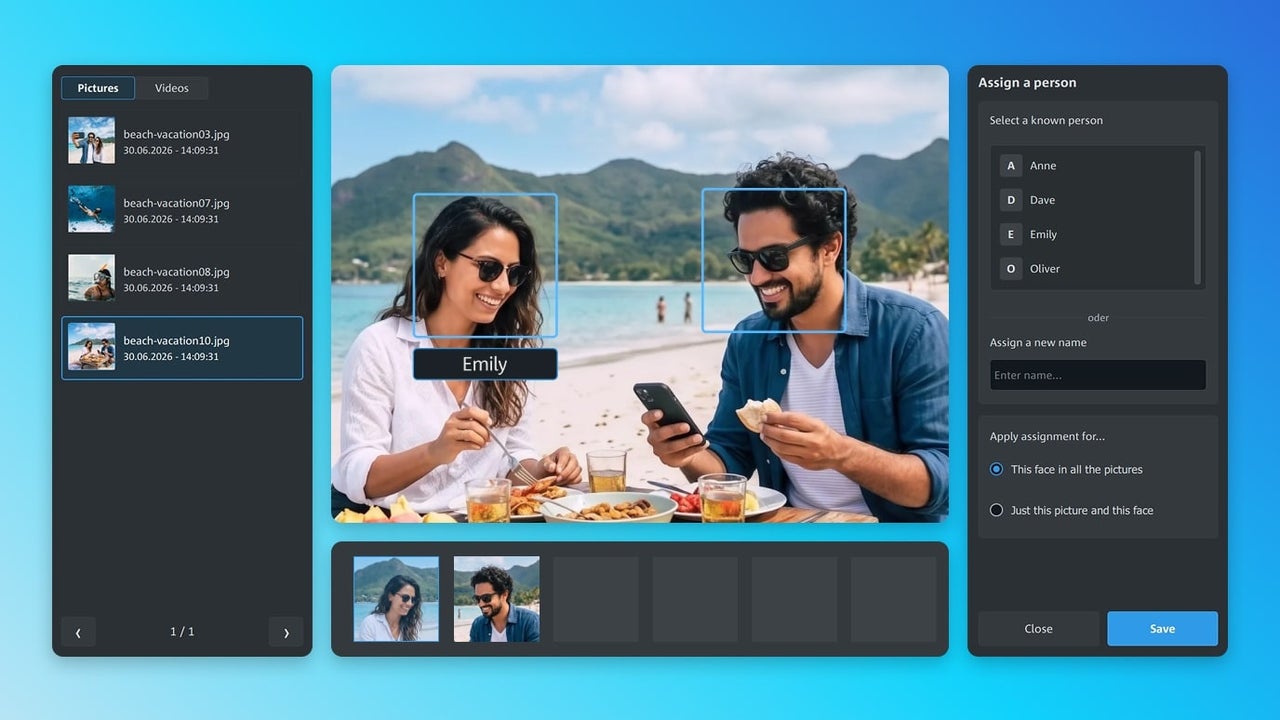
Here’s where a boring little habit can help: agree on a few useful tags before importing everything. A location, an event and the type of shot are easier to work with than twelve variations of “nice.” Automated grouping should help you find material; inspect the groups before trusting them to identify everyone correctly.
Suite adds tools, so check whether you need them
Suite includes Platinum’s functions plus proDAD Hide V2 for object removal and Soundpack Vol.1, a 1,000-track music collection. The publisher permits commercial video use of the music, with restrictions including redistribution and standalone sales. Check the product’s licence terms for your intended use.
Compare those extras with a project you actually want to finish. If the soundtrack is the part you want to create yourself, our music-creation guide and DAW comparison guide cover that separate workflow.
Read the AI recommendation, not just the minimum
The announcement lists 64-bit Windows 11 or Windows 10 and 8GB minimum RAM, but recommends 32GB for AI features or 8K work. It also lists at least 4GB of video memory; check the full GPU requirements for your intended resolution. We have not tested the software or its recognition accuracy.
Our takeaway: investigate the local processing and organization tools with a representative project before choosing an edition. These Japanese prices do not establish Canadian availability. The administrative goblin may finally get an assistant; make sure it can handle your particular pile of “actually-final” files.
Product imagery supplied by SOURCENEXT. Copyright © 2003-2026 MAGIX. Source and release details.

You May Also Like
Meta and CNIB bring AI glasses training to Canada

JAPANNEXT’s new 24/7 signage monitors come in 50, 65 and 98 inches