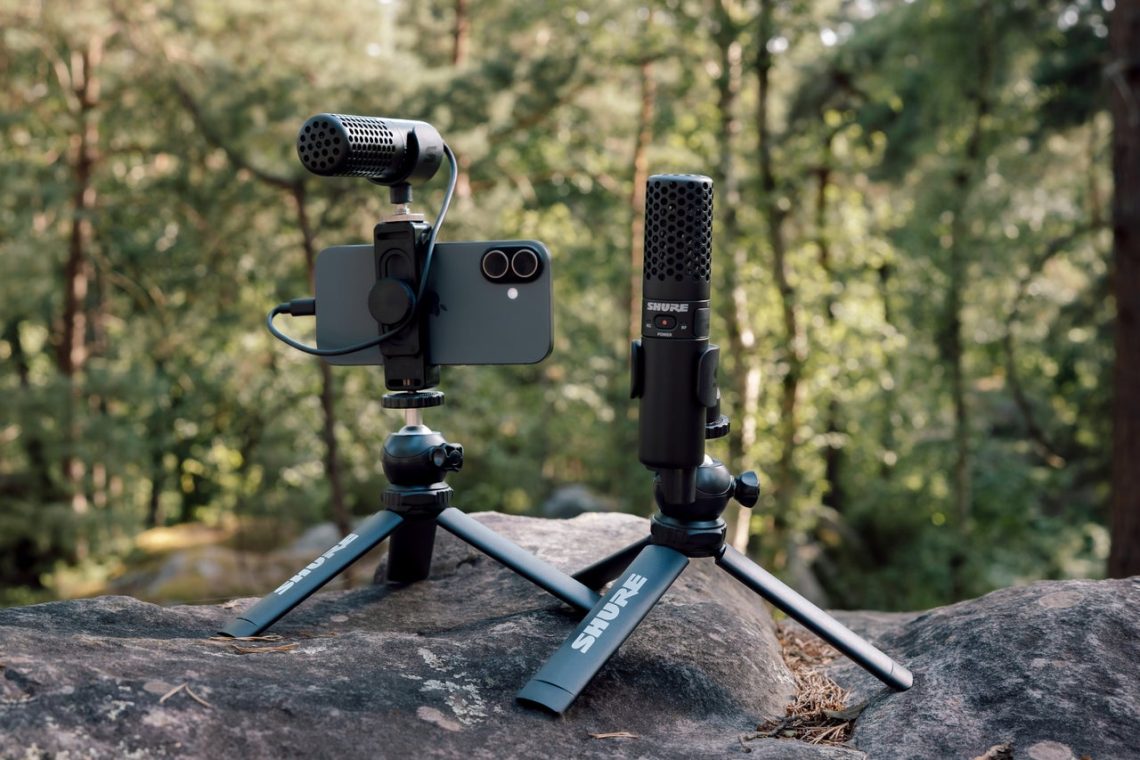
Shure MV360 adds spatial recording, with Japan sales due November 26
You film a lovely little market scene, then play it back and discover that the soundtrack’s main character is a plastic bag. Sound has ambitions of its own. Shure’s new MV360 gives creators several ways to decide what the listener should hear, from a straightforward voice track to an editable recording of the space around the microphone.
The USB-C microphone was announced globally November 17. Shure Japan’s November 18 release opened reservations for a November 26 launch, at a reference price of ¥70,400 including tax. Those are Japanese market details, rather than a Canadian price or delivery promise.
Choose the recording you want to finish
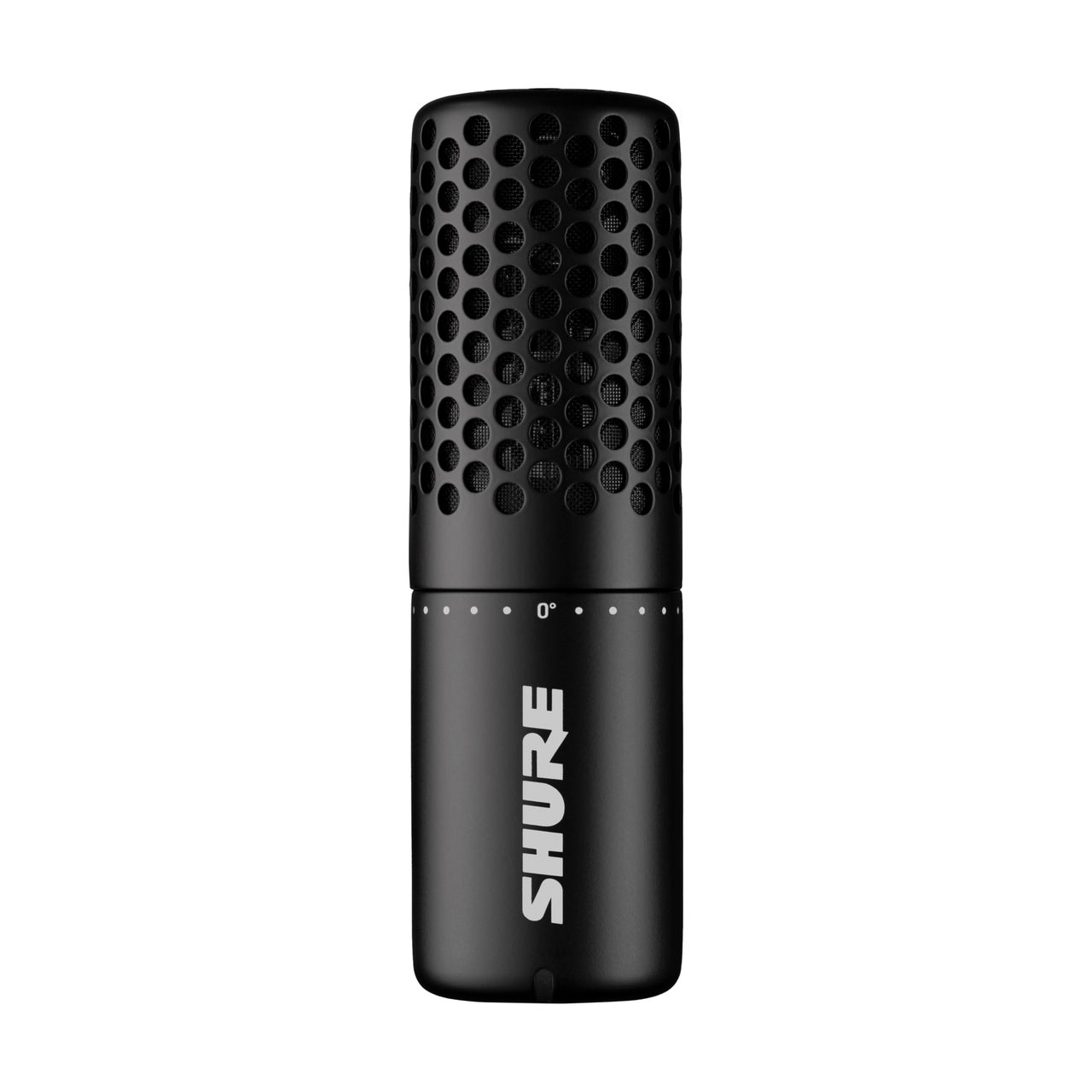
MV360 offers mono, stereo, immersive binaural and auto-tracking Capture Modes alongside full 360-degree spatial capture. Shure says the ready-to-use modes produce two-channel files, while binaural is designed for headphone listening. Auto tracking directs the virtual microphone toward the loudest source.
That last detail deserves a rehearsal. “Loudest” is a measurable target; “the person I wanted to interview” is an editorial decision. Try your intended setup with somebody speaking and an ordinary distracting sound nearby. Find out whether the mode follows the subject you care about before recording the conversation you cannot repeat.
Ambisonics leaves more decisions for the edit
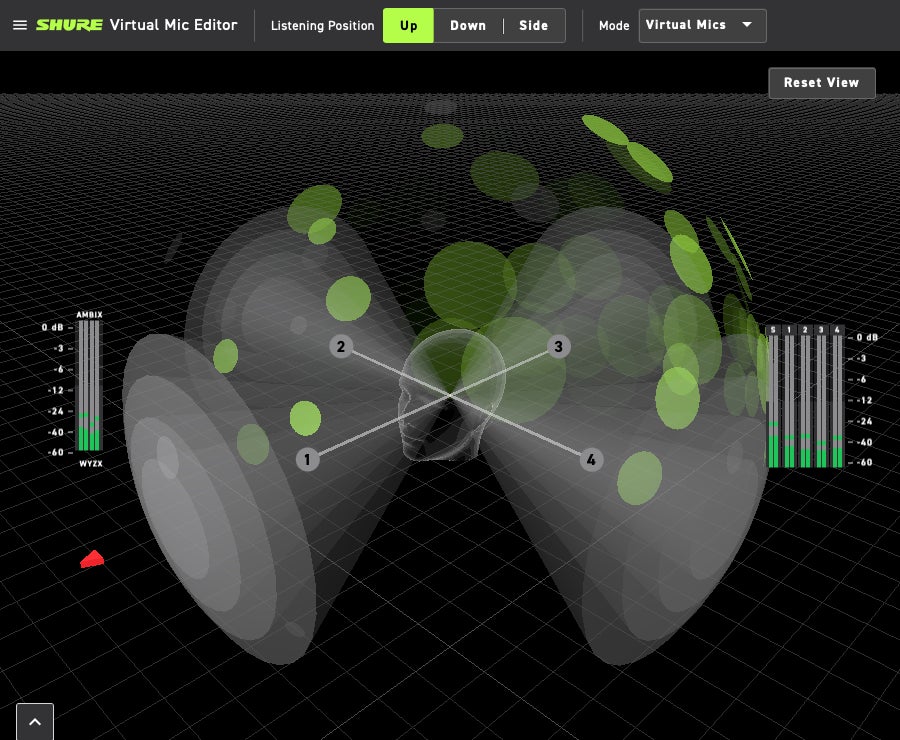
For a more involved project, Shure says MV360 records the sound field in Ambisonics B-format using AmbiX. Its Virtual Mic Editor lets you adjust virtual microphone placement and direction after capture. The global announcement explains the recording workflow.
Here’s the practical split: a ready-made binaural file aims at a listening result, while the spatial recording gives the edit more work to do. Choose the latter because you have a use for that flexibility. Otherwise, the exciting new microphone has quietly assigned you homework. Sneaky little cylinder.
Our music-creation guide helps organize a recording setup, and the DAW comparison guide is a starting point for choosing the editing software. Verify the microphone, app and plug-in requirements for your exact system before buying.
The Plus model is a different purchase
Shure’s planned MV360+ adds an internal rechargeable battery and microSD recording, with wireless remote control. That wireless link controls the recorder; it does not transmit the recorded audio. The Japanese release lists spring 2027 and no confirmed price for MV360+.
The takeaway: start with the file you need to deliver and whether you want a connected microphone or a standalone recorder. We have not tested either model. A useful audition would show the entire trip from capture to playback, including the awkward bit where the plastic bag tries to steal the scene again.


You May Also Like
ADAM Audio’s H715 Reference wants your desk to become a listening room

Kinoko-no-Yama Pro earbuds seek a crowdfunding comeback