
Vivaldi 8.3 release candidates tackle crashes and Android mis-taps
A browser can contain a perfectly organised workday, seventeen abandoned shopping decisions and one tab playing a noise nobody can locate. The least it can do is put your taps in the right place.
Vivaldi’s next release is working on that housekeeping. The company published its first desktop 8.3 release candidate on November 2, following Android RC1 on November 1. Both are testing milestones; the finished 8.3 release has not been announced in those posts.
Desktop: a crash fix, plus a channel wrinkle
The desktop changes include a crash when the ad blocker parses malformed rules, translation updates and Chromium 156.0.8078.85. Snapshot build 4191.15 and the equivalent prerelease stable-channel build 4191.18 differ in their icons and future update channel.
That last detail deserves a second look. A download labelled for the stable channel is still a release candidate here. Vivaldi says automatic updates to those stable builds will wait for further testing and the final release.
The company recommends backing up settings before an early upgrade. It also lists a known issue: installing 4191.18 before the official release date shows the wrong “What’s New” page on first launch.
In other words, a welcome screen is a questionable little witness. Check the installed build and the actual release notice instead of letting a cheerful introduction settle the question.
Android: when the button and the tap disagree
Android snapshot 4192.10 lists fixes for misplaced taps when the offline notification bar appears, the tablet new-tab shortcut menu, a double toolbar in web apps and failed Slack downloads. It also addresses manually added extensions becoming enabled again after a restart.
These are small-sounding bugs until one interrupts the thing you came to do. An interface that makes you aim twice has effectively invented a tiny unpaid training programme. Nobody requested the syllabus.
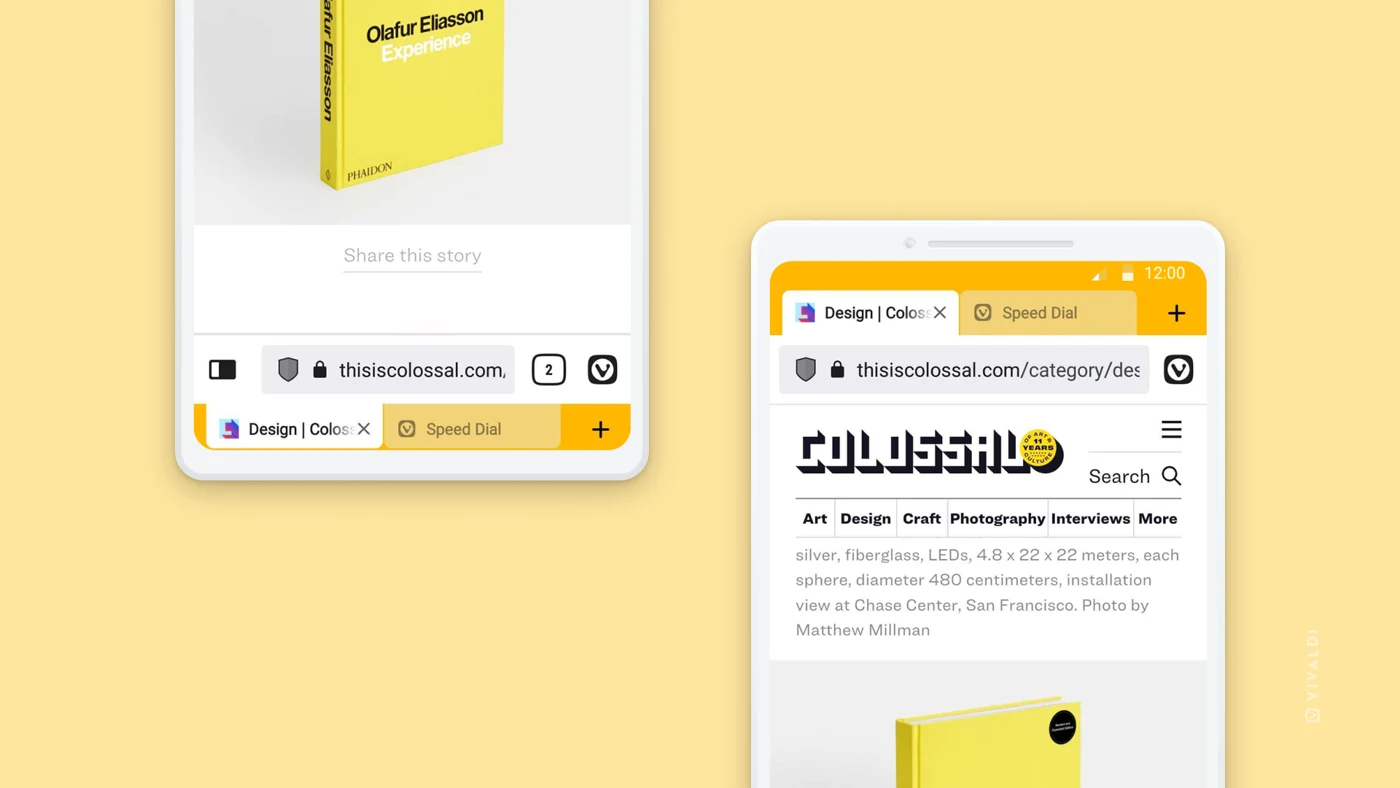
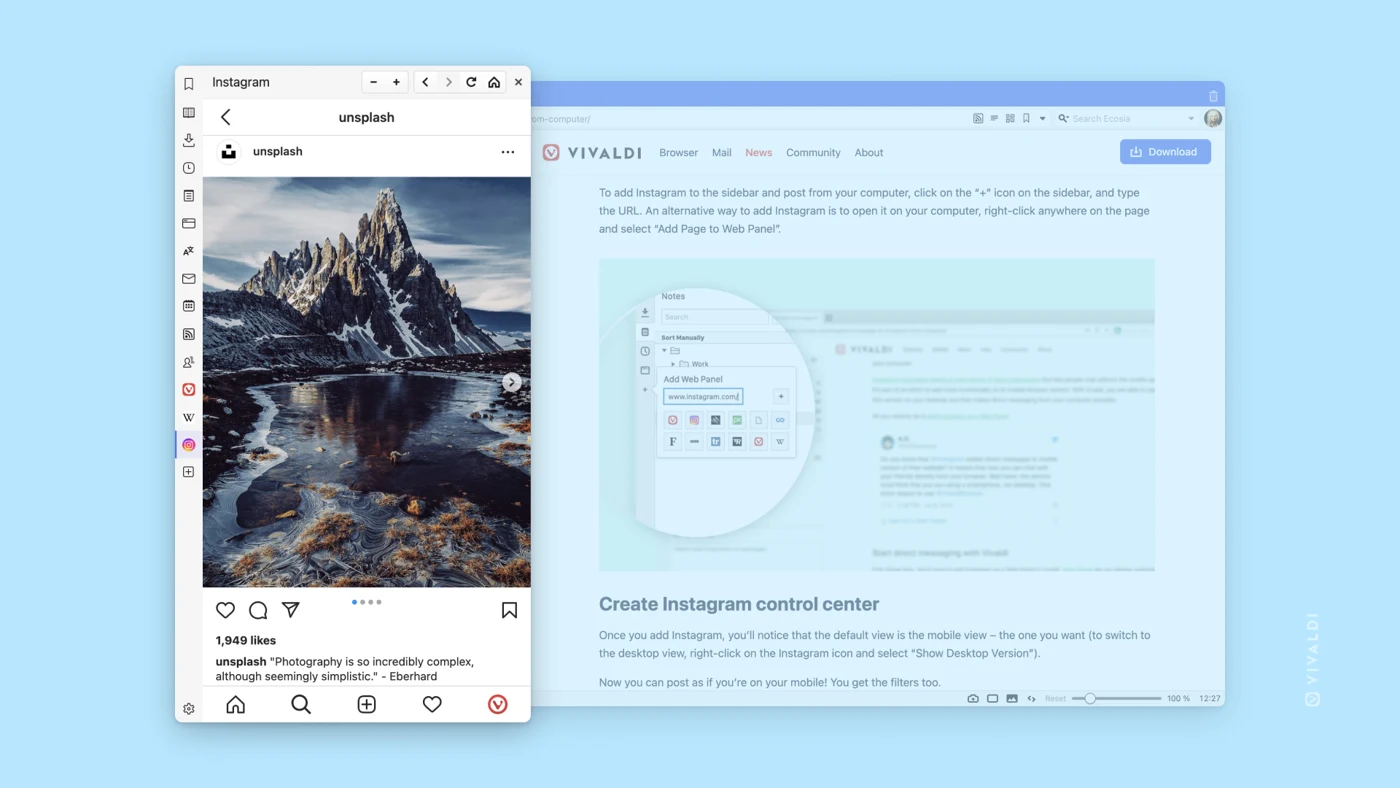
The inline images are Vivaldi’s general press screenshots, illustrating desktop Web Panels and Android interface choices. They are not captures from our testing of these release candidates.
Should you try it now?
If your current browser works and you need it for deadlines, waiting for the final release is a perfectly sensible choice. A release candidate is useful when you deliberately want to help test a fix; it is a less charming surprise when you simply wanted to open a boarding pass.
For testers, pick one relevant problem from the official change list, record the build number, and check whether that specific behaviour has improved. Keep any report precise: what you did, what you expected and what happened. Enthusiasm helps; a reproducible sequence helps more.
The takeaway: 8.3 is closer, but these posts describe prerelease software. Treat the repairs as reported changes until tested, and choose your update channel intentionally. For another browser’s direction, see our Firefox 159 report; our Software & Services desk follows the wider app picture. Your tabs may remain chaotic. At least the update decision can be tidy.


You May Also Like
REGZA’s TD-Z5 displays are built for around-the-clock signage

Instagram reaches Apple TV, and Reels get the sofa screen