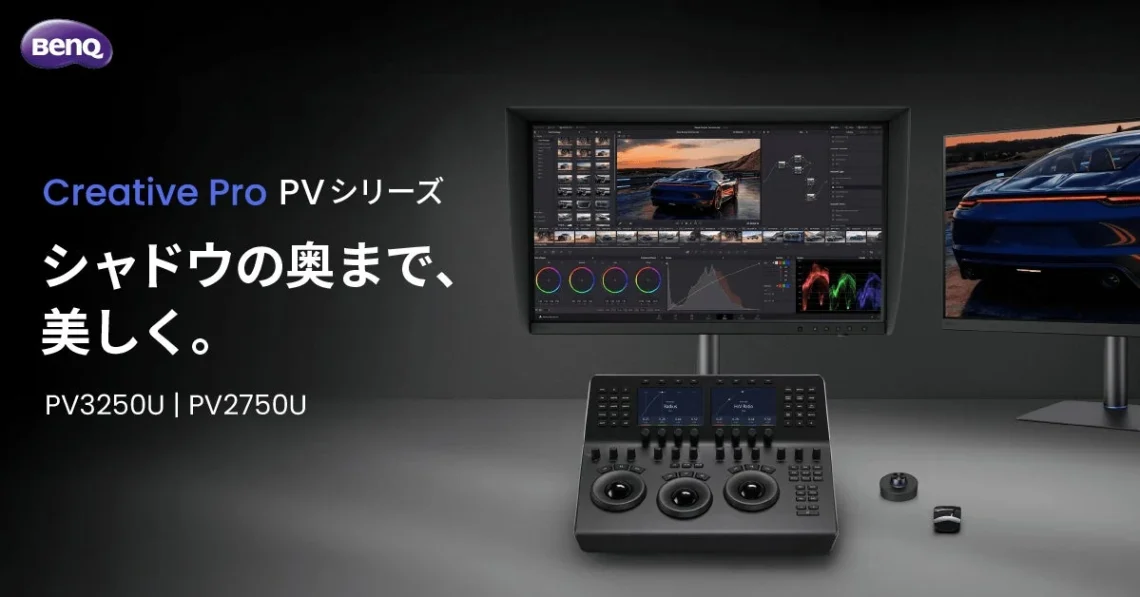
BenQ details India pricing for its PV3250U editing monitor
BenQ’s October 26 India notice lists the PV3250U’s MRP at ₹199,000 and its October end-customer price at ₹148,998. The existing model debuted at Broadcast India on October 23.
A professional monitor has a rather demanding job: it must help you make decisions that still look sensible when the project leaves your desk. A dramatic wallpaper is lovely, darling, but the important audience may be a client studying the shadows in a shot you thought was finished. Start with that workflow, then consider the shopping list.
The display beneath the colour-work pitch
BenQ’s formal specifications list a 31.5-inch, 3840×2160 IPS panel running at 120Hz, with a matte coating, 3000:1 native contrast and HDR10, HLG and DisplayHDR 600 support. Typical brightness is 450 nits; the HDR peak specification is 600 nits.
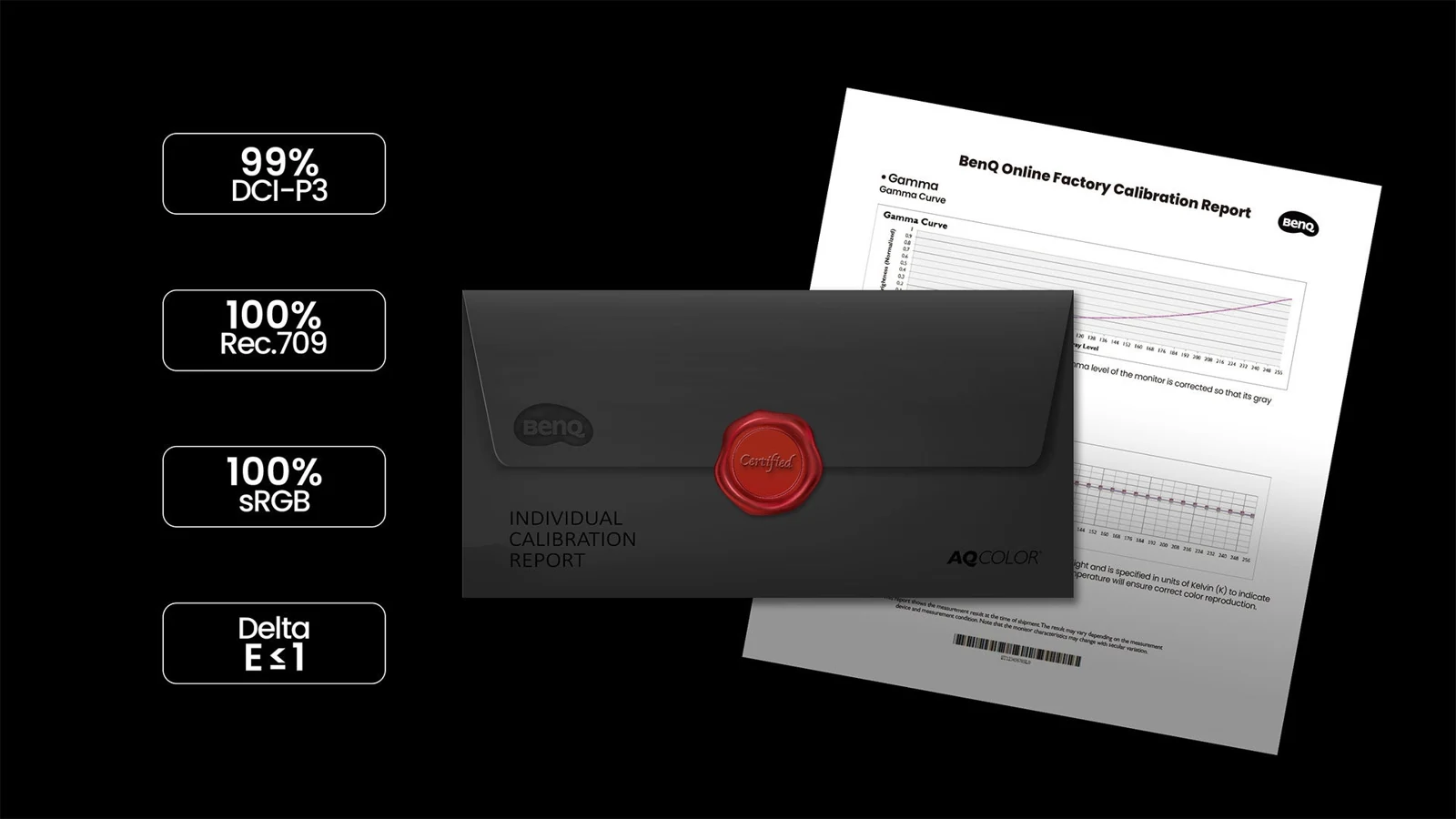
The India release describes monitor-internal 16-bit 3D LUT hardware calibration and recalibration through AQCOLOR Pilot with a compatible external calibrator. The 16-bit figure describes internal colour correction.
That makes calibration arrangements a sensible early question. Check which measuring device fits your setup, who will maintain the display and how the result will be checked when the workflow changes. A calibration feature is most useful when someone has actually planned to use it. Otherwise it becomes another very impressive line on a receipt.
Inspection tools need a clear purpose
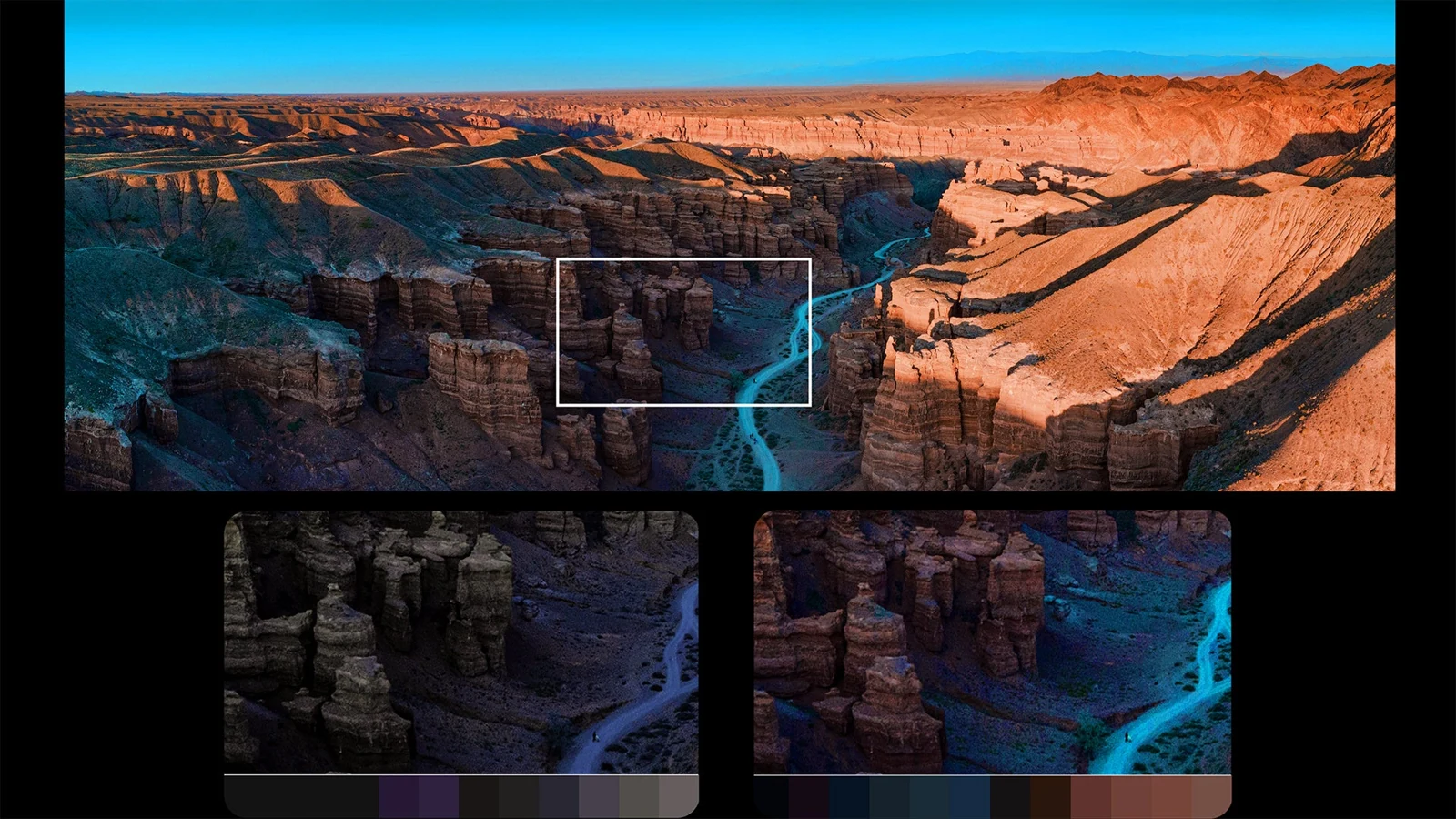
Shadow Check lifts dark areas for inspection, Area Zoom magnifies a selected region, and Marker adds framing guides. These tools leave the source content unchanged.
Choose a familiar sequence before trying those controls: something with dark textures, a focus decision and the delivery formats you regularly need. Decide what you are looking for first. The useful question is whether an inspection view helps you catch a specific problem, then return to the working view to judge your edit. A brighter preview alone does not settle the creative decision.
Thunderbolt 4 provides a connection for video, data and up to 96W of power. The specification also lists HDMI 2.1, DisplayPort 1.4 and a built-in KVM.
Write down the computer, cables and peripherals you expect to connect, then check the entire route. Our M6 MacBook Pro briefing shows why power requirements deserve attention, while the ThinkVision docking-monitor coverage offers another workstation approach to consider. For the India offer, confirm the checkout price and terms before ordering. Bring a concrete editing problem to the comparison; let the monitor earn its place beside your increasingly opinionated project files.

You May Also Like
Acer PD163Q P3 puts three extra screens in a folding monitor
INNOCN 27X2U launches in Japan with M.BOOK and 90W USB-C