LegalType adds Bluetooth to its keyboard for legal writing
A legal symbol should not require a tiny expedition through menus. You went in for one character and emerged several clicks later, mildly older. LegalType’s latest keyboard puts that kind of repetitive drafting work at the centre of its pitch, with wireless switching added to the routine.
LegalType’s October 30 issuer-written announcement introduces a Bluetooth keyboard that pairs with up to three devices. Its official store lists US$279.99.
The useful question is what you type repeatedly
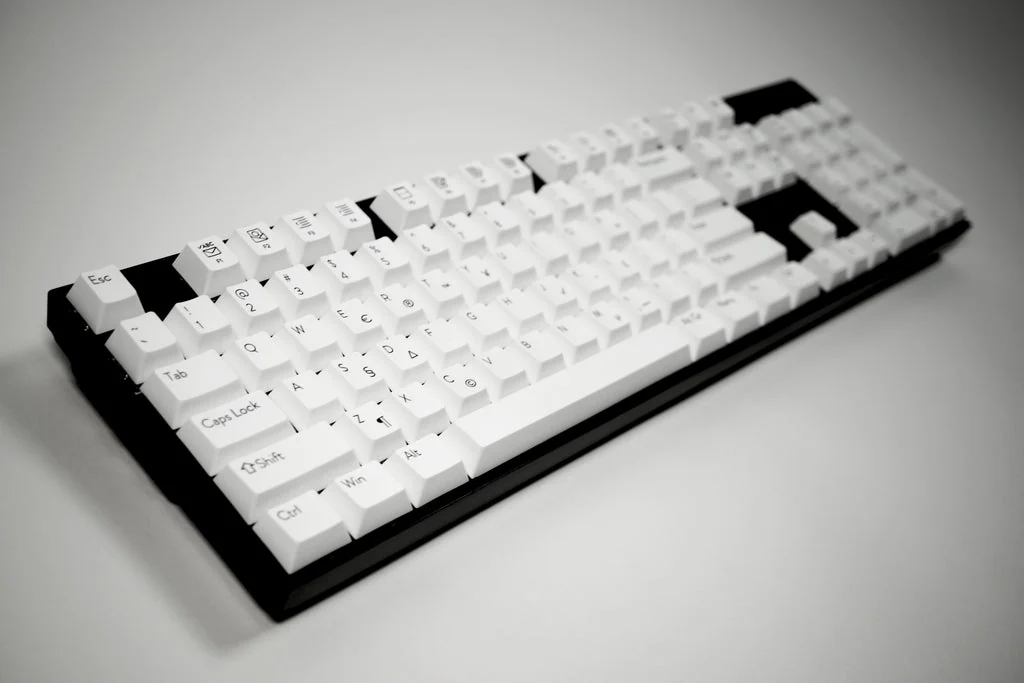
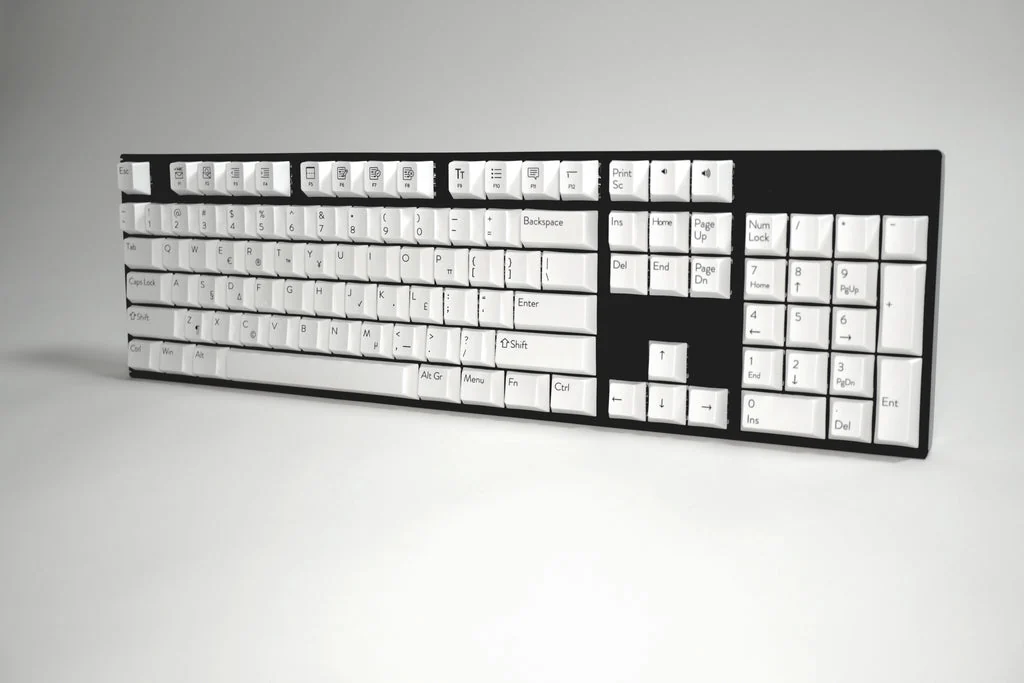
The full-size model has hot-swappable brown switches, white backlighting and USB-C connectivity. Its listing includes LegalType software for symbols, formatted citation abbreviations and Windows shortcuts for Word and Outlook.
The appeal is specific. Someone repeatedly inserting the same symbol, formatting a citation or handling revisions has a different keyboard problem from someone mainly answering short messages. A shortcut that removes a frequent interruption can matter more than a row of decorative effects. The keyboard has arrived wearing business casual, which is fair enough for the assignment.
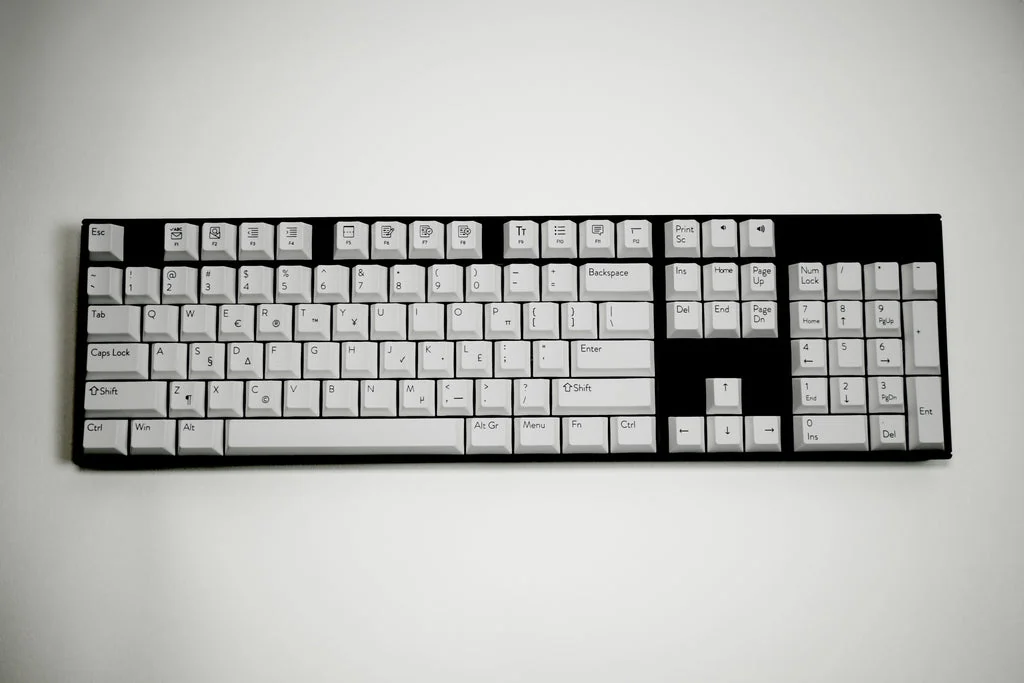
The company’s published software manual illustrates those extra labels: Fn Lock enables or disables Windows/Outlook hotkeys, while Alt Gr accesses symbols printed at a keycap’s lower right. The guide is dated 2025; it explains the software approach, rather than serving as a new Bluetooth-pairing manual.
Use that document to compare your actual routine with the available functions. A familiar, repetitive task is a better audition than a promise that everyone will type faster. We have not timed drafting work or tested this model.
Three paired devices are not three identical software environments
Here is the distinction to keep in view. Moving a Bluetooth connection between machines does not establish that every specialised shortcut works in every operating system or application. The product description specifically names Windows, Word and Outlook. If your work happens elsewhere, establish the relevant compatibility before treating the printed labels as a guarantee.
Read the software entitlement beside the hardware price
The separate software site advertises a one-month trial, then one-time or pay-as-you-go licensing. The keyboard listing says software is included without specifying that entitlement’s duration. Confirm the hardware bundle’s licence terms rather than assuming the standalone trial describes your purchase.
That is also a practical conversation for an employer-managed computer: check the installation process with the person responsible for it before a new device arrives. A keyboard can be wonderfully enthusiastic about improving your workflow. Your organisation may still have an installation policy, and it gets a speaking part.
For another approach to keeping a desk comfortable, our Dell keyboard-and-mouse coverage looks at an office combination; the computing desk follows broader choices. The useful test for LegalType is the repetitive work it removes from your own documents. Start with that task list, then check the software fit. The section symbol can stop turning up like an elusive guest star.


You May Also Like
Razer’s EVA-01 collection gives the gaming desk a purple-and-green makeover
Sanwa SW-USS24 shares four USB devices between two computers