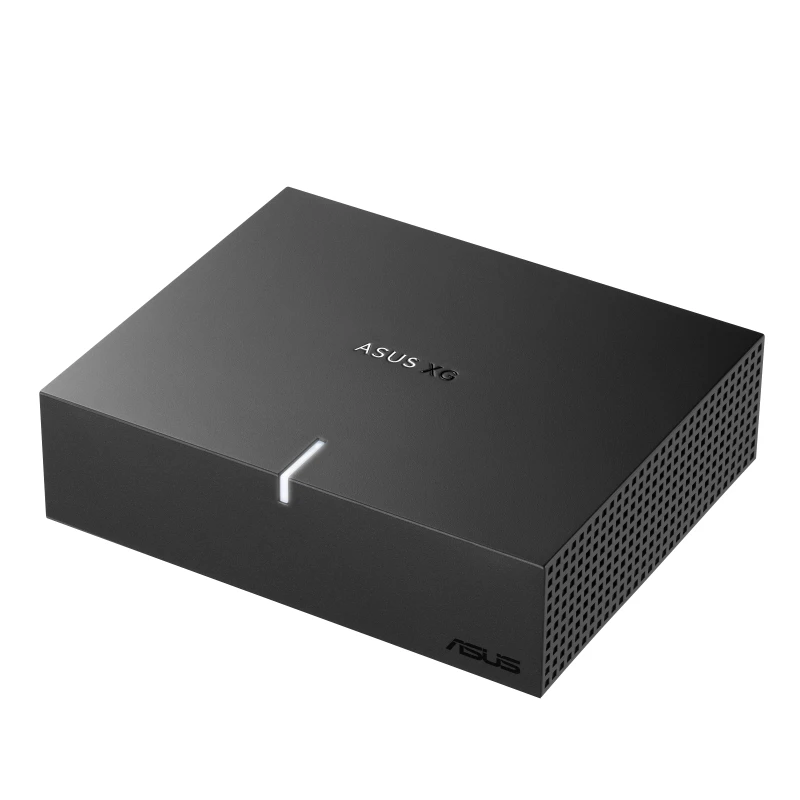
ASUS XG Core puts Radeon graphics in a tiny box—check your host first
A compact laptop is lovely until the application you want to run asks it to become a much larger computer. ASUS’s new XG Core is an answer to that awkward conversation: a separate graphics box for compatible devices, rather than a reason to replace the whole machine immediately.
ASUS’s November 6 announcement names the XG Core Radeon RX 9060 XT LP 16GB GDDR6. It combines an AMD RDNA 4 GPU with 16GB of dedicated memory and a USB4 connection rated up to 40Gbps. The release does not establish a retail price or a local sales date.
Compatibility is the first question
ASUS lists compatible laptops, mini PCs and handhelds, including ROG Ally X and ROG Xbox Ally X. It also mentions compatible Thunderbolt 3 systems. Those qualifications matter: a physically similar connector is not enough to establish that your particular host supports the complete setup.
Before shopping, identify your exact device and the software you intend to run. Then check the supported connection and external-graphics requirements. A promising little box should earn a place in your setup by solving a specific limitation, not by starting a collection of optimistic cables.
The desk arrangement matters too
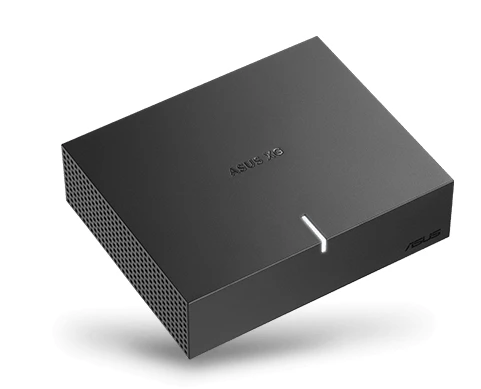
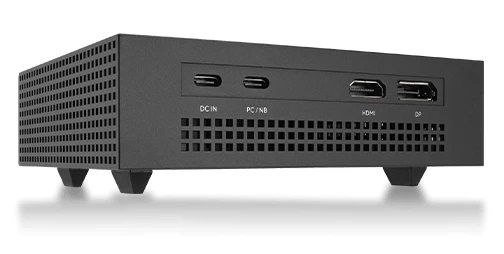
ASUS gives dimensions of 144 × 117 × 39mm and lists HDMI and DisplayPort outputs. We have not tested its performance, temperature or noise. The manufacturer describes gaming, creative work and compatible AI applications as intended uses.
Sketch where the box and display would go before deciding that portable automatically means convenient. Think about whether it will stay at one desk, travel between rooms or accompany the laptop on regular trips. The best arrangement is the one you can connect without turning every working session into a small unpacking ceremony.
The official product page illustrates separate power, host and display connections. Check the complete wiring arrangement as well as the headline connector. The useful version of “one more box” is the one whose job you can explain before it takes over a corner of the desk.
Wait for the complete buying picture
A specification list does not settle the value question without pricing and performance evidence for the applications you use. Match the software workload first, then compare the full cost with the other ways of meeting it. Leave room for the practical requirements you have verified, rather than assuming the launch artwork shows everything you will need.
Our Computing desk follows related hardware, while the buying guides help frame the wider setup. The XG Core is an interesting announcement; an exact compatibility match and a confirmed offer are the next useful milestones.


You May Also Like
ASUS Bulwark DG310 dock brings 4K 144Hz output to the Ally desk

Apple’s M6 iMac starts at CAD $2,099, with configuration catches