Siri AI adds five languages, with beta limits still attached
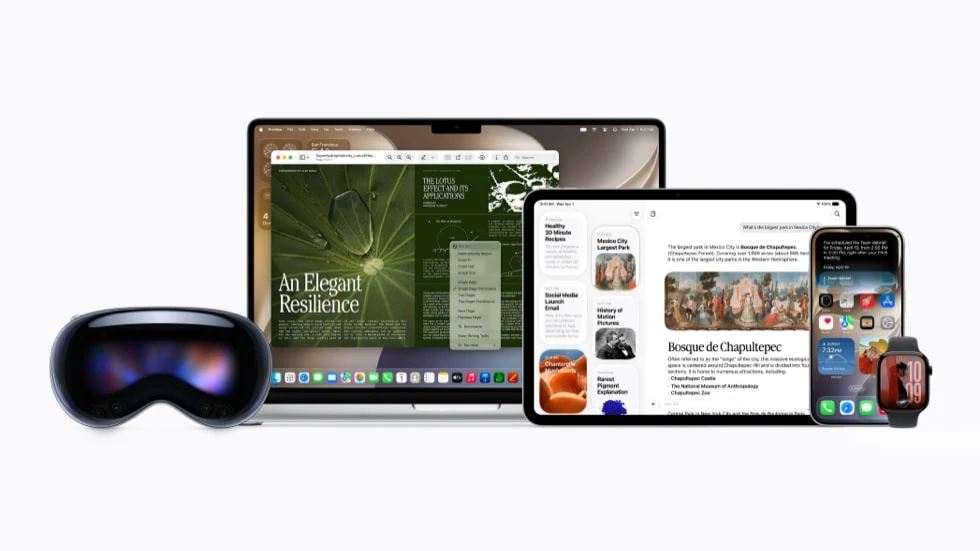
Apple has added French, Japanese, Korean, Portuguese and Spanish to Siri AI, alongside English. The October 26 release comes with the 27.2 updates for iPhone, iPad, Mac, Apple Watch and Vision Pro. Siri AI itself remains a beta feature.
For anyone who has been mentally translating a request before asking their phone, that is a useful door opening. Your assistant should be doing the little administrative jobs, darling, not assigning language homework first. Still, a new language on the list is only the beginning of the setup checklist.
More than a new voice
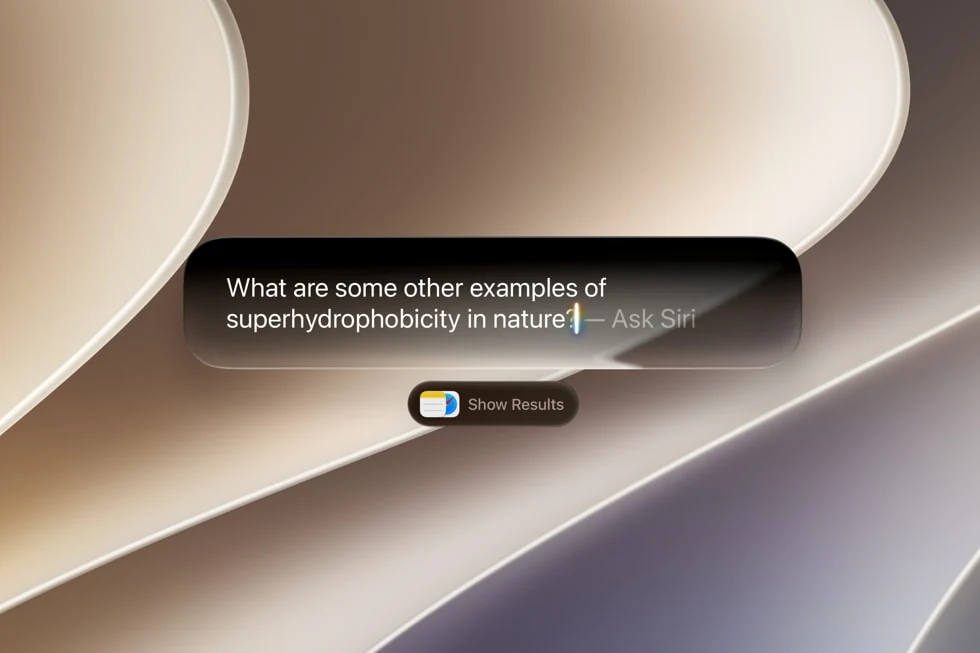
Apple’s original Siri AI announcement describes an assistant that can use personal context and act on screen content. A dedicated Siri app carries conversation history between devices through iCloud. Those are the underlying capabilities; today’s change brings more languages to them.
The useful question is whether it understands the request you actually need to make. Start with something small and easy to verify, such as finding a particular piece of information. Check what comes back before trusting a longer chain of instructions. A confident answer and a correct answer are still two separate guests at this party.
Check the hardware before the settings hunt
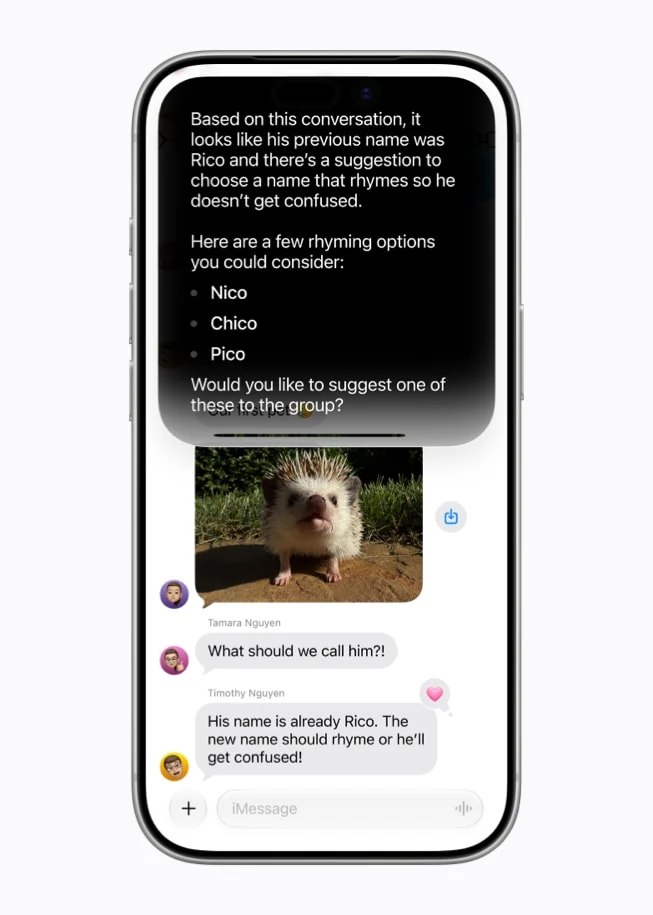
Apple’s setup guide requires a compatible Apple Intelligence device, an eligible account region, and matching device and Siri languages. Supported hardware includes iPhone 15 Pro models and newer compatible iPhones, iPad mini with A17 Pro, M1-or-later iPads and Macs, and Vision Pro. A supported Watch needs a compatible iPhone with Siri AI enabled. An Apple Account region set to mainland China currently prevents access.
After updating, open Settings, choose Siri, then Try Siri AI (Beta). Apple says enrollment includes a waitlist, with the download starting after your turn arrives. The setup page’s English-only language list predates today’s announcement; use the newer announcement for the expanded list.
Buying new hardware purely to clear that gate deserves a pause. Our iPad mini coverage puts the tablet’s physical improvements and cost in view. An assistant is easier to judge when it is one part of a device you already want.
The regional and usage catches matter
Siri AI remains unavailable in the EU on iOS, iPadOS and watchOS; that restriction does not describe every Apple platform. It is unavailable to under-13s. Some features also vary by region and language.
Server-backed Siri AI has daily usage limits. Apple says limits vary, and expanded access will cost money in future; it announces no price or start date here.
Apple’s usage terms say a feature can become unavailable or limited after its allowance is reached, until the limit resets. Other device features can continue working.
So, yes, this is worth checking if one of the five languages makes Siri more comfortable for you. Treat the first session as a short introduction: confirm eligibility, allow for enrollment, and try a task whose result you can check. Keep our Software & Services coverage handy for the next changes. The charming assistant still comes with a clipboard of conditions.


You May Also Like
Surface Pro 12-inch gets Snapdragon X2 Plus and a brighter screen

GARRACK’s Cosmic Princess Kaguya watches launch, with a shipping delay