Razer’s US$350 Raiju controller has collector energy—and a PC caveat
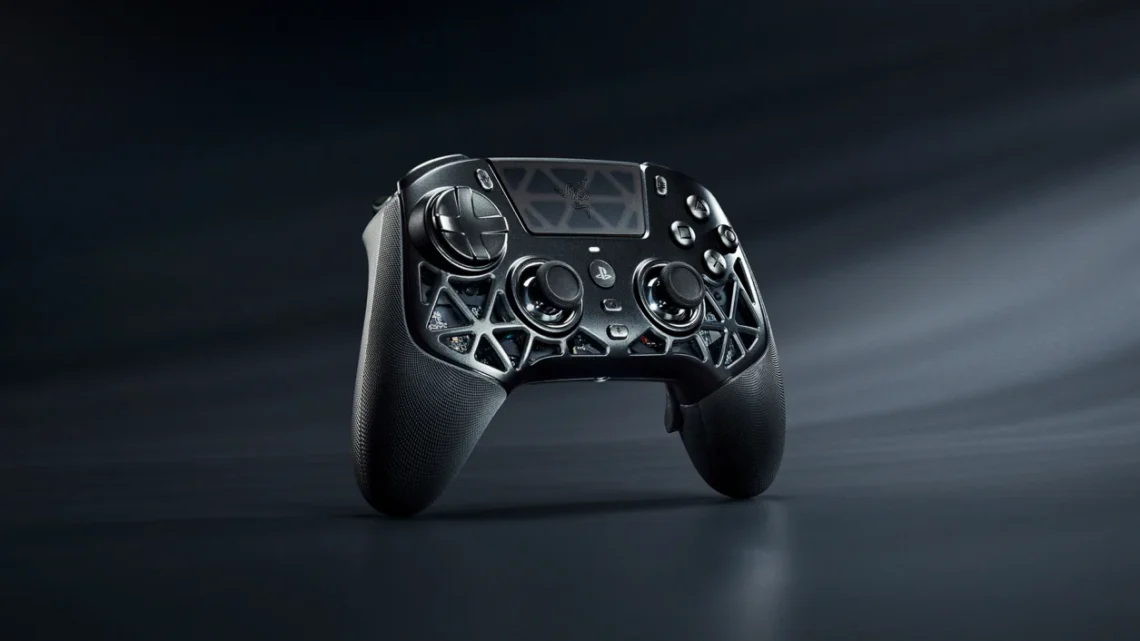
Most controllers arrive ready to be dropped into a drawer beside a charging cable. Razer’s new Raiju looks as though it expects a display plinth, flattering lighting and perhaps a brief introduction before the match.
The Raiju V3 Pro Signature Edition, announced November 3, combines a magnesium-alloy exoskeleton with a glass touchpad and a listed 260g weight. Its first release contains 1,337 individually numbered units. The design is undeniably part of the pitch; we have not tested its feel or performance.
The release starts November 10, with details still to come
Razer’s distributed announcement lists US$349.99, £349.99 and €368.99, with regional drops beginning November 10 through Razer.com and selected RazerStores. Further timing and access details are due November 6. The announcement describes an initial limited release; it does not establish guaranteed availability in every country.
So, lovely as the numbered-object temptation may be, make your decision before the sales window starts. Decide whether you want the design as a collectible, a controller for daily play, or both. Those are perfectly reasonable priorities, but they deserve separate lines in the budget. “Only a few exist” is a very excitable shopping assistant.
The polling-rate headline belongs to PC
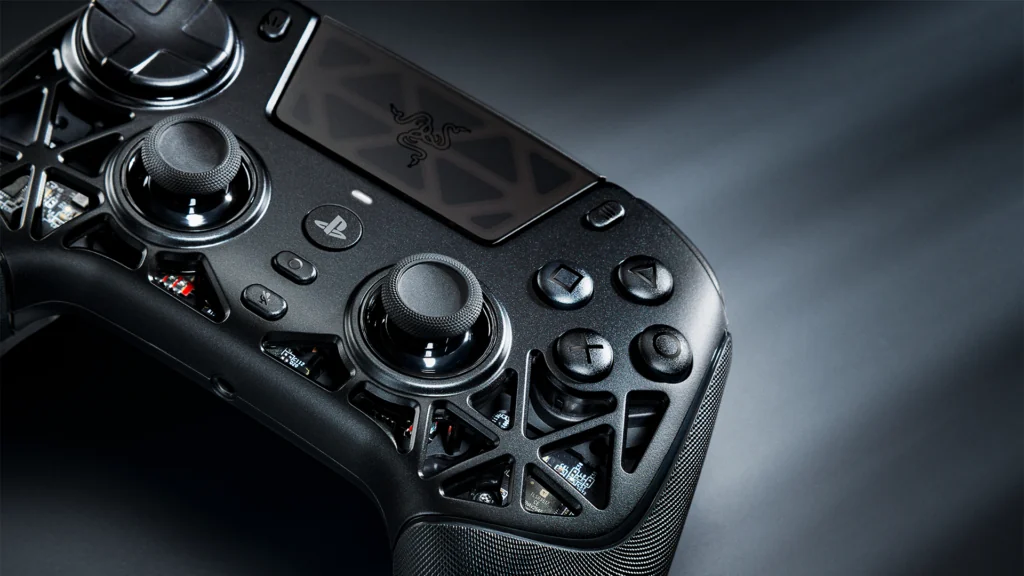
Razer advertises contactless TMR thumbsticks and six mappable extra buttons. Its up-to-2,000Hz wireless polling claim applies to PC, not a promised PS5 rate. The official product FAQ names PS5 and Windows 11 compatibility. Razer also notes that Sony has not tested or endorsed PC compatibility.
That distinction matters when comparing controllers for the machine you actually use. Do not carry a PC specification into a console comparison without its qualification. A faster-sounding number cannot tell you whether the button positions, stick feel and software setup suit your own games.
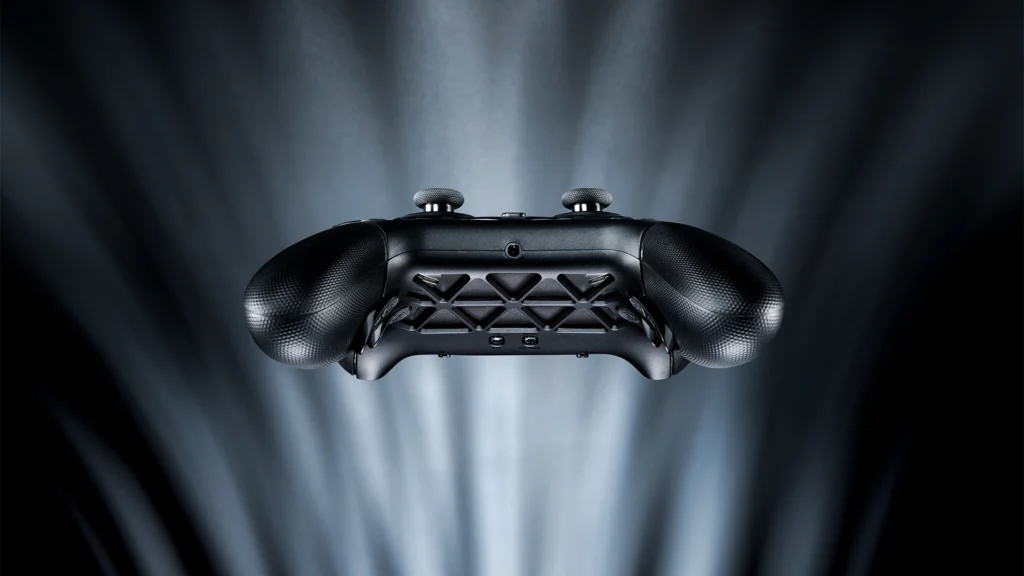
Think about the actions you would put on the extra buttons. If you cannot name them, save that feature for an audition rather than treating it as an automatic upgrade. The most useful shortcut is the one your hands will actually remember while everything on screen is politely exploding.
Buy the useful controls, then consider the fancy shell
Make a short list of must-have functions from your current controller, then check the complete specifications for each. Platform support alone does not tell you that every familiar effect or convenience is present. Also check local warranty, return arrangements and any software requirements before deciding.
For another kind of input-device decision, our Keychron Q19 HE report looks at magnetic keyboard controls. Our Computing desk covers the wider setup.
The takeaway: this is a premium collector-oriented announcement with a dated release plan and specific platform limits. Let the controls earn their place in your setup first. The dramatic little magnesium outfit can be the bonus.


You May Also Like
Windows 11 tests phone controls and an internet speed test in Quick Settings
LegalType adds Bluetooth to its keyboard for legal writing