JAPANNEXT’s white 21.5-inch touchscreen has one crucial cable detail
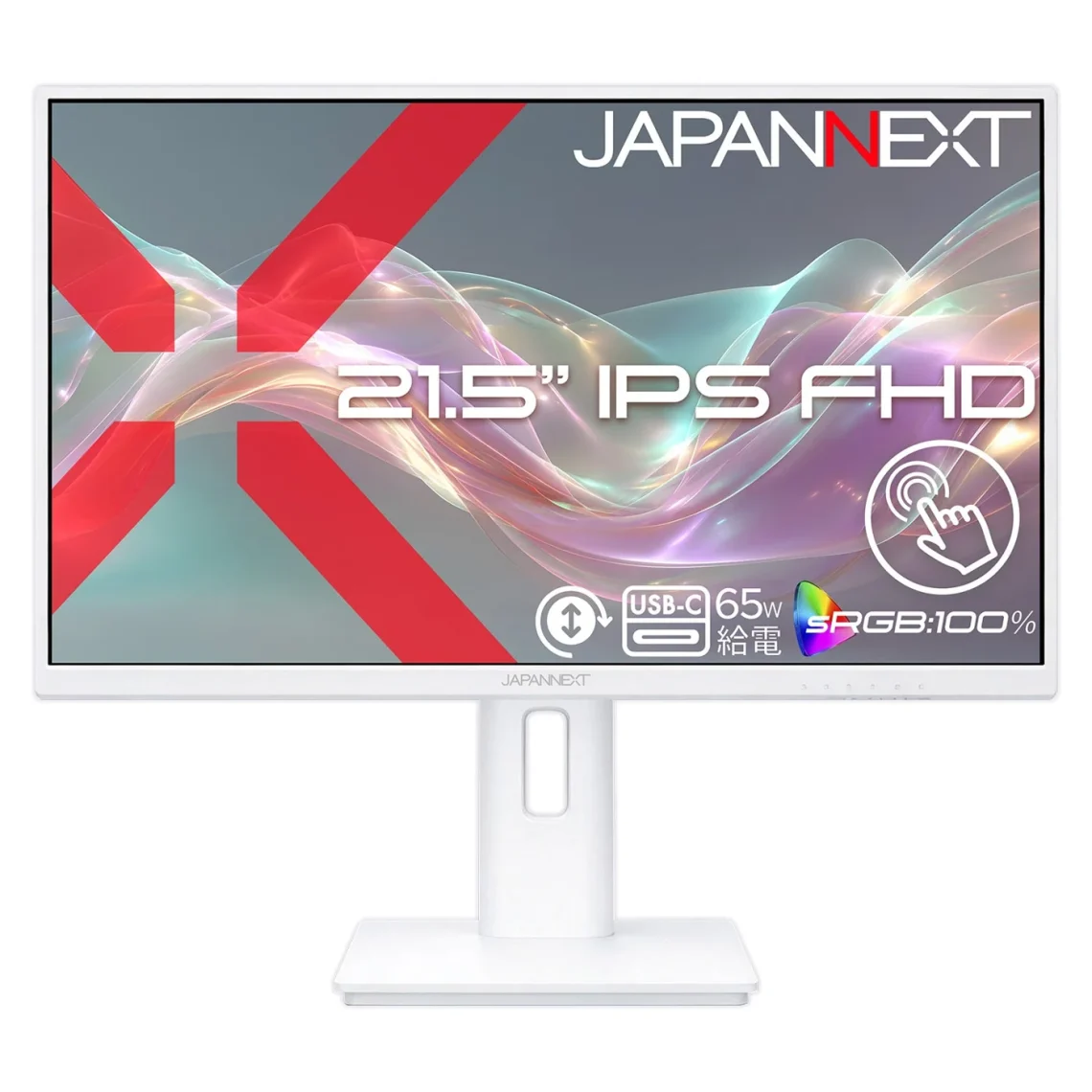
A white desk setup is a lovely idea until the cables stage a tiny black spaghetti rebellion. JAPANNEXT’s new touchscreen at least commits to the colour scheme: the monitor, stand, supplied cables and power adapter are white.
The October 29 Japanese announcement prices the JN-IPST215F-HSPC6-W at ¥34,980 including tax. It is a 21.5-inch glossy IPS display with 1,920×1,080 resolution and a 75Hz refresh rate.
The touch part has a compatibility catch
JAPANNEXT advertises ten-point multitouch for Windows PCs. The instruction manual explicitly says Mac touch is unsupported. Buying this to poke at your Mac’s windows would be an unnecessarily expensive way to discover disappointment.
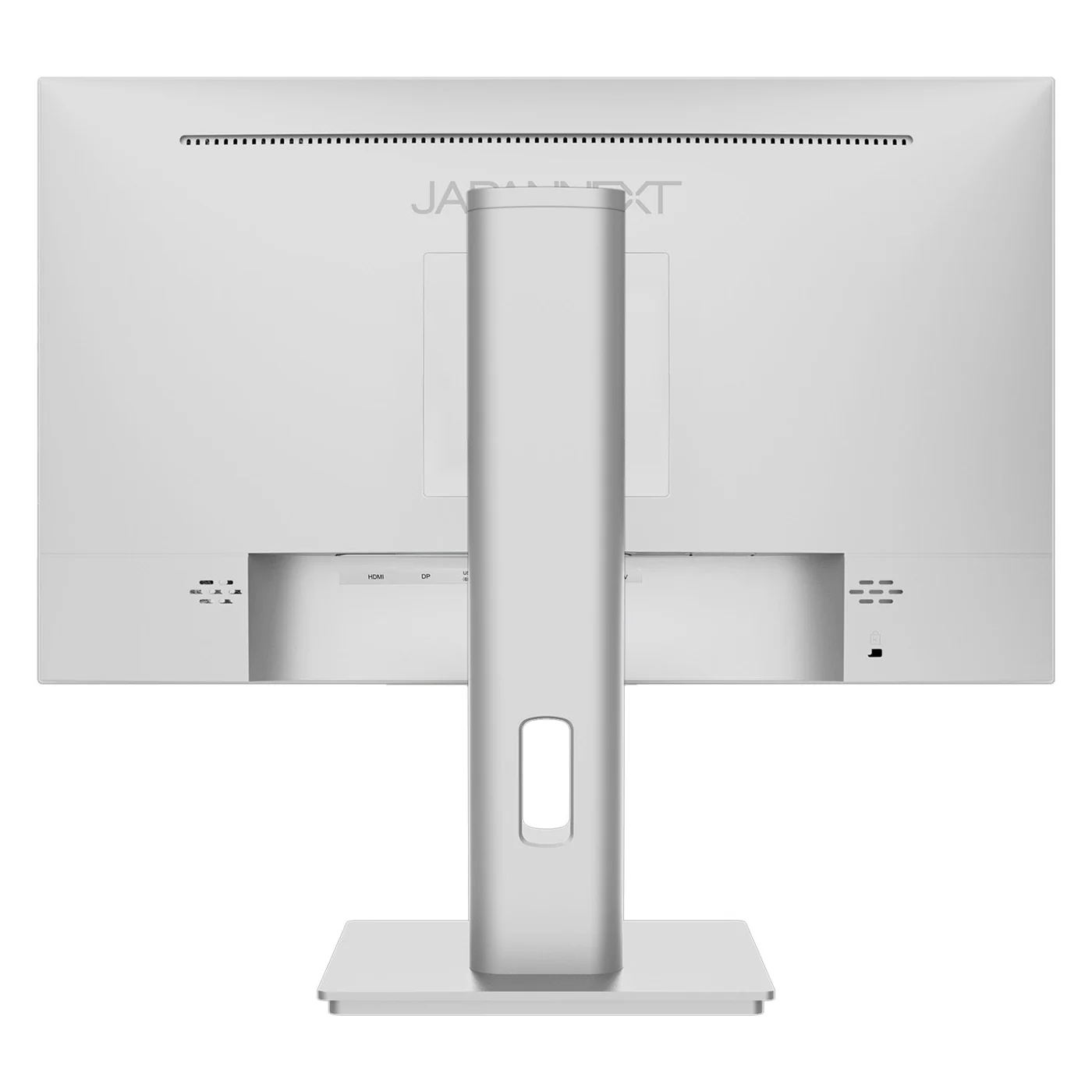
Next, the important cable detail: USB-C can carry the touch connection. With HDMI or DisplayPort video, you also need a USB-A-to-USB-B cable between the computer and monitor. A picture appearing on-screen does not, by itself, mean your taps can travel back.
That distinction is useful for a small reception desk or a Windows setup where reaching for the screen is intentional. For ordinary typing, decide whether touch actually improves the task. Fingerprints are very committed collaborators; they will contribute whether invited or not.
More practical than a colour-matched accessory
The supplied stand offers 110mm of height travel and portrait rotation. USB-C also provides up to 65W of charging for compatible devices. The manual says the device and cable must support that power level.
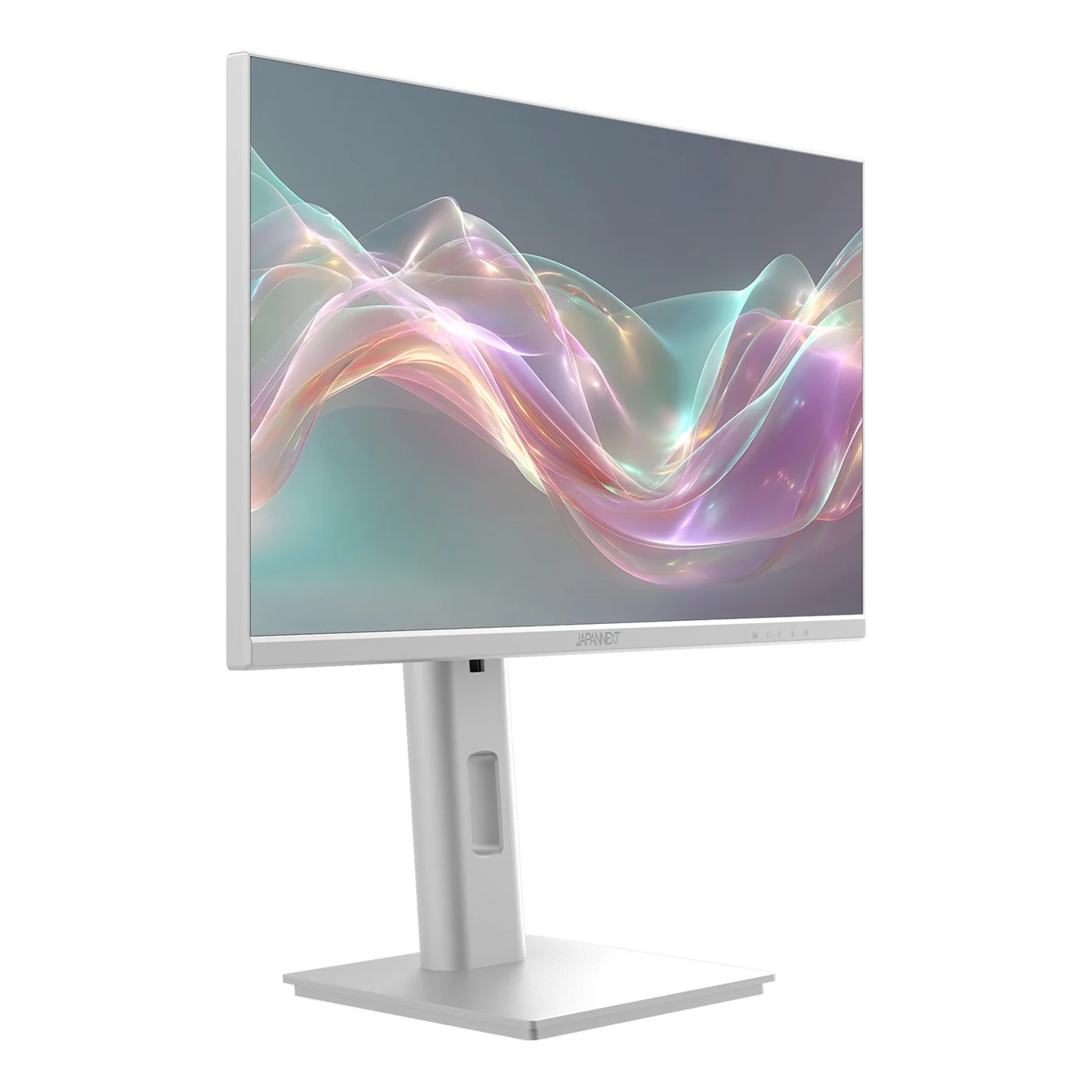
There is also KVM support for sharing a keyboard and mouse. Its manual specifies one computer over USB-C and the other using HDMI or DisplayPort plus USB-B data. Plan those connections before celebrating the cleared desk.
Our monitor buying guide helps frame a different priority—gaming—while the monitor desk covers alternatives. This launch and price are Japanese; Canadian availability is not established here.
The appeal is a compact Windows touchscreen with a flexible stand. The white finish is a bonus. The correct USB connection is the part that makes the cute idea work.


You May Also Like
EIZO’s FlexScan EV2401S pairs 120Hz with a seven-year warranty
Dell explains edge dimming on two Alienware OLED gaming monitors