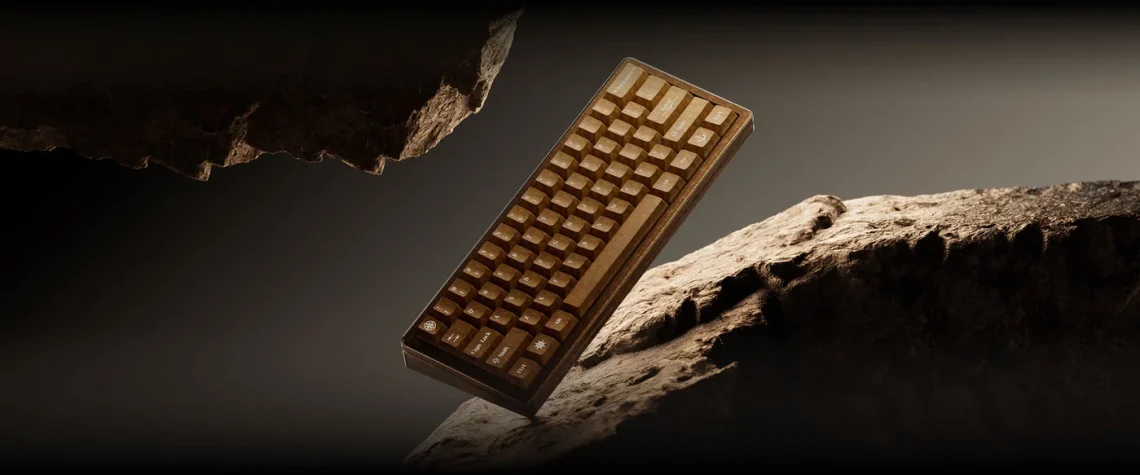
Keychron Q19 HE 8K pairs an aged finish with magnetic switches
The Q19 HE 8K looks as though it has returned from an expedition with extremely tidy key legends. The adventurous bit is the outfit. The decision underneath is more ordinary: how much keyboard can you remove before your daily shortcuts start asking where everybody went?
Keychron introduced the Q19 HE 8K on October 29. Its global store lists US$254.99. That establishes a global-store price, rather than a confirmed Canadian offer or a delivery estimate for your location.
Small footprint, substantial commitment
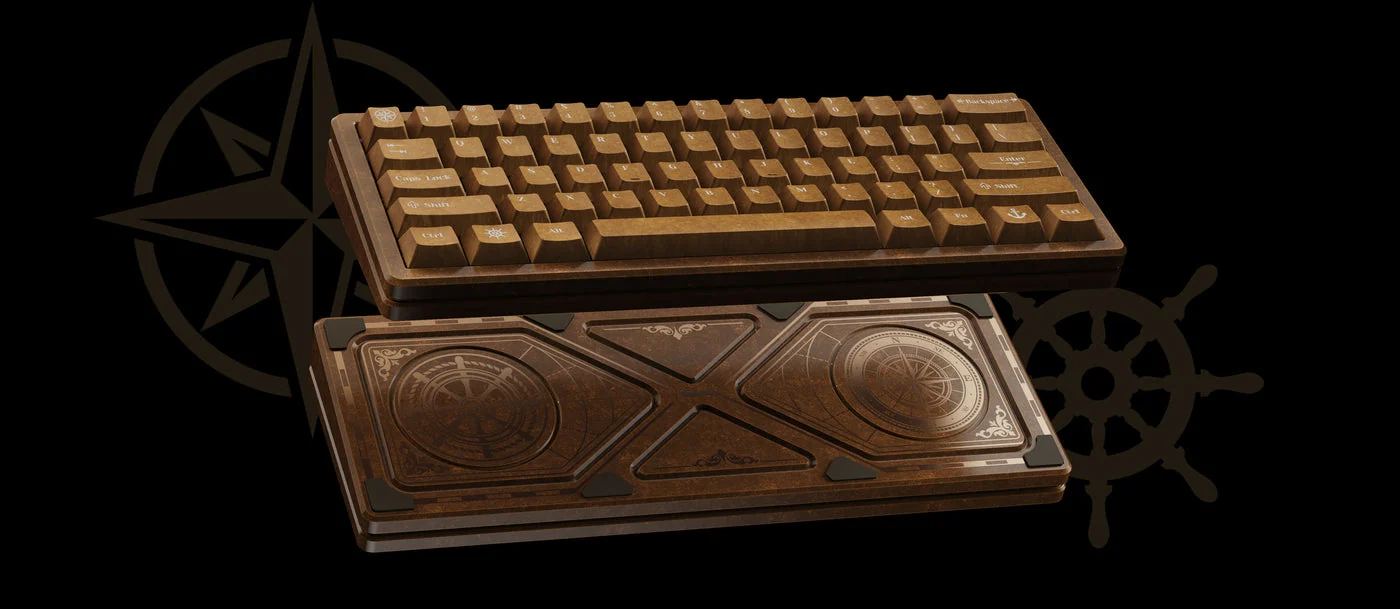
The 60% keyboard uses wired USB-C, supports 8,000Hz polling and weighs 1,488g, according to Keychron. Its aged aluminium finish is a deliberate design treatment.
That combination makes more sense as a permanent desk object than as a little board to toss into a bag. Compact and lightweight are separate shopping questions. The mouse may appreciate the extra room; the bag is entitled to request a consultation.
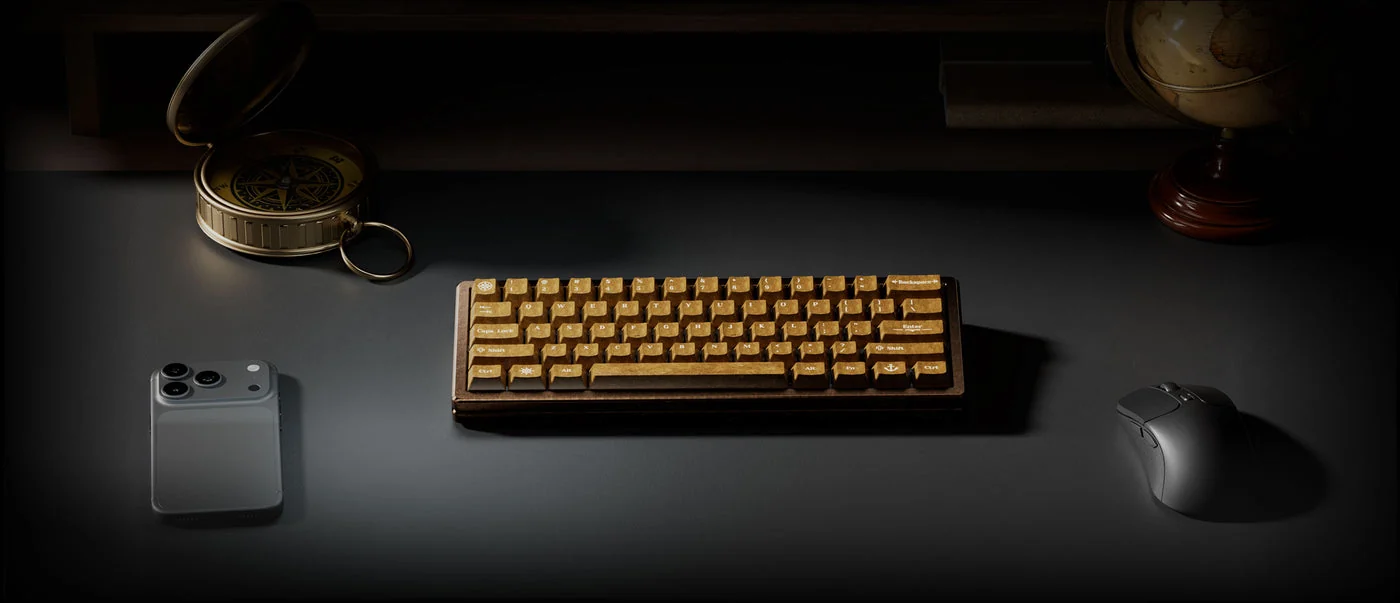
Look at the actual layout before admiring the case. There is no separate arrow-key cluster or function row. If you move through spreadsheets or edit text all day, rehearse those everyday actions mentally. A smaller board can be delightful when its layers suit your habits, and fussy when they interrupt them.
The tiny sensitivity number needs its footnote
Actuation adjusts from 0.1 to 3.5mm. The quoted 0.005mm sensitivity applies only at 2.51–3.50mm of travel; the shallower range uses 0.01mm. Hot-swapping is restricted to Keychron Ultra-Fast Lime magnetic switches.
At 8,000 reports per second, the arithmetic works out to one report every 0.125ms. That is a polling interval, not the total delay between pressing a key and seeing the result.
Keep sensitivity and actuation separate. The latter sets how far a key travels before registering; a fine adjustment step does not prove that an entire game or computer responds at that speed. We have not measured this board’s latency or tried its typing feel.
For setup, Keychron’s HE-mode guide explains actuation and Rapid Trigger controls in Launcher. Try a conservative setting first, then change one thing at a time. An accidental movement in a document is a more useful warning than an impressive decimal is a recommendation.
Choose the missing keys before choosing the patina
The finish is the reason to linger over the pictures. The layout is the reason to pause before checkout. A good first comparison is the work you do most often: cursor movement, frequent shortcuts, gaming controls and the cable route on your desk.
Our Razer Reclusa Mini coverage offers a different compact format, while the computing desk follows more input devices. Choose the controls you want to live with, then let the aged-metal look supply the little treasure-hunt fantasy. The spreadsheet does not need a compass; it does need your usual shortcuts.


You May Also Like
Apple’s M6 iMac starts at CAD $2,099, with configuration catches
MSI’s 4L local-AI desktop gets a November 5 Japanese release