Nothing OS 5 reaches the Phone (3a) and (4a) families
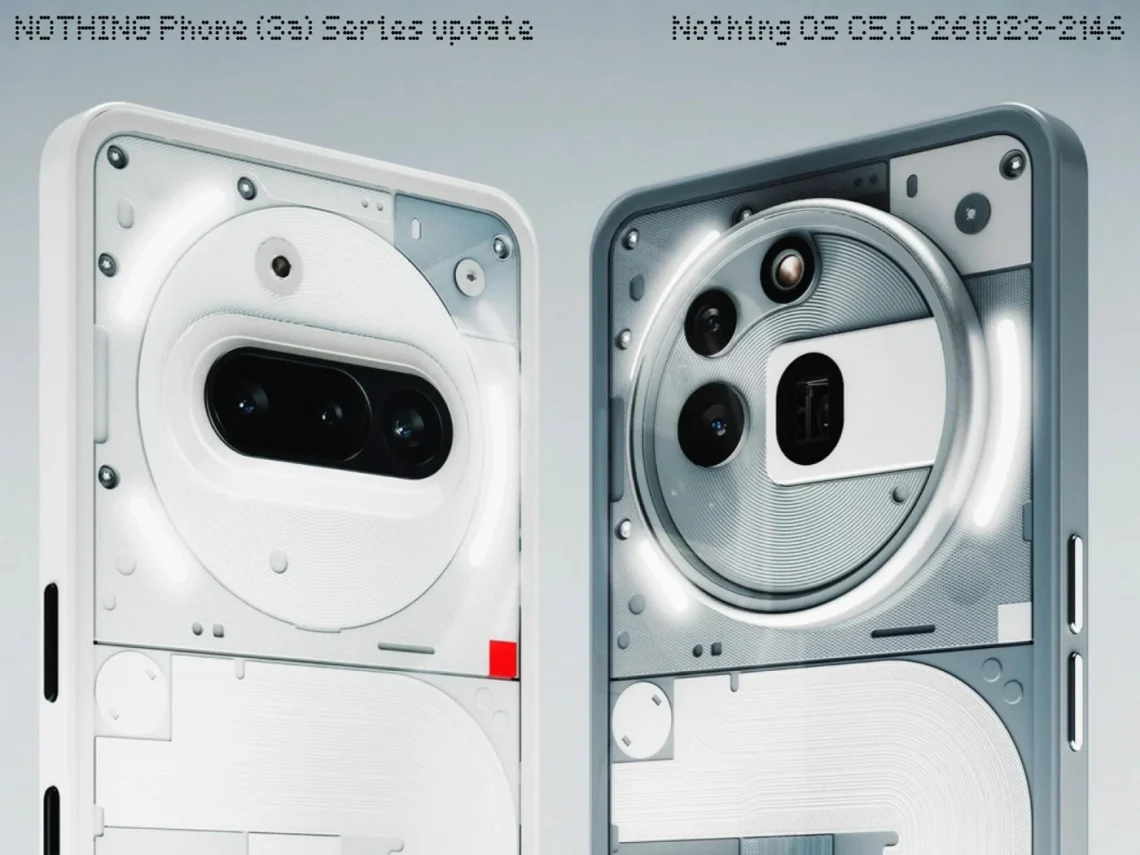
Your phone has received a little redecorating budget. Nothing OS 5 is reaching the Phone (3a), (3a) Pro, (4a) and (4a) Pro, with Android 17 underneath. The official changelogs were published on October 30. If your update screen remains stubbornly empty, put down the refresh finger for a moment: Nothing says distribution is staggered.
This is the stable release, rather than another invitation to beta-test your daily alarm clock. Still, a release announcement and an update arriving on your particular handset are two different events.
Which build belongs to your phone?
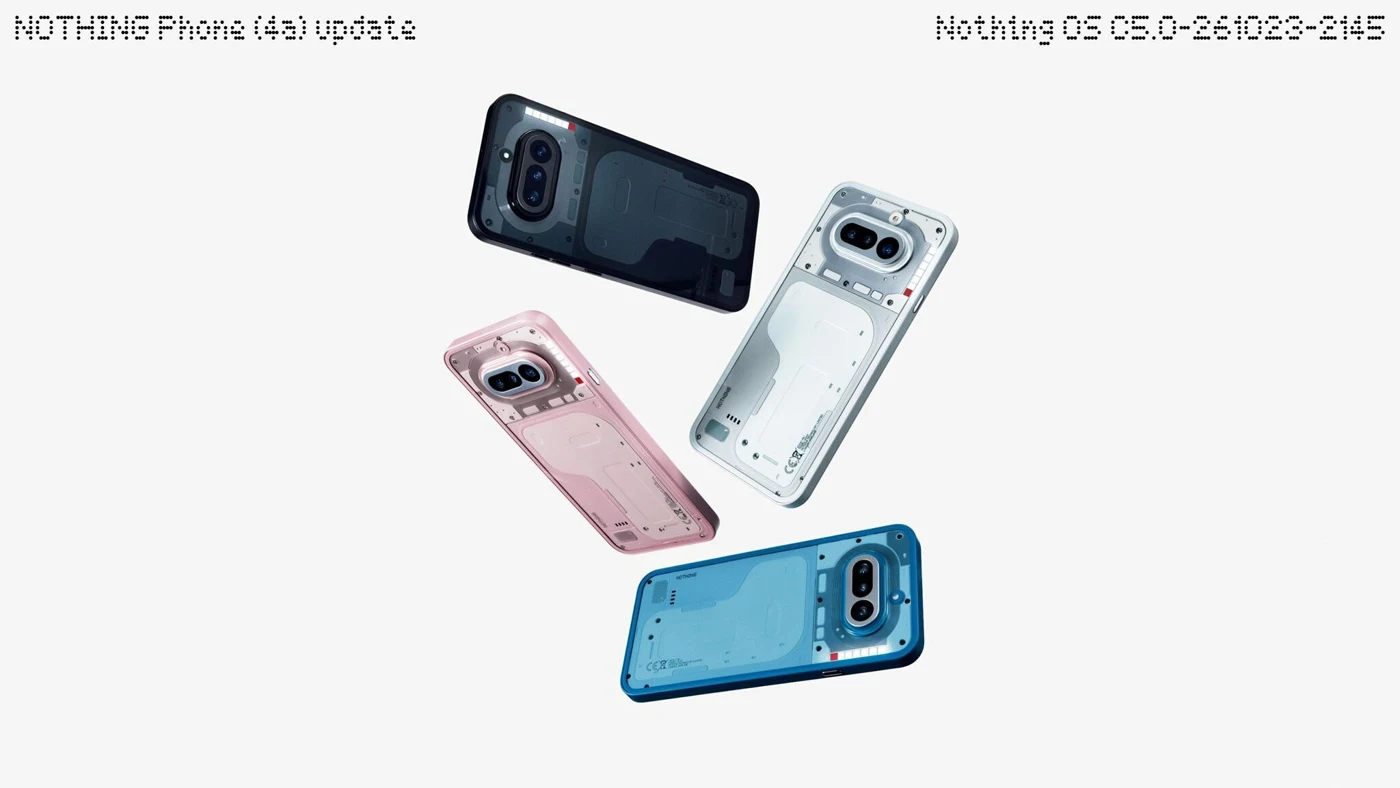
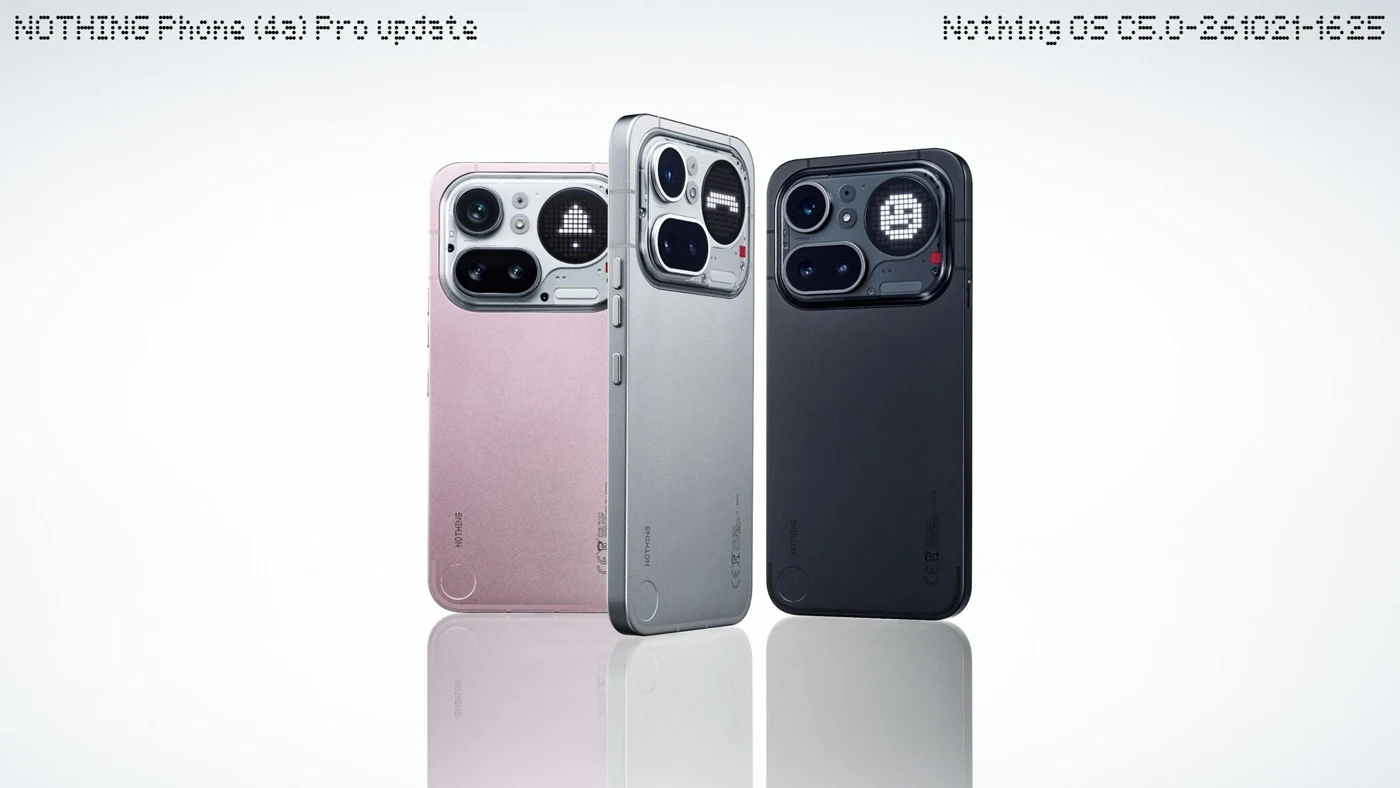
The official 3a-series notes list C5.0-261023-2146. The 4a build is C5.0-261023-2145, while the 4a Pro gets C5.0-261021-1625. Match the model before comparing screenshots or advice. One digit can carry an unreasonable amount of responsibility.
For anyone following our Pixel beta coverage, this is a separate manufacturer rollout. A Pixel fix list should not become a checklist of promises for your Nothing phone.
The changes worth finding first
Start with the optional split notification and Quick Settings panels, plus bulk home-screen icon rearrangement. These are changes to the little chores you repeat all day. Moving one app at a time has always felt suspiciously like paying rent to your own home screen.
Then there is the new Glyph app and an expanded dark theme for most unsupported apps. “Most” matters: this does not promise a perfectly coordinated midnight outfit for every app you own.
Here’s the useful distinction: shared software branding does not mean identical camera extras. Both families list a refreshed camera interface and Dual-view Video. The 3a notes additionally describe seven Tuning effects, upgraded Presets and Filters/Tuning during video. The 4a notes instead include Essential Voice transcription improvements. Check your own model’s list before hunting for someone else’s button.
Give the upgrade a sensible time slot
Nothing recommends backing up photos, contacts and call logs first, and warns of extra warmth or power use during installation. That is an installation note, not evidence of better or worse everyday battery life. We have not independently tested these builds.
A practical approach is to check when you have time to let the phone finish, rather than five minutes before leaving with a train ticket on it. Your lock-screen makeover can survive a short delay. The ticket inspector is less easily charmed.
The takeaway: existing owners have worthwhile interface changes to explore, but availability and features need checking against the exact handset. Keep the smartphone desk handy for further updates, and let the rollout arrive without turning the settings screen into a tiny slot machine.


You May Also Like

GARRACK gives Dandadan notifications a dramatic entrance
Apple TV 4K adds hands-free Siri and four-speaker surround