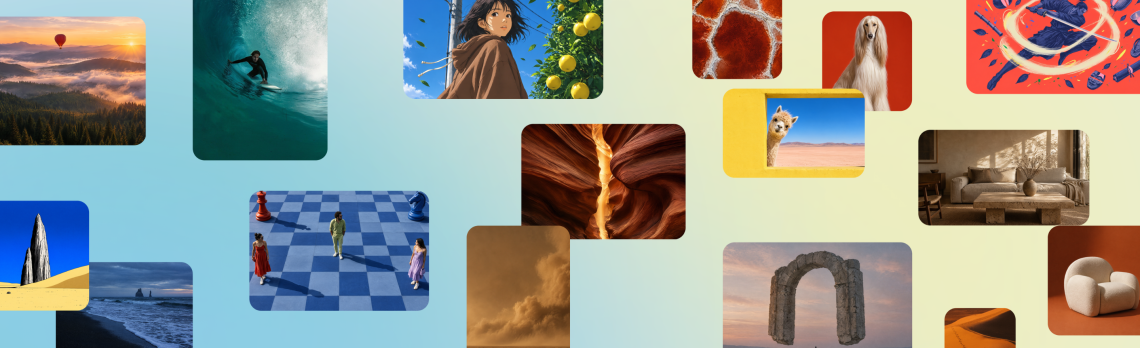
Canva Craft brings 2K image generation to Dream Lab
Canva has introduced Craft, its first image-generation foundation model trained from scratch, with access through Dream Lab and the public API. The October 22 launch promises up to 2K output and more deliberate control over composition. Lovely. A poster can have beautiful lighting and still become a small personal enemy when the headline is in precisely the wrong corner.
For someone making social graphics, a club flyer or a menu, the interesting part is whether the first result gives you something workable. The image may be gorgeous; the café still needs its opening time in a place people can read. Tiny practical ambitions deserve their moment too.
The unusual bit happens before the picture is rendered.
Craft makes a composition plan first
Canva describes a two-stage system: a planning model works out the elements, their relationships, scale, hierarchy and text, then a rendering model produces the image. Output supports more than 30 aspect ratios. Canva also says Craft images are suited to Magic Layers, which can convert generated images into editable design elements. That is an editing workflow, not a promise that every generated pixel arrives as its own tidy object.
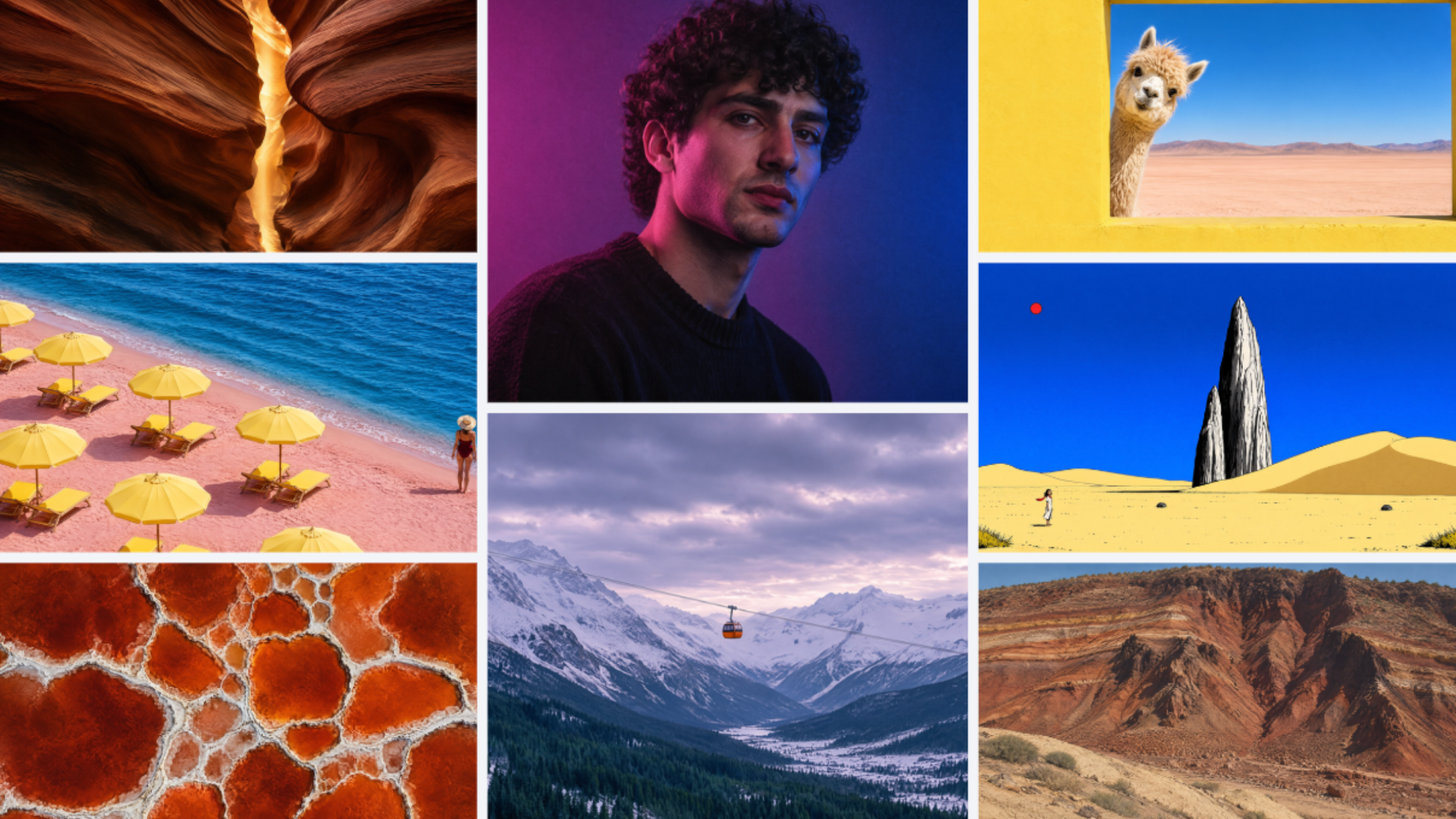
That distinction is useful. A beautiful flat image and a design you can revise are different kinds of help. Imagine getting the headline right, then needing to move one detail without disturbing everything else. The tiny decorative leaf does not need to relocate to another postcode because the event now starts at seven.
The company’s new Canva Research introduction, published the day before, puts editable outputs and human creative direction among its priorities. Its in-house lab now has more than 160 scientists and engineers. The interesting test for readers is much smaller than that impressive headcount: can you make the exact change you wanted, without starting the whole design again?
There are also two different kinds of waiting involved.
The API is live; faster variants are still ahead
Canva’s developer announcement says Craft API jobs use the user’s AI credits and take roughly 50–60 seconds end to end. That is guidance for the preview API, not a measured Dream Lab waiting time. The same announcement says Craft support through Canva MCP is coming soon. Faster Craft-fast and Craft-ultrafast variants are also upcoming, rather than part of today’s established feature set.
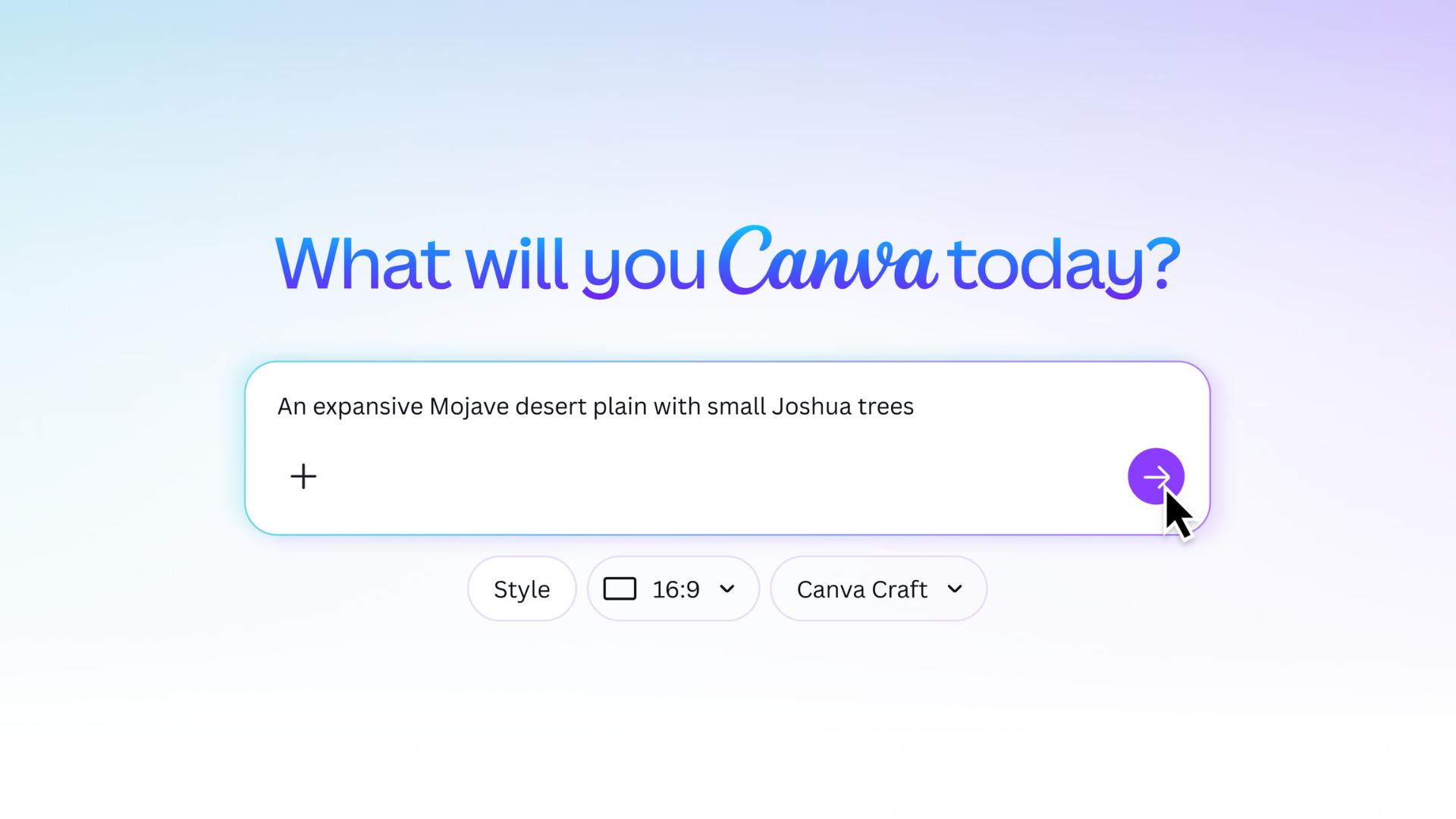
Canva says Craft is available to Canva users globally. Check the allowance shown in your own account before settling into an enthusiastic evening of variations; availability does not mean unlimited generation. We have not tested Craft’s speed, editing quality or text accuracy ourselves.
Give it a small, specific first assignment
We would start with one familiar graphic and a clear brief: the words, the layout, the mood and where it will be used. Read every line at the final size before sharing it. Our Pixelmator Pro coverage follows another editing approach, while the Buffer Notes update tackles the feedback after a graphic exists. Craft’s appealing idea is giving you a better starting point and room to change your mind. Creativity is allowed a few drafts. The opening time should still survive all of them.
Hero image: Canva. Official image source.


You May Also Like
Lenovo promises seven Android upgrades for its new Yoga tablets
Lenovo’s next ThinkVision monitors combine video calls and USB-C docking